User Interface 125
2006792 Rev B – 200228
Filter
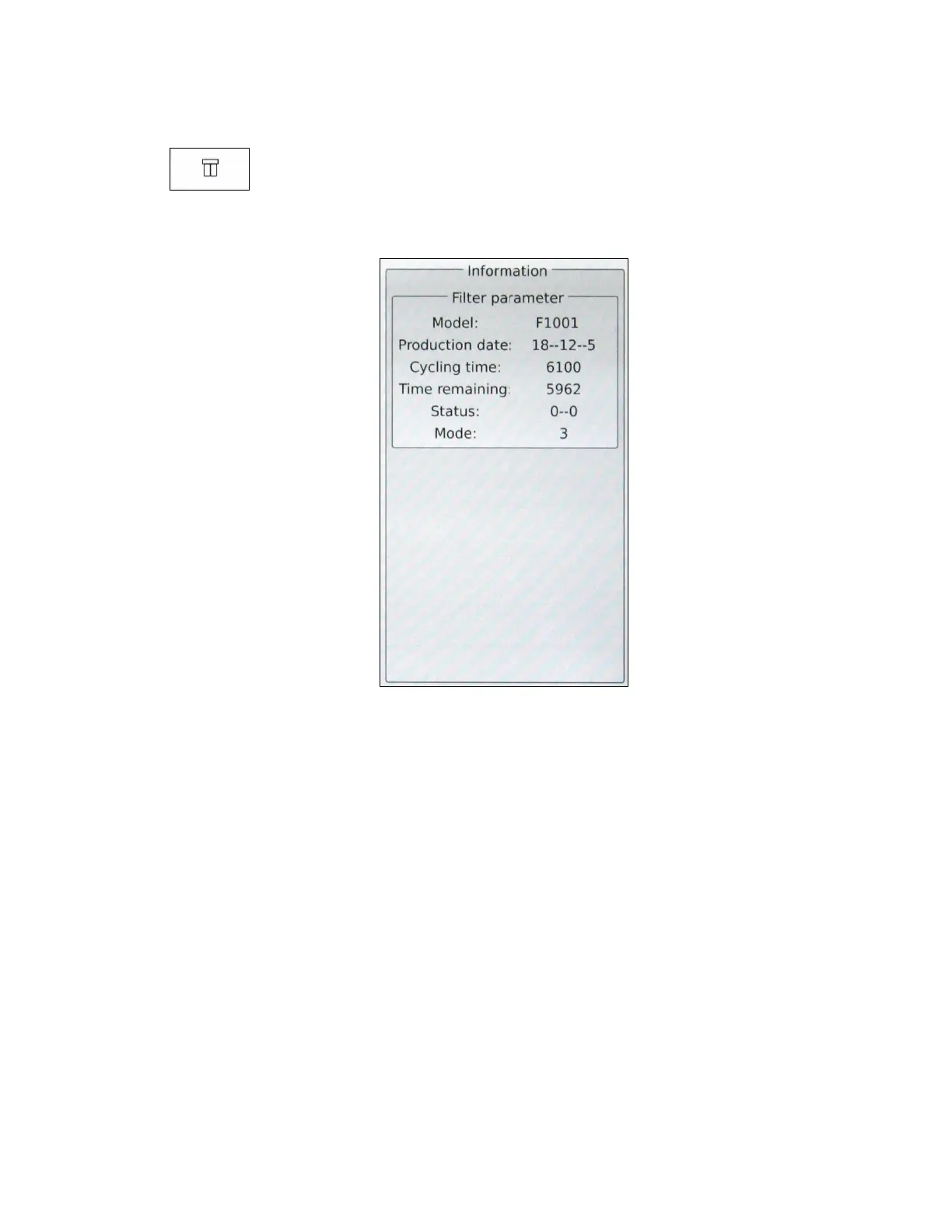
Select to view details about the current condition of the JetStream’s Main Filter.
Information displayed includes:
• Model: Model number of the filter being used by the JetStream.
• Production date: Date that the filter was made (Year-Month-Day).
• Cycling time: Lifespan of the current filter (hours)
• Time remaining: Number of hours left before the filter needs to be replaced.
• Status: (for Squid Ink reference)
• Mode: (for Squid Ink reference)
Select Close to close the Date & Time settings.



 To Next Page