136 Operation
2006792 Rev B – 200228
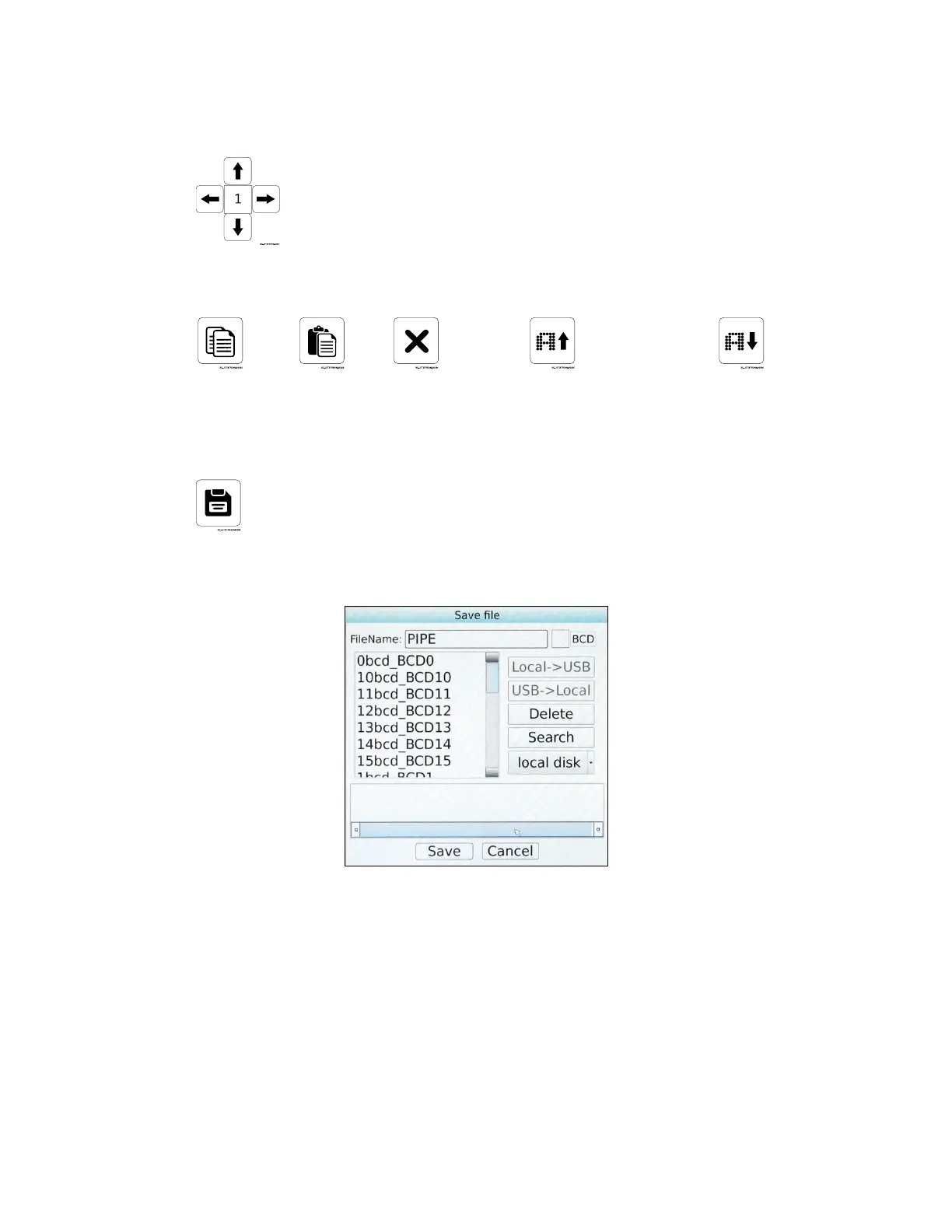
c. Fine tune the positioning of the objects using the arrow buttons
d. Use the Copy, Paste, Delete, and Enlarge/Reduce Text Size functions as desired.
7. Save the message
a. Select the Save button.
b. On the right side of the dialog box, select the desired location for the file to be stored.
Local Disk saves the message to the JetStream’s hard drive.
If a USB drive has been inserted into the JetStream’s USB Port (left side of
Console), Local > USB will allow the file to be saved to the USB drive.



 To Next Page