Warnings and Alarms 185
2006792 Rev B – 200228
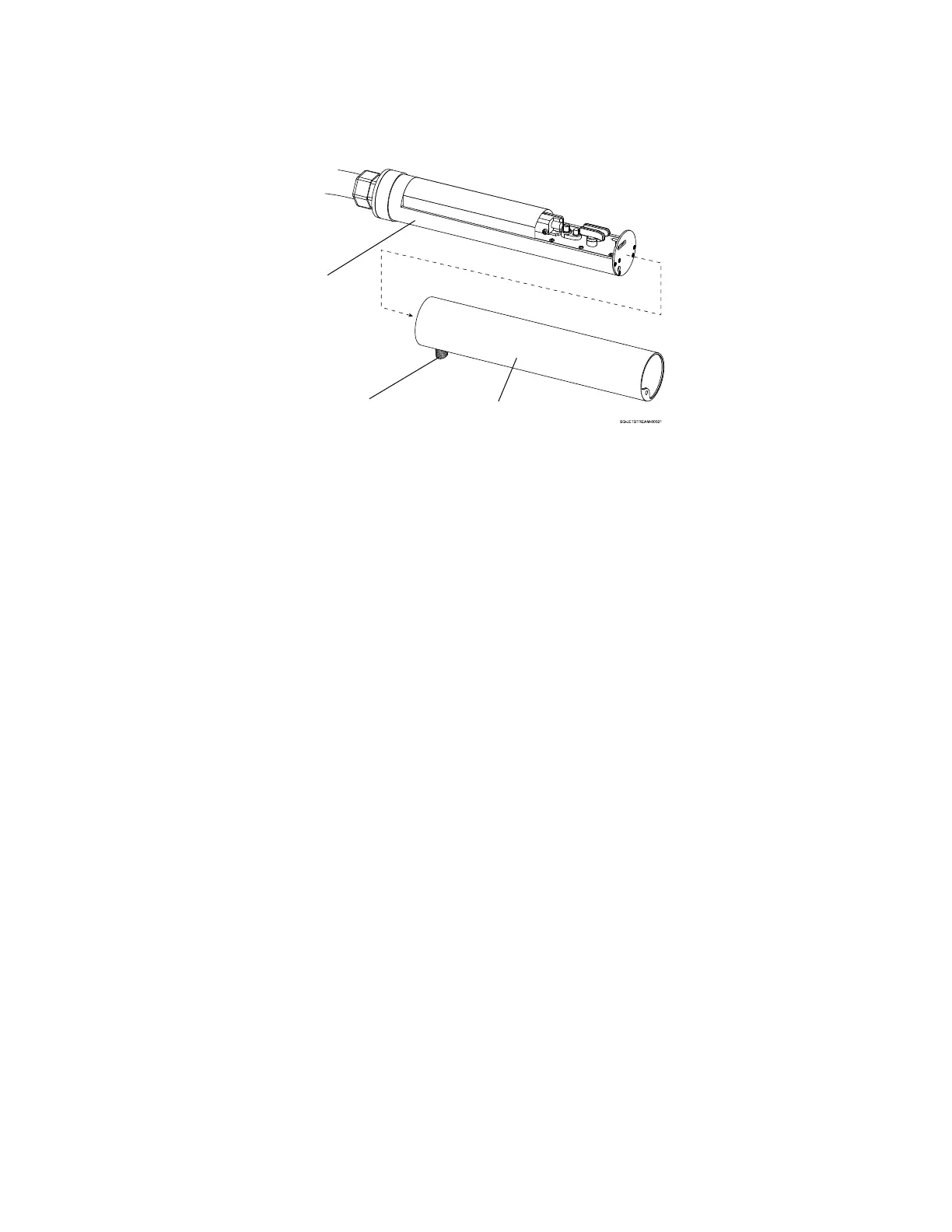
c. Set the Printhead Cover on a flat surface.
4. Inspect the Deflector Plates:
a. Look to see if there is ink buildup on the Deflector Plates.
b. If there is no ink buildup, leave the system unplugged and contact your trained and
qualified Squid Ink distributor.
c. If there is ink buildup, proceed with the following steps:
5. Clean the Deflector Plates:
a. Hold the Printhead over the Cleaning Tray with the Nozzle end facing down.
b. Holding the nozzle of the Cleaning Bottle about 1" (25.4 mm) from the Deflector
Plates, squirt makeup fluid directly on the Deflector Plates.
c. Clean any other areas between the Gun Body and Ink Return Gutter where ink may
have collected inside the Printhead.
d. Allow the makeup fluid and ink to drain into the Cleaning Tray.
e. Repeat until the Deflector Plates are clean.



 To Next Page