186 Warnings and Alarms
2006792 Rev B – 200228
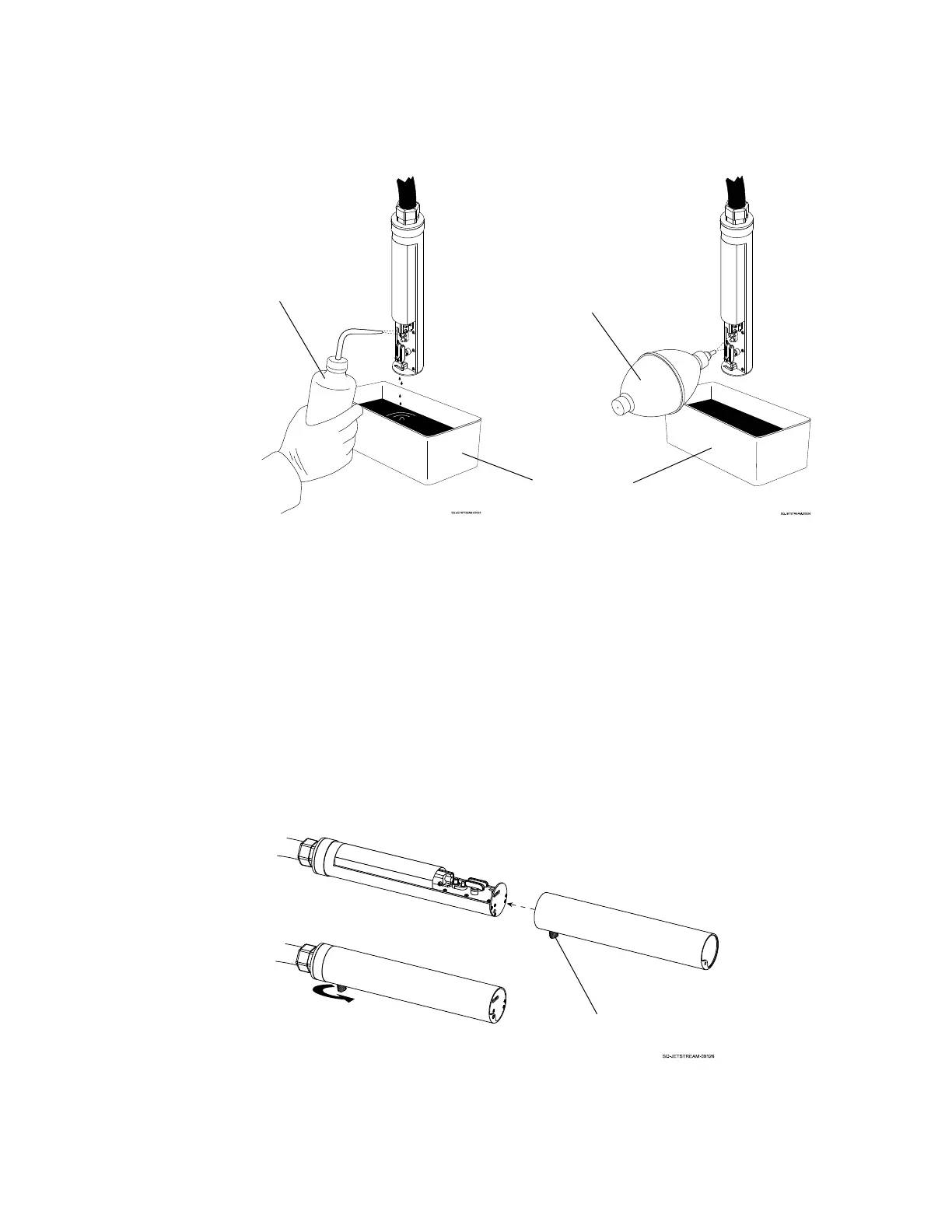
6. Dry the inside of the Printhead:
a. Hold the Drying Bulb about 1" (25.4 mm) from the internal components of the
Printhead.
b. Starting from the Gun Body and working down, dry the inside of the Printhead
thoroughly by squeezing the bulb repeatedly.
7. Replace the Printhead Cover:
a. Slide the Printhead Cover back over the Printhead.
b. Secure the Printhead Cover in place by tightening the Cover Fastener.



 To Next Page