Black plate (199,1)
一般Model "A8170GE-A" EDITED: 2011/ 7/ 3
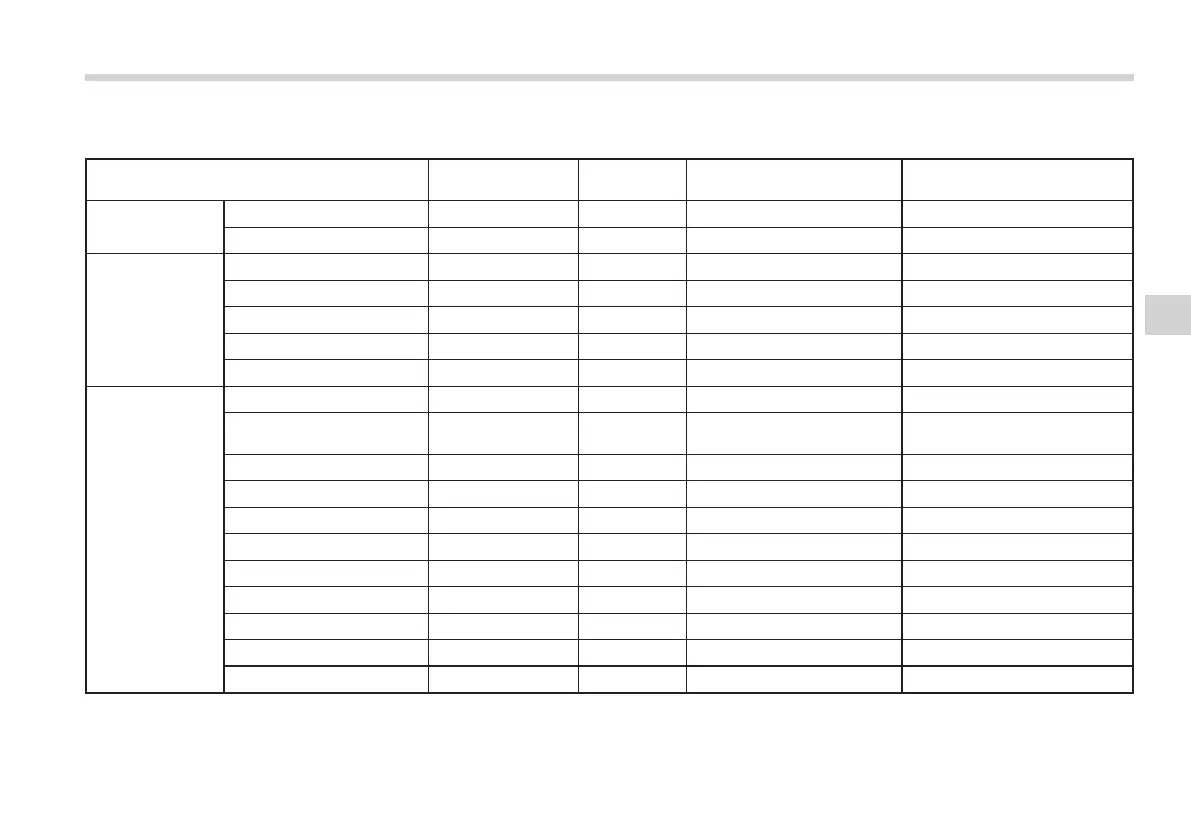
& Adjustable level of each mode
S05BI03
Mode Range of levels
(displayed)
Initial setting Turn counterclockwise Turn clockwise
Volume Volume control 0 to 40 15 For less volume For more volume
AUX volume control* 0 to 40 15 For less volume For more volume
Tone and balance Bass control −8 to +8 0 For less bass sound For more bass sound
Midrange control −8 to +8 0 For less midrange sound For more midrange sound
Treble control −8 to +8 0 For less treble sound For more treble sound
Balance L9 to R9 0 Right channel attenuated Left channel attenuated
Fader R9 to F9 0 Front attenuated Rear attenuated
Other settings REG/Regional OFF to ON OFF OFF ON
VOL ADJUST (type A and
D)/Interrupt volume (type E)
0 to 40 17 For less volume For more volume
SPEED VOLUME OFF to 2 OFF For less auto volume change For more auto volume change
BEEP (type A , C and D) OFF to ON ON OFF ON
CS Auto (type B) OFF to ON OFF OFF ON
SRS Sound (type E) OFF to ON ON ON OFF
Brightness (type E) 0 to 15 8 For less brightness For more brightness
Contrast (type E) 0 to 15 8 For less contrast For more contrast
Screen size (type E) Normal to Wide Wide Normal Wide
Seek sensitivity (type E) LO to DX DX LO DX
Initialize (type E) Cancel to Initialize Cancel Initialize
Cancel
*: For type A, B and C audio, AUX volume can be adjusted only when an AUX audio product is connected.
Audio
5-13
5















 To Next Page