Black plate (233,1)
一般Model "A8170GE-A" EDITED: 2011/ 7/ 3
To decline an incoming call: Press and
hold the ON hook switch
for more
than 1.5 seconds.
! Ending a call
S05BE0512
Press the ON hook switch .
! Volume control
S05BE0507
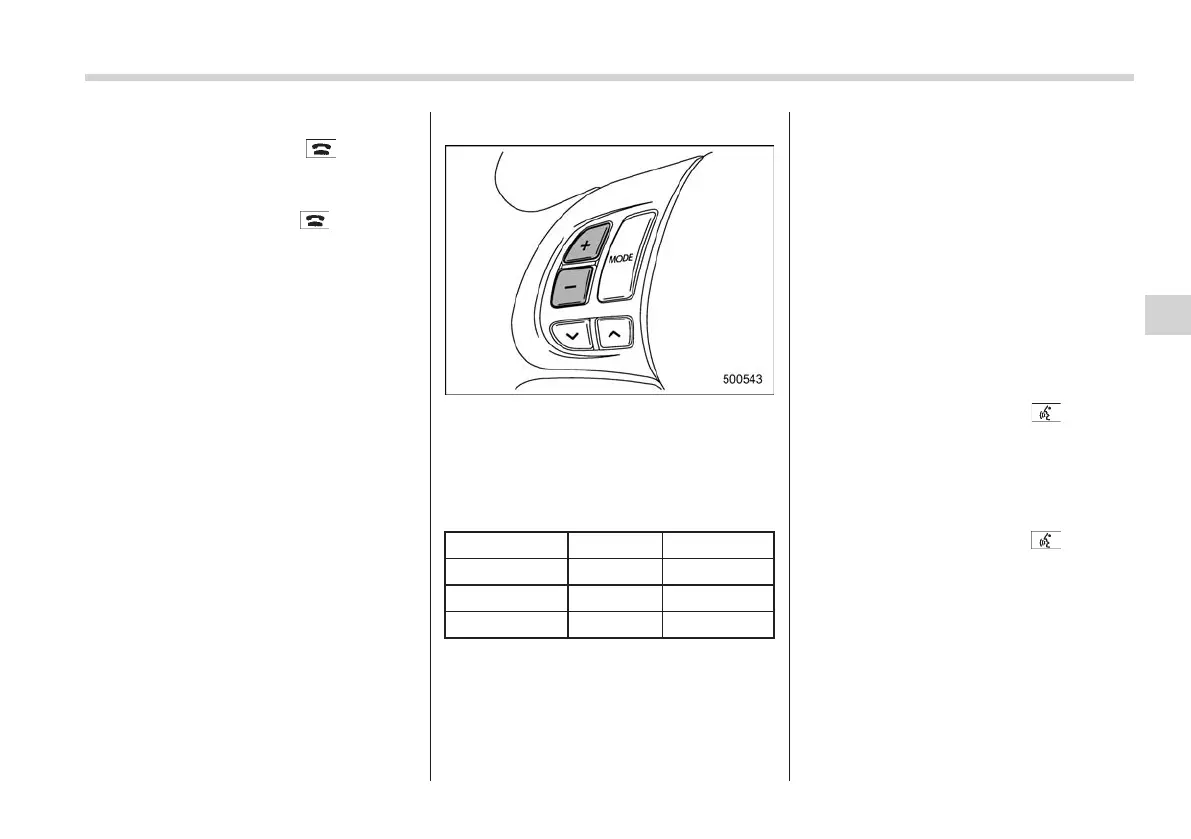
You can adjust the phone call volume, the
voice volume and the voice guidance
volume. Refer to “
s05ag03Volume control
buttons” F5-36.
! Adjustable level of each volume
S05BE050701
Volume Range Initial setting
Phone call 0 to 14 7
Voice 0 to 14 7
Voice guidance 0 to 6
3
& Bluetooth
®
setting
S05BE06
! Security setting
S05BE0601
After selecting the “SECURITY” menu,
perform the following procedures.
! Setting PIN code
S05BE060101
The PIN code is a 4-digit number and is
used when locking the phonebook.
1. Select the “SET PIN” menu. Then
“CURRENT PIN?” is displayed.
2. Input the current PIN code by perform-
ing either of the following procedures.
– Operate the “TUNE/TRACK” dial.
– Press the talk switch
and say
the number.
3. Select the “CONFIRM” menu.
4. Input the new PIN code by performing
either of the following procedures.
– Operate the “TUNE/TRACK” dial.
– Press the talk switch
and say
the number.
5. Select the “CONFIRM” menu.
! Locking the phonebook
S05BE060102
1. Select the “PHBK LOCK”/“PHONE-
BOOK LOCK” menu. Then “CURRENT
PIN?” is displayed.
2. Inpu t the PIN code by performing
either of the following procedures.
– Operate the “TUNE/TRACK” dial.
Audio 5-47
– CONTINUED –
5















 To Next Page