Black plate (203,1)
一般Model "A8170GE-A" EDITED: 2011/ 7/ 3
! News bulletins (type A, B, D and E
audio)
S05AW0903
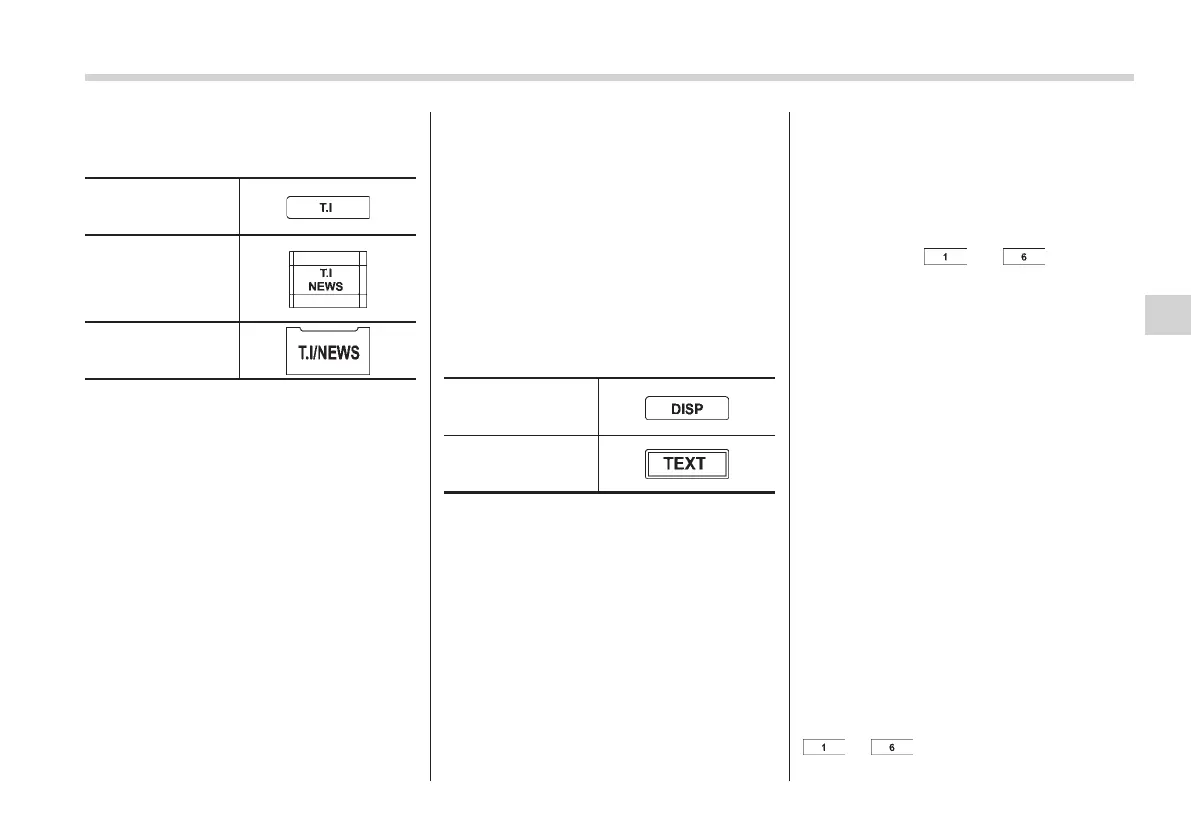
Type A and B audio
Type D audio
Type E audio
When a station begins broadcasting news,
this function causes the set to automati-
cally receive it. If the driver is listening to
another audio source, the set breaks into
that playback with the news.
It is possible to turn the news bulletin
break-in function ON/OFF by pressing the
“T.I/NEWS” button for more than 0.5
second (type A , B and D audio)/1.5
seconds (type E audio).
When the audio power is OFF, pressing
the “T.I/NEWS” button causes the audio
power to turn ON and the news bulletin
break-in function to be turned ON.
NOTE
The initial setting of the break-in func-
tion is OFF.
! Emergency announcements
(ALARM)
S05AW0906
When a station begins broadcasting an
emergency announcement, the set auto-
matically receives it. If the driver is
listening to another audio source, the set
breaks into that playback with the emer-
gency announcement. This function is
permanently ON.
! Displaying radio PS (Program Ser-
vice Name) (type A, B, C and D
audio)
S05AW0908
Type A, B and C
audio
Type D audio
If the PS (Program Service Name) is
available, pre ssing the “DISC” button
(type A, B and C audio)/“TEXT” button
(type D audio) changes the display be-
tween PS and frequency. The initial
setting is “PS”.
NOTE
The maximum number of characters
that can be displayed for PS is 8.
& Station preset
S05AW03
! How to preset stations
S05AW0301
1. Select the preferred reception mode.
2. Select the preferred station.
3. Press and hol d one of the preset
buttons (from
to ) for more
than 1.5 seconds to store the frequency. If
the button is pressed and held for less
than 1.5 seconds, the preceding selection
will remain in the memory.
NOTE
. Up to six stations for each reception
mode may be preset.
. If the connection between the radio
and battery is broken for any reason
such as vehicle maintenance or radio
removal, all stations stored in the
preset buttons are cleared. If this
occurs, it is necessary to reset the
preset buttons.
. If a cell phone is placed near the
radio, it may cause the radio to emit
noise when it receives calls. This noise
does not indicate a radio malfunction.
! Selecting preset stations
S05AW0302
1. Select the preferred reception mode.
2. Press the desired preset button (from
to ) briefly.
Audio 5-17
– CONTINUED –
5















 To Next Page