S CLASS™ 2 cutter User’s Manual
Setup 1-25
Loading a roll.
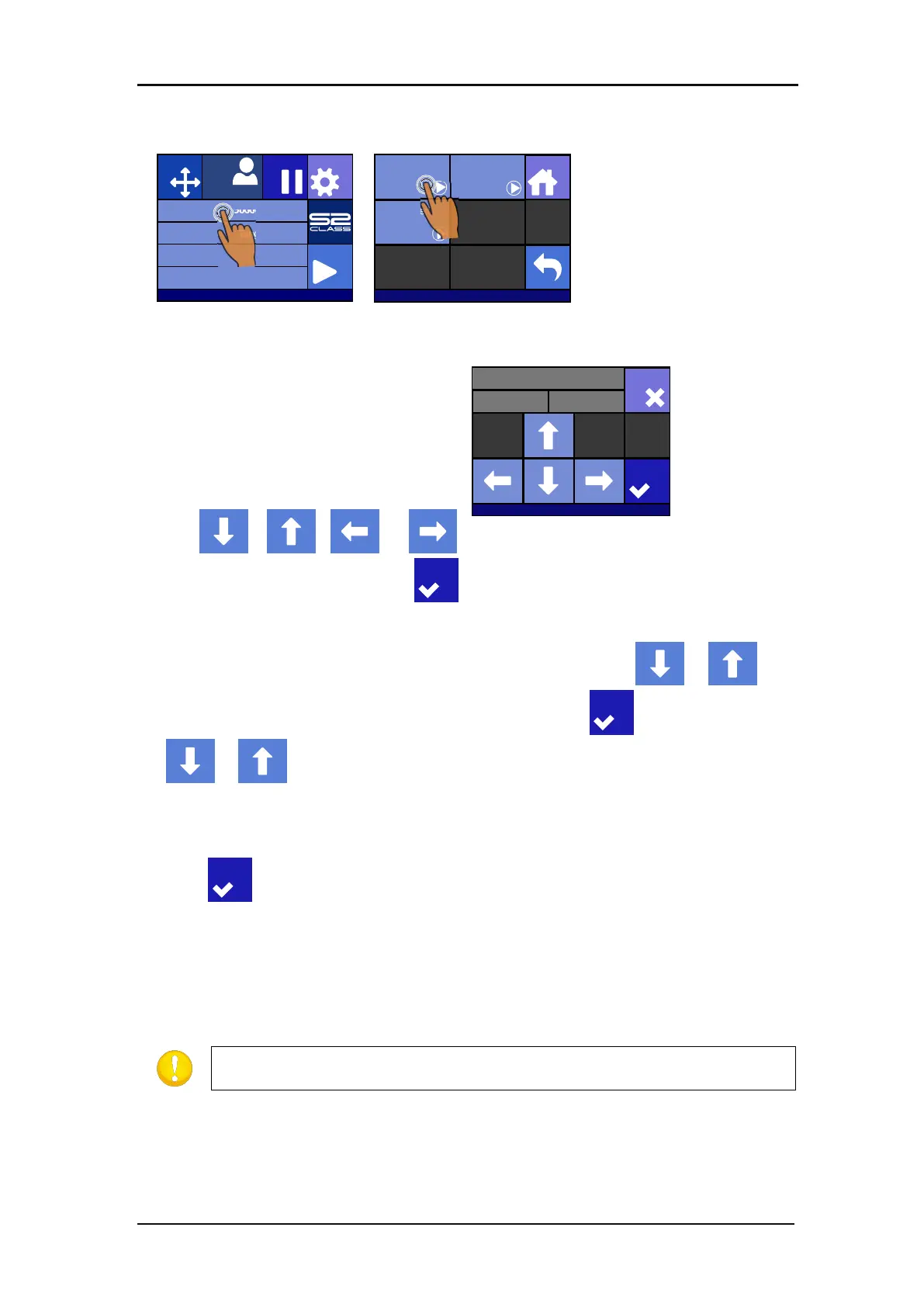
Press on Media size
Press on Roll
Four arrows will appear, together with an
“apply” button. The status is visible in the
middle of the right-hand side of the screen.
3. Use , , or
to reposition
the origin, if necessary. Then press .
Two arrows will stay on the screen in order to load the necessary length.
4. The media length needed for the task can be entered by pressing or . Or
the needed length for the job can be entered by pressing and then by pressing
or to change the value of the default length to load.
Depending on the chosen manner for entering the needed length of the job, the cutter will
either load the length or display the chosen length on screen.
5. Press
.
The cutter will now complete the loading sequence. The cutter will come online and will be
ready. The length of the job is limited to the actual length of the media, left on the roll. The
cutter will always assume a full roll, which means it will use 50000mm (1982 inches) on the
status screen.
If the rear media sensor detects the end of the media, the cutter will
complete the loading sequence without any input from the user.
Knife pressure 95 gr
Velocity 800 mm/s
Tool Tangential knife
Media size 50000 x 718 mm
Actions
Settings
Configuration 1
PauseOrigin
IP:192.168.1.7
Load
Home
Sheet
Extended
Roll
Y: 7 17X: 0
Set Origin
S31212-10088
Apply
Cancel








 To Next Page