Web Browser Interface
Page 5-4 Instruction Manual: evolution 5000 E5710 and E5720 Encoder
ST.TM.E10074.1
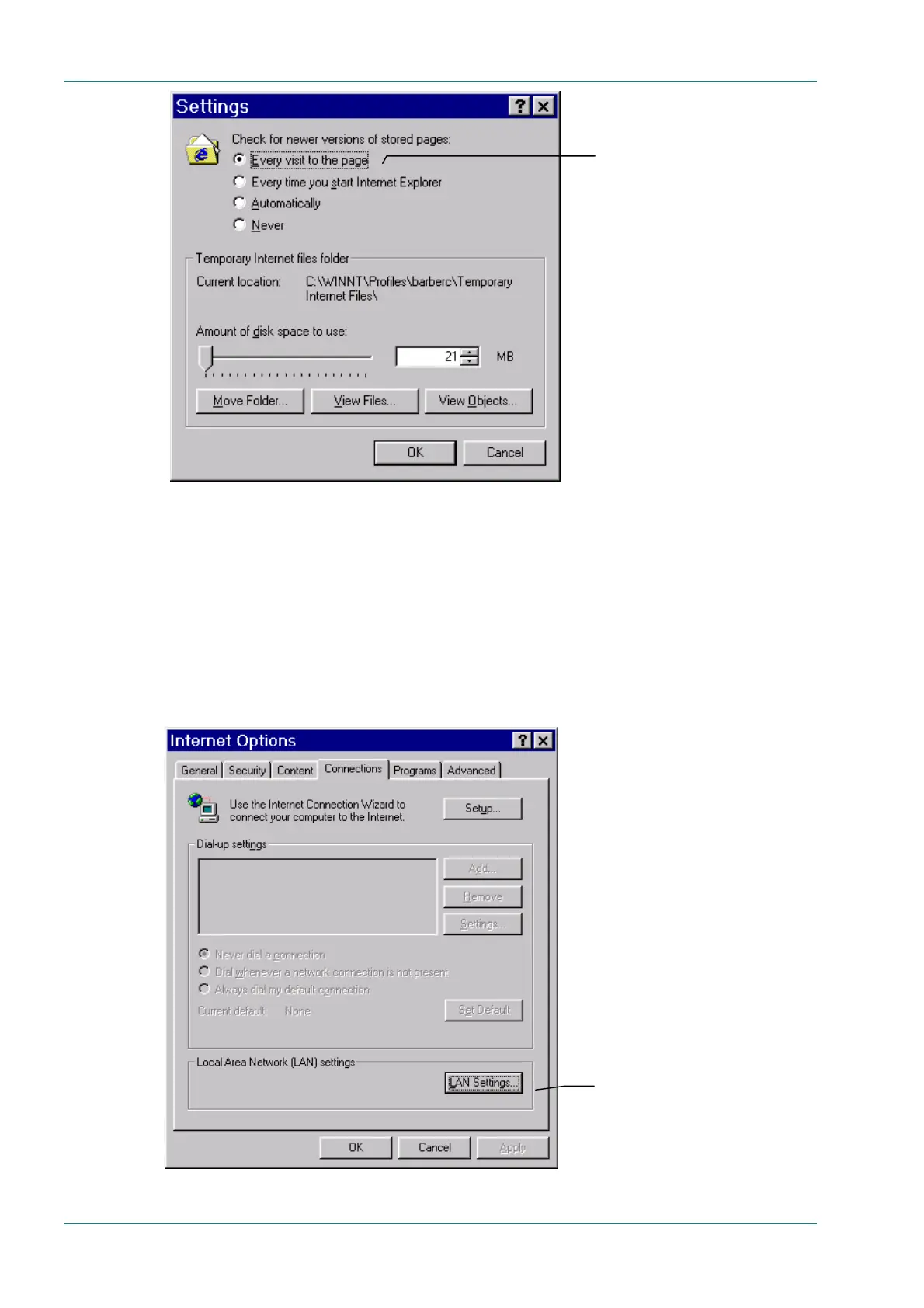
Figure 5.2: Settings Dialog Box
4. For Check for newer versions of stored pages, select Every visit
to the page or any changes made to the pages will not be displayed.
Click OK to save the changes and return to the Internet Options
dialog box.
5. If Internet Explorer currently connects to the internet via a proxy
server then it must be reconfigured to connect directly to the Encoder,
bypassing the proxy server. Click the Connections tab (see
Figure 5.3).
Figure 5.3: Connections Tab
Every visit to the page
LAN Settings



 To Next Page