Web Browser Interface
Page 5-8 Instruction Manual: evolution 5000 E5710 and E5720 Encoder
ST.TM.E10074.1
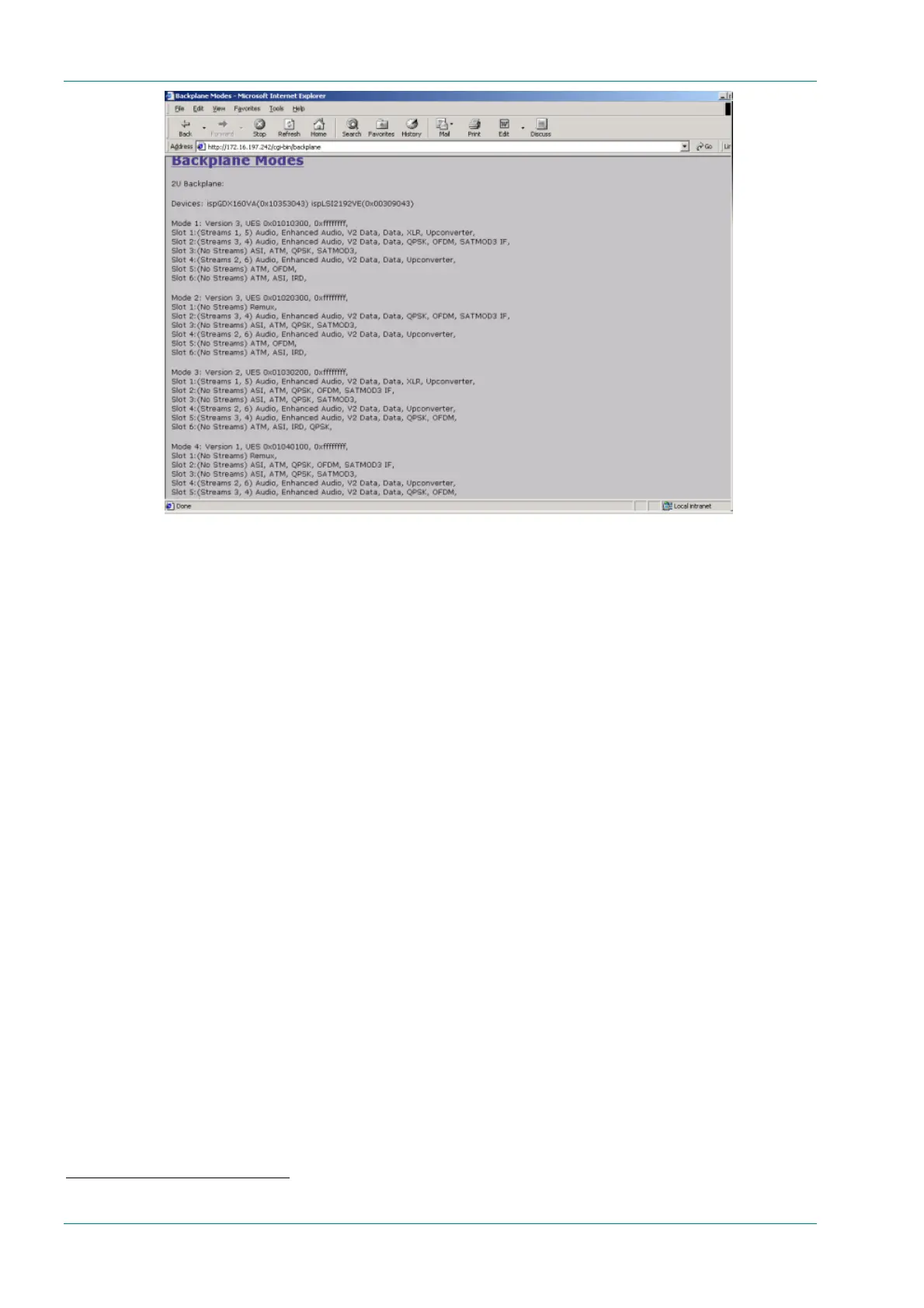
Figure 5.9: Backplane Modes
Option 5, Licenced Features - shows a list of all the features which can
be enabled when the appropriate licence is purchased.
Option 6, SNMP MIBs - allows the Simple Network Management Protocol
(SNMP) Management Information Base (MIB
1
) files to be downloaded from
the Encoder to the PC.
Option 7, Event Log - shows the events and tests which have been
performed since the Encoder was last switched on.
Option 8, Fault Reporting – click version nos.htm and event log.htm
to display the appropriate file. Save the files to a disk:
· Right-click the hyperlink version nos.htm and event log.htm.
· From the shortcut menu click Save Target As.
· Select the directory where you want to save the files and click Save.
· Send to the files to TANDBERG Television.
Also, send a clone file of the Encoder configuration. See Section 5.4,
Cloning a File for details.
1
A definition of management items for some network component that can be accessed by a network manager. A MIB
includes the names of objects it contains and the type of information retained.



 To Next Page