Web Browser Interface
Instruction Manual: evolution 5000 E5710 and E5720 Encoder Page 5-9
ST.TM.E10074.1
5.4 Cloning a File
A particularly useful feature of the Encoder is the ability to extract a clone
file. This can be sent to TANDBERG Television and used to configure other
Encoders to exactly the same specification. It is very useful when trying to
reproduce a fault and also for restoring a machine after repair. The file is
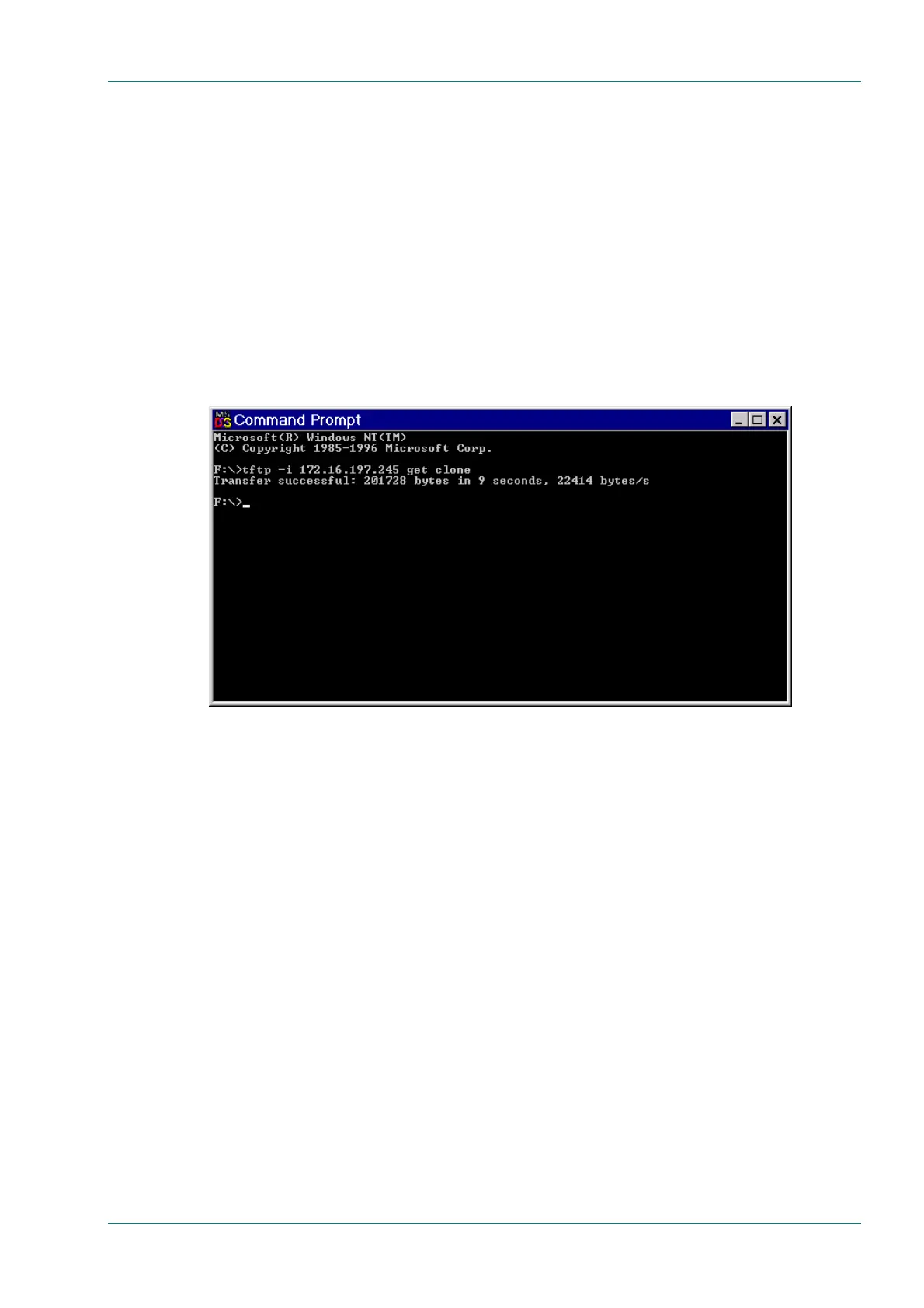
extracted using TFTP protocol (see Figure 5.10).
To extract the file, open a Command Prompt window and type:
tftp –i `IP address of Encoder’ get clone
For instance, tftp –i 172.16.197.245 get clone
The cloned file will be stored on the PC drive in the same directory that the
command prompt is set to.
Figure 5.10: TFTP Protocol for Cloning a File



 To Next Page