4.14. Reviewing Spectra - Event Reports
4.14 Reviewing Spectra - Event Reports
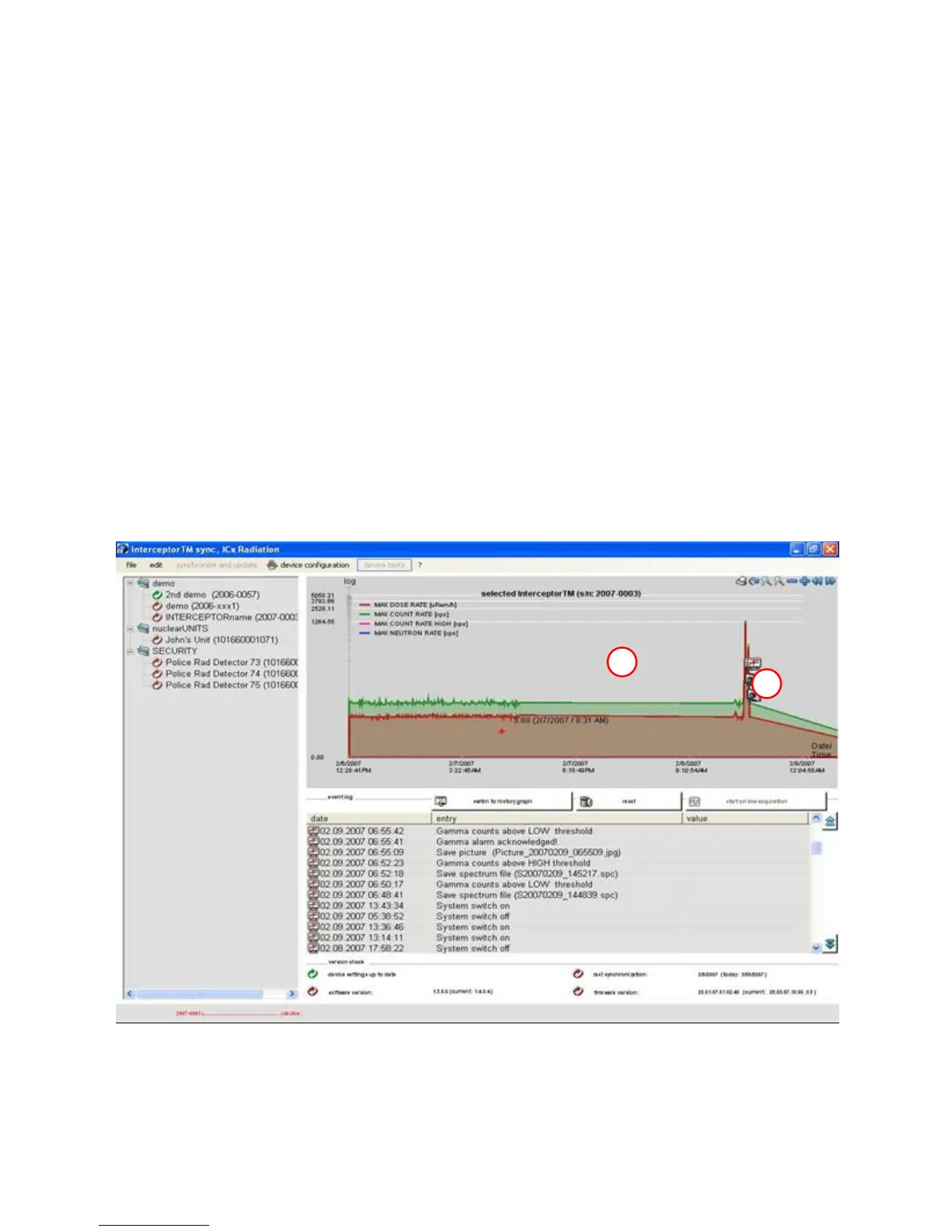
Locally stored history data is displayed in the main window area (denoted in
with a white box “B”). Added to this history are all recorded events - spec-
tra images and voice messages - shown with small symbols (see prior section
4.12.3, p. 79). The user can left-click on one of these symbols to get a de-
tailed report of the type of event represented. Events can be combinations of
recorded spectra, images, voice messages and/or singular events.
In this example below, four recorded events within a 10 minute period
are marked with X. The two highlighted events show when a picture was
recorded and associated with a Nuclide Identification event. Two earlier
events depict both gamma alarms being acknowledged and spectrum files
being saved.
B
X
Figure 4-20. PC Software - Reviewing
Thermo Fisher Scientific Interceptor™/en/5.1(4956)/Feb2010 89










 To Next Page