4.6. Remarks Regarding the Usage of USB Hubs
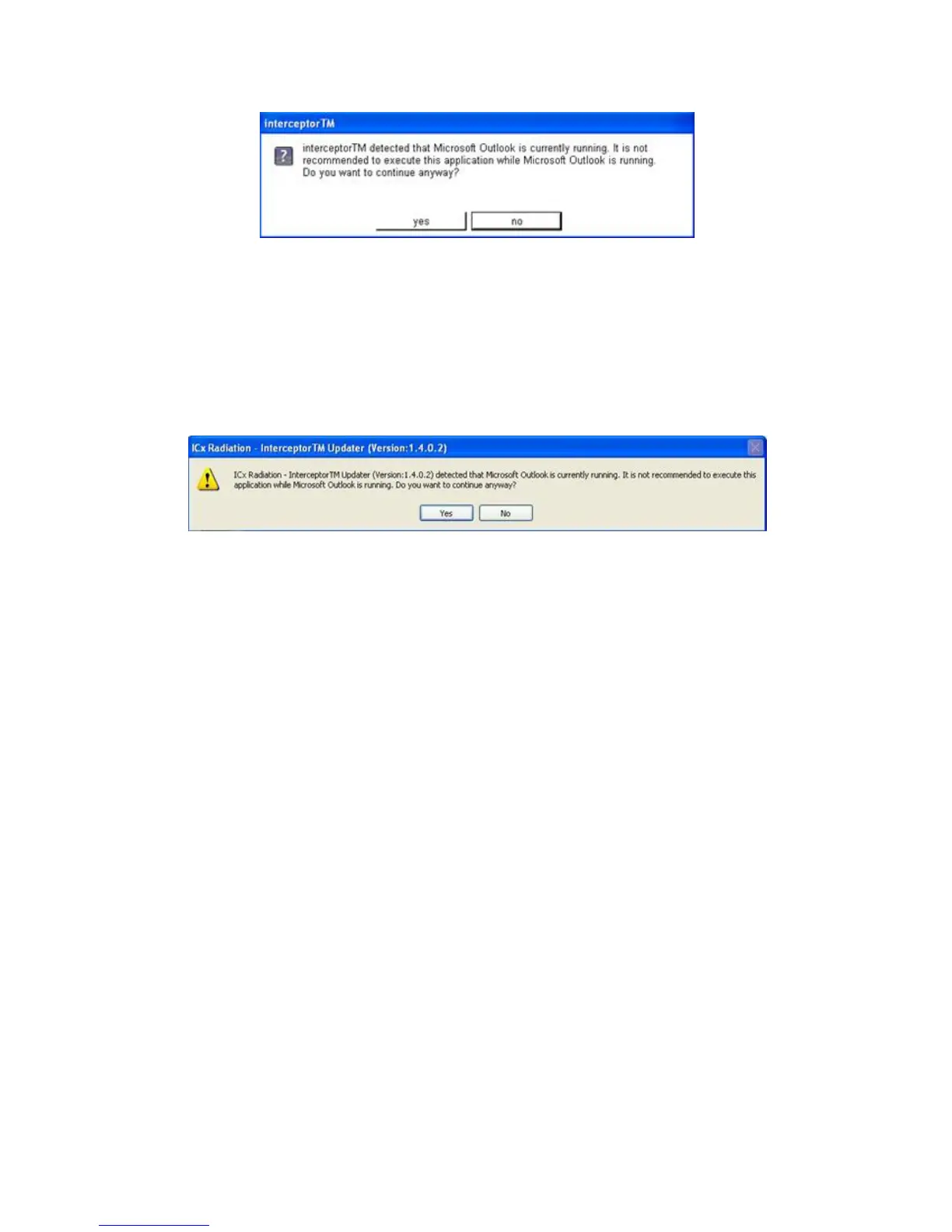
Figure 4-2. PC Software - Outlook Warning
A similar message will appear whenever the I™ Updater is exe-
cuted with Microsoft® Outlook running.
Figure 4-3. PC Software - Updater Message
If either of these message boxes appears, exit Microsoft® Outlook and restart
the I™ Sync or Updater applications.
4.6 Remarks Regarding the Usage of USB Hubs
Use special caution when connecting the I™ unit to a USB hub
for synchronization purposes with the I™ Sync software. Be-
cause of the unit’s power requirements, it is recommended that only pow-
ered USB hubs be used.
The current output of non-powered hubs is typically 500 mA, but an I-
™ unit may draw up to 1 A. In this situation, the I™
may draw so much current that it causes the internal voltage of the USB hub
to drop below a nominal level which can disconnect the unit from the PC.
The same scenario is especially true when multiple units are connected to a
non-powered USB hub.
Thermo Fisher Scientific Interceptor™/en/5.1(4956)/Feb2010 61










 To Next Page