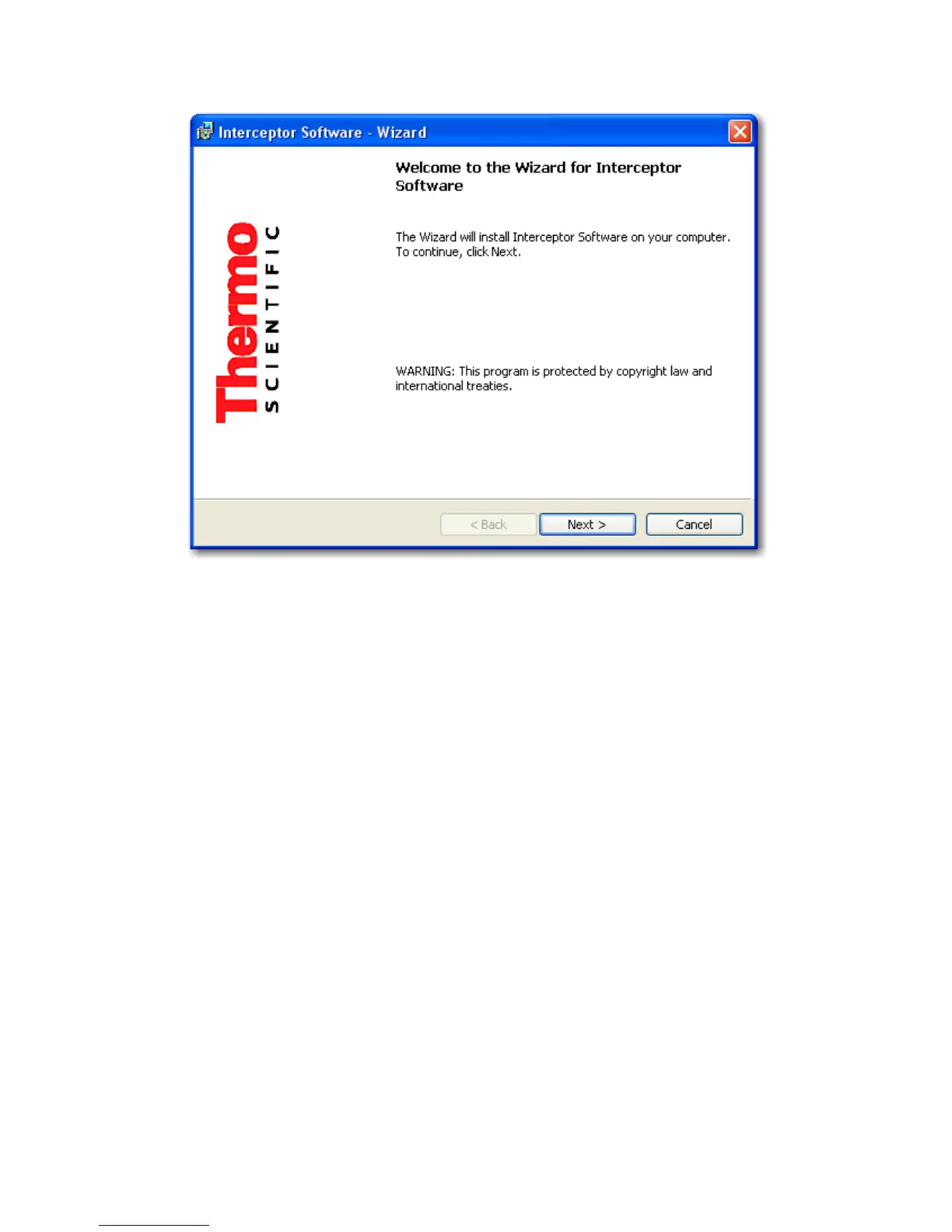
4.4. Installing the PC Software
Figure 4-1. PC Software - Installing the PC Software
4.4.1 Upgrading from previous installations of INTERCEPTOR™
Sync
If you are upgrading from a previous installation of I™ Sync,
you must first uninstall the older version of software prior to installing the
newer version.
Installing versions 1.9 or later will establish a new default directory for I-
™ Sync. The StoreRoot folder from the previous installation must
be manually copied to the new location after installation of the new version.
Also, if the existing StoreRoot folder is moved, the registry may require edit-
ing as follows:
• Select Run from the Windows Start menu and enter “regedit” in the
field, then click OK.
• Expand My Computer, then expand HKEY LOCAL MACHINE, and
then expand Software.
Thermo Fisher Scientific Interceptor™/en/5.1(4956)/Feb2010 59










 To Next Page