3.5. Bluetooth® Reach-Back Mode (Optional)
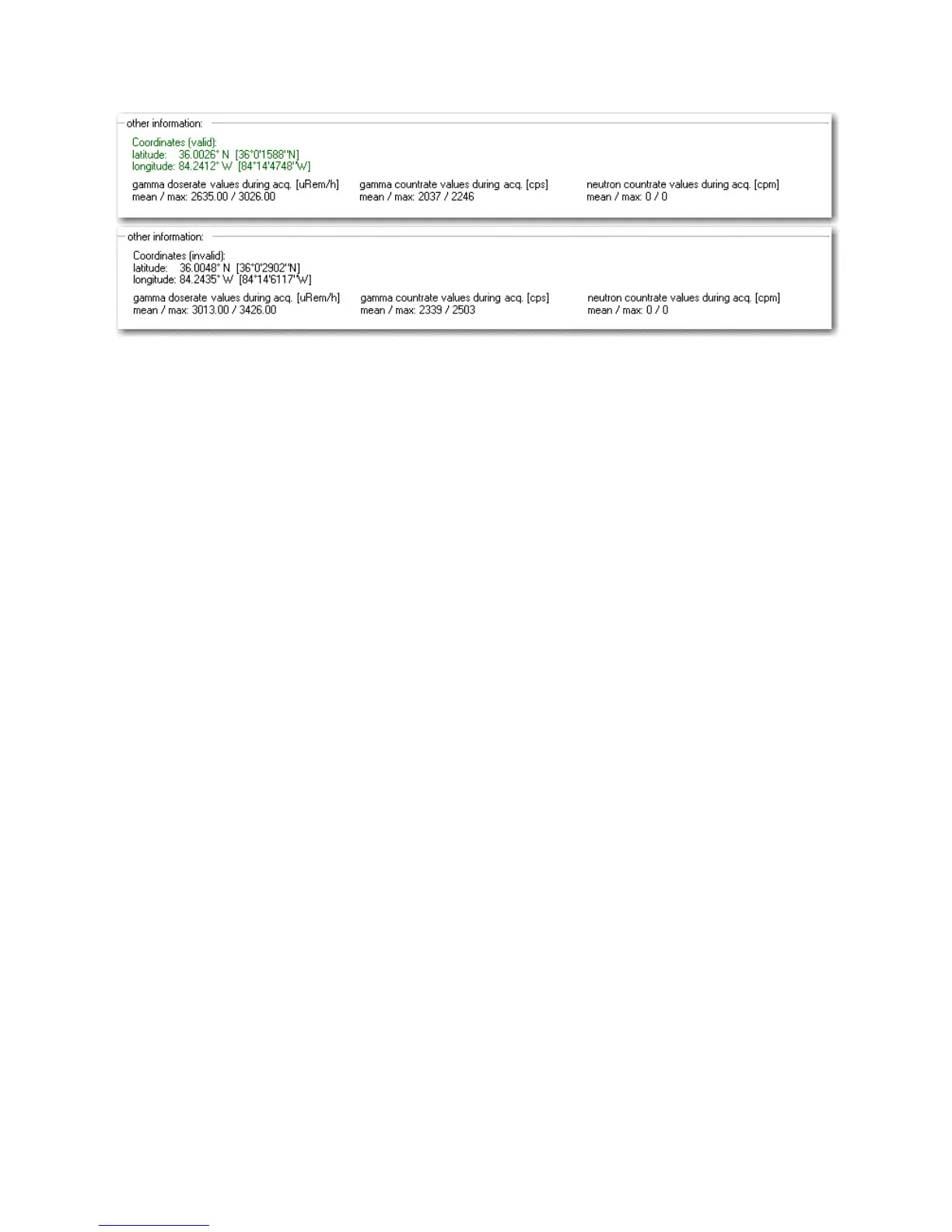
Figure 3-42. Modes of Operation - Bluetooth® GPS Mode (Report)
3.5 Bluetooth® Reach-Back Mode (Optional)
Warning This mode is optional depending upon the hardware capability of
the I™. s
The I™ is also capable of using Bluetooth® communication for
reach-back. For an I™ to be reach-back capable, it must be fac-
tory configured for Bluetooth® and Reach-Back functionality. A compatible
mobile phone with modem and dial-up networking (DUN) is also required.
The Bluetooth® GPS option is recommended, but not required.
Before changes to the Reach-Back configuration can be made, Bluetooth®
networking features must be turned on and the I™ re-booted to
apply the changes. For information on setting up Bluetooth® communica-
tions and Reach-Back using the PC software, see sections 4.12.4, p. 81 and
4.12.5, p. 83.
Note It can sometimes take a bit of time for the I™ to lock
onto a Bluetooth® device. In cases where the Bluetooth® connection is sub-
optimal, error messages may arise during dial-up and/or connection. The
I™ will automatically retry until a connection is established. s
Thermo Fisher Scientific Interceptor™/en/5.1(4956)/Feb2010 49










 To Next Page