3.3. Additional Modes of Operation
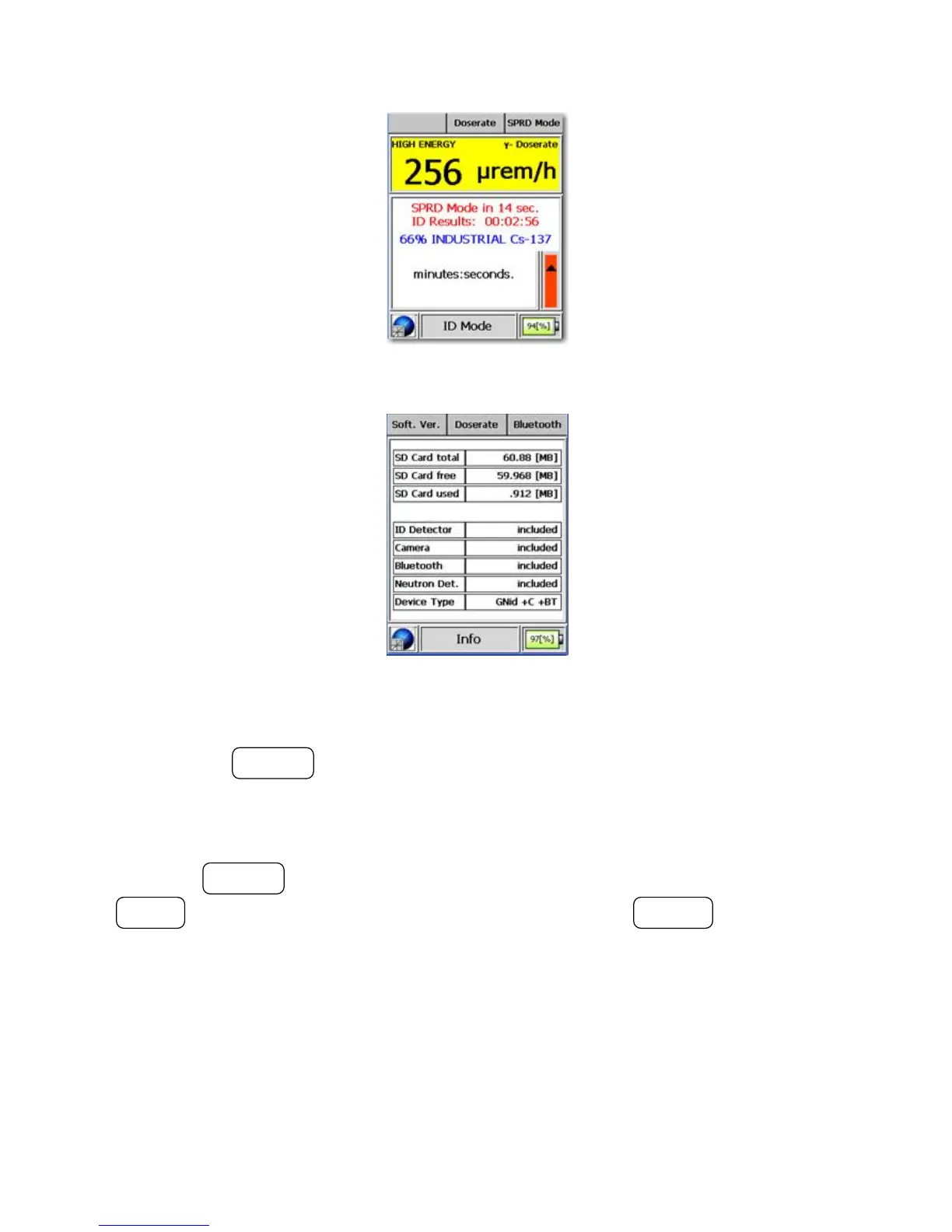
Figure 3-29. Modes of Operation - SPRD Mode (Reset)
Figure 3-30. Modes of Operation - Info Mode (Hardware)
Pressing the ACTION button switches to an overview of the software.
This page provides an overview of software versions used by both the DSP
and the Windows CE operating system.
Press the ACTION button to switch back to the system status, press the
MODE button to switch to the next mode, or press the POWER button to
switch to the default mode.
3.3.7 Bluetooth® Mode (Optional)
Warning This mode is optional depending upon the hardware capability of
the I™ s
Thermo Fisher Scientific Interceptor™/en/5.1(4956)/Feb2010 41










 To Next Page