3. Operating the INTERCEPTOR™
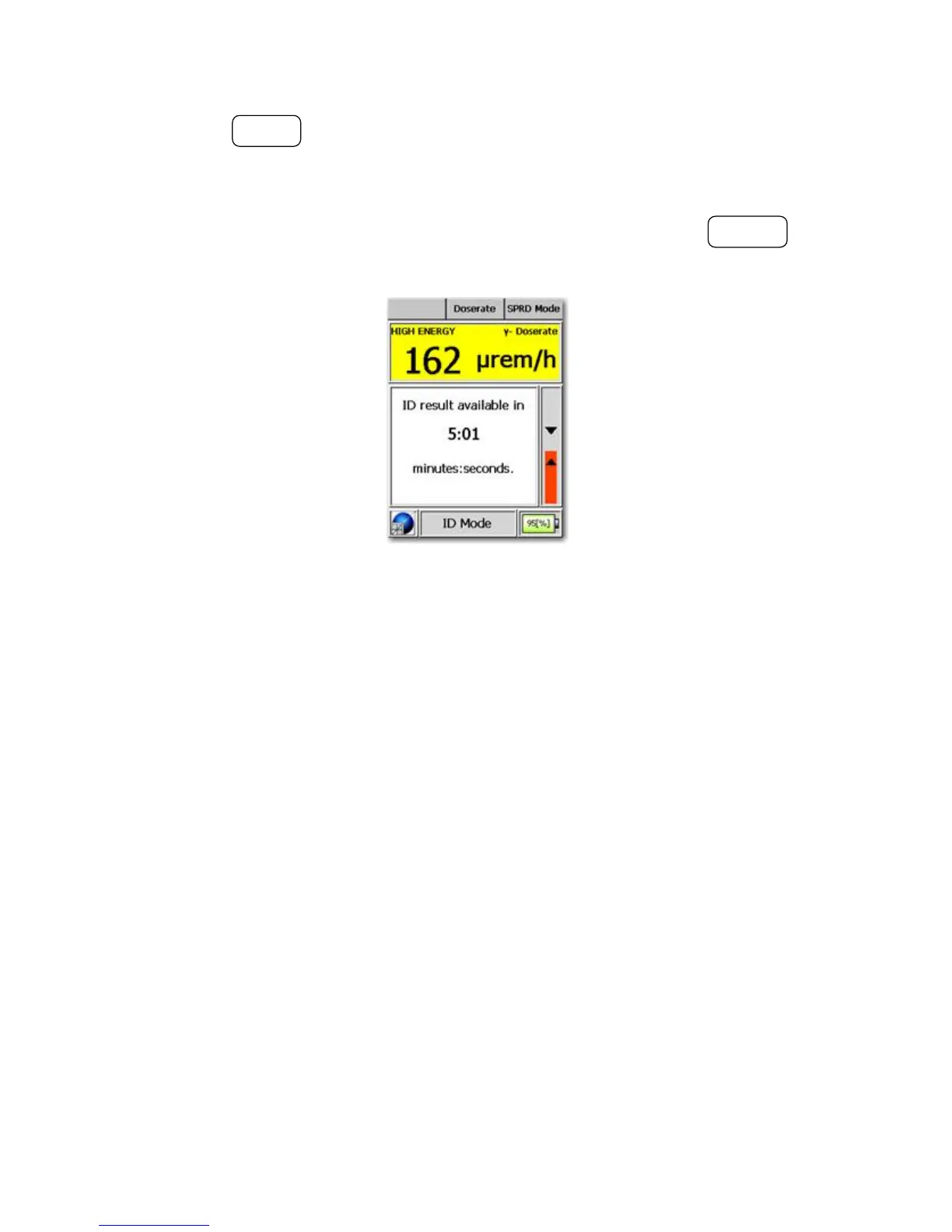
Pressing the MODE button will abort the acquisition and identification and
return to SPRD mode but if the ambient rate is still above 30µRem/Hr, the
device will immediately switch back into ID mode.
You can always switch back to the default mode by pressing the POWER but-
ton.
Figure 3-28. Modes of Operation - SPRD Mode (ID)
The results are displayed after satisfying the identification criteria (i.e. after
sufficient counts in the spectrum or adequate statistics are achieved). After the
identification is complete, the results and the spectrum are stored using the
acquisition start time as the filename.
Upon completion of the identification, the subsequent functions are identical
to those in ID mode. See Chapter 3.2.2, p. 26 for details.
Warning Upon completion of an identification in SPRD mode, the device
will automatically return to the SPRD finder screen within 15 seconds if no
further ID sub-functions are initiated. s
3.3.6 Info Mode
Info Mode renders an overview of memory allocation and the device’s hard-
ware configuration.
40 Interceptor™/en/5.1(4956)/Feb2010 ICx Technologies










 To Next Page