3.3. Additional Modes of Operation
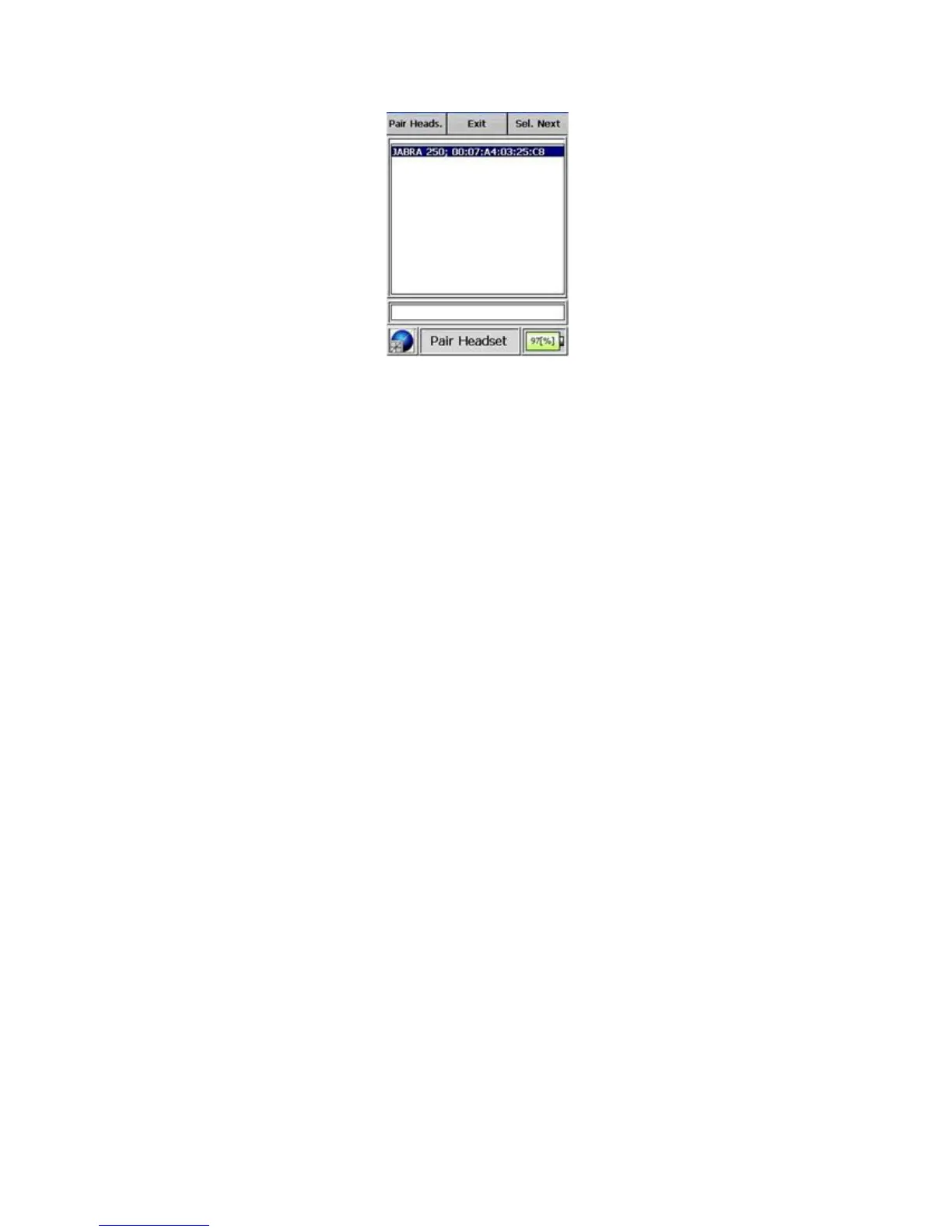
Figure 3-36. Modes of Operation - Bluetooth® Mode (Pairing)
information that is shown in the Pair page is the device name and its MAC
address.
Warning If your device requires a PIN other than the default “0000” please
enter it in the PC software and synchronize your device. s
Warning Refer to the user manual for headset, DUN, PIN, and identifica-
tion settings. s
Warning When the headset profile is activated on a PC or other device
equipped with Bluetooth® technology, the resulting list could display that
device as a headset. s
Warning After pairing a headset or DUN device, the I™ must
be rebooted. s
Warning After pairing a DUN device, the Reachback parameters must be
entered on the Reachback tab of the Device Configuration page and then
sync’d to the I™ before Reachback will function. s
Thermo Fisher Scientific Interceptor™/en/5.1(4956)/Feb2010 45










 To Next Page