3.2. User Attended Mode
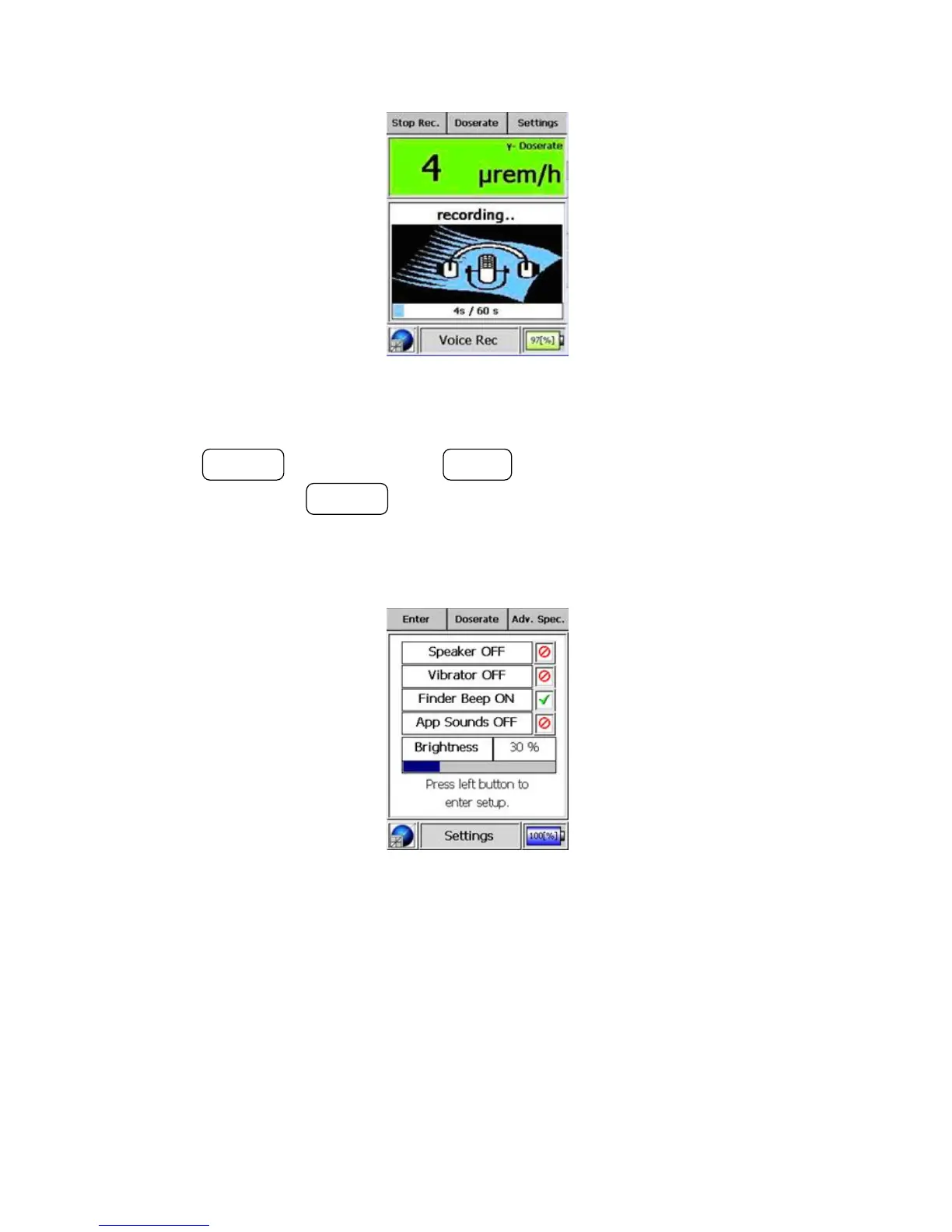
Figure 3-11. Modes of Operation - Voice Recorder Mode (Recording)
press the ACTION button. Use the MODE button to navigate from control to
control, and use the ACTION button to change the selected value.
The description displays an activated feature as “ON”, while it displays a de-
activated feature as “OFF”.
Figure 3-12. Modes of Operation - Settings Mode
Upon entering this mode, the basic settings may be modified. In the next
example screen, the speaker is highlighted in red for OFF. The background
will turn green and a checkmark will replace the cross-through circle if the
value is changed to ON.
Warning Settings changes are effective immediately. s
Thermo Fisher Scientific Interceptor™/en/5.1(4956)/Feb2010 31










 To Next Page