4.8. Software Updates
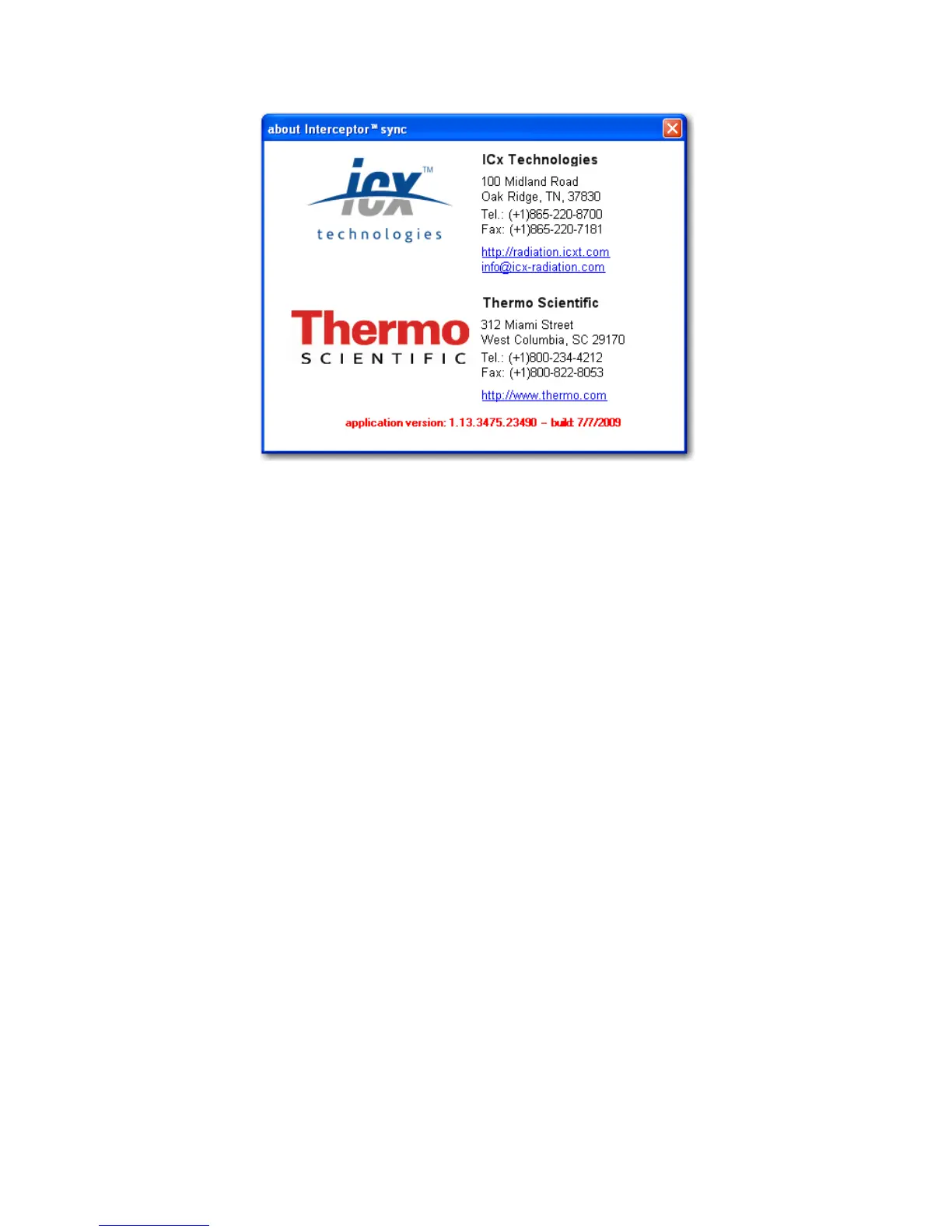
Figure 4-4. PC Software - About Window
4.8 Software Updates
The menu entry “? | about” opens the above window displaying the software
revision as well as contact information for support. ICx Radiation period-
ically releases updates to the I™ Sync software and to the I-
™ device software/firmware accompanied with a revised manual
detailing new features or other pertinent information. Select the menu entry
“? > check for updates” on the I™ Sync software application to
check for the latest updates.
Warning To update a specific I™ device, connect it to the host
PC, then select it from the device list. Open the menu entry “synchronize and
update | synchronize”. After the synchronization, select “synchronize and up-
date | load device parameters”. After the device parameters are loaded, check
the software and firmware versions displayed at the bottom of the screen. If
either is not up to date, click either of them to launch the updater applica-
tion. s
When a new I™ Sync revision is released, updates for the I-
Thermo Fisher Scientific Interceptor™/en/5.1(4956)/Feb2010 63










 To Next Page