3. Operating the INTERCEPTOR™
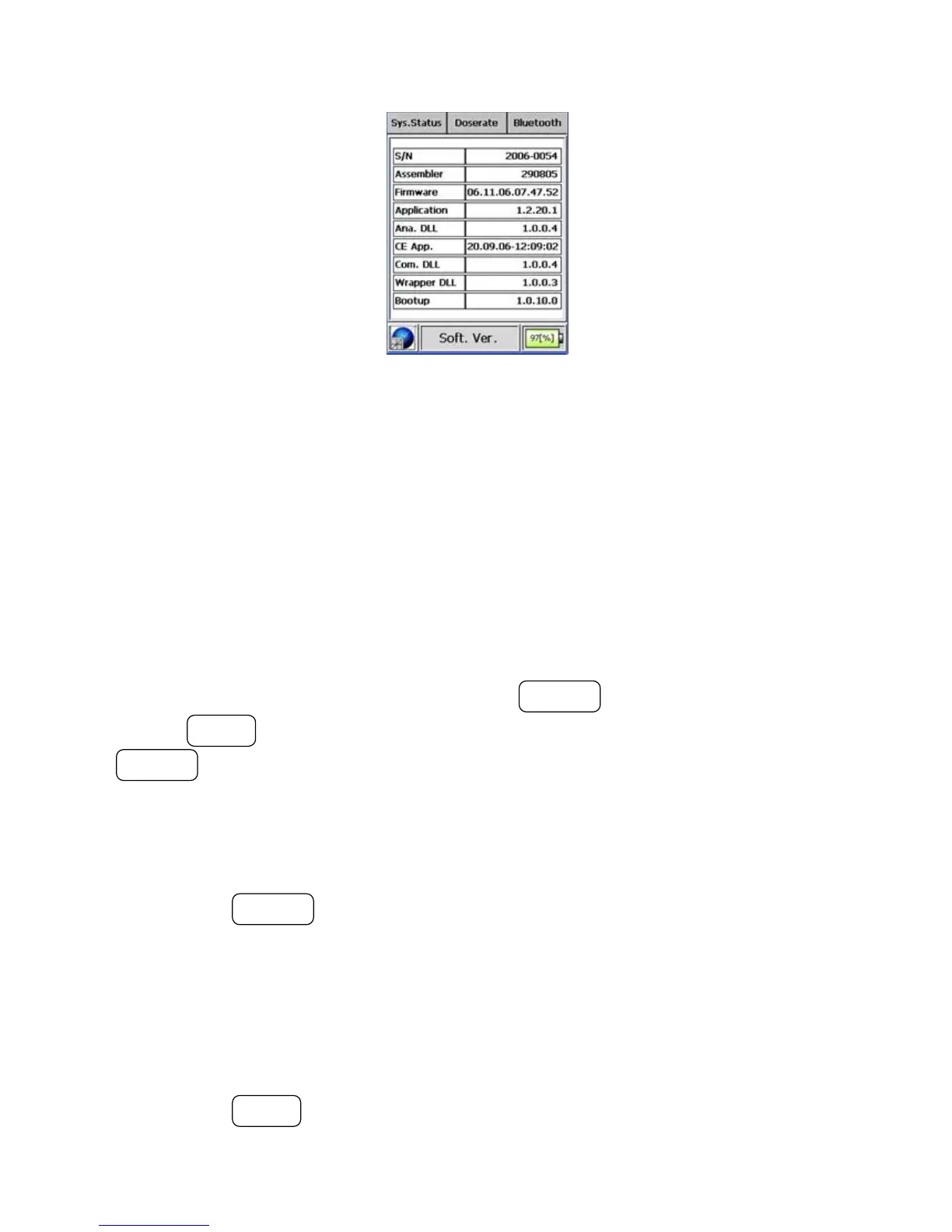
Figure 3-31. Modes of Operation - Info Mode (Software)
The I™ supports OBEX FTP and Personal Area Network
(PAN) profiles utilizing Bluetooth® wireless technology, as well as any head-
set using such technology.
This mode allows the user to activate/deactivate the Bluetooth® wireless
technology within the I™, set the networking profile for the
Bluetooth® technology, and to search for and pair with a headset or DUN
device equipped with Bluetooth® wireless technology.
To enter the “Bluetooth®” Mode press the ACTION button. Once entered,
use the MODE button to navigate from control to control, and use the
ACTION button to change the selected value.
Activated features show “On” while deactivated ones show “Off ” within the
description.
The selected controls for the Bluetooth® technology are highlighted in green.
Pressing the ACTION button toggles the state between “On” and “Off ”. In
this instance the selected option is in the “On” state, as denoted by the green
checkmark.
The background will turn red and a red, cross-through circle will replace the
checkmark if the value is changed to “Off ”. This is depicted in the next ex-
ample screen below.
Pressing the MODE button selects the next control, which activates/deacti-
42 Interceptor™/en/5.1(4956)/Feb2010 ICx Technologies










 To Next Page