3. Operating the INTERCEPTOR™
3.2.3 Voice Recorder Mode
Warning This is an optional mode depending upon the configuration of
the I™. When the I™ is configured with ID mode
then voice recorder mode will appear after completion of an ID. s
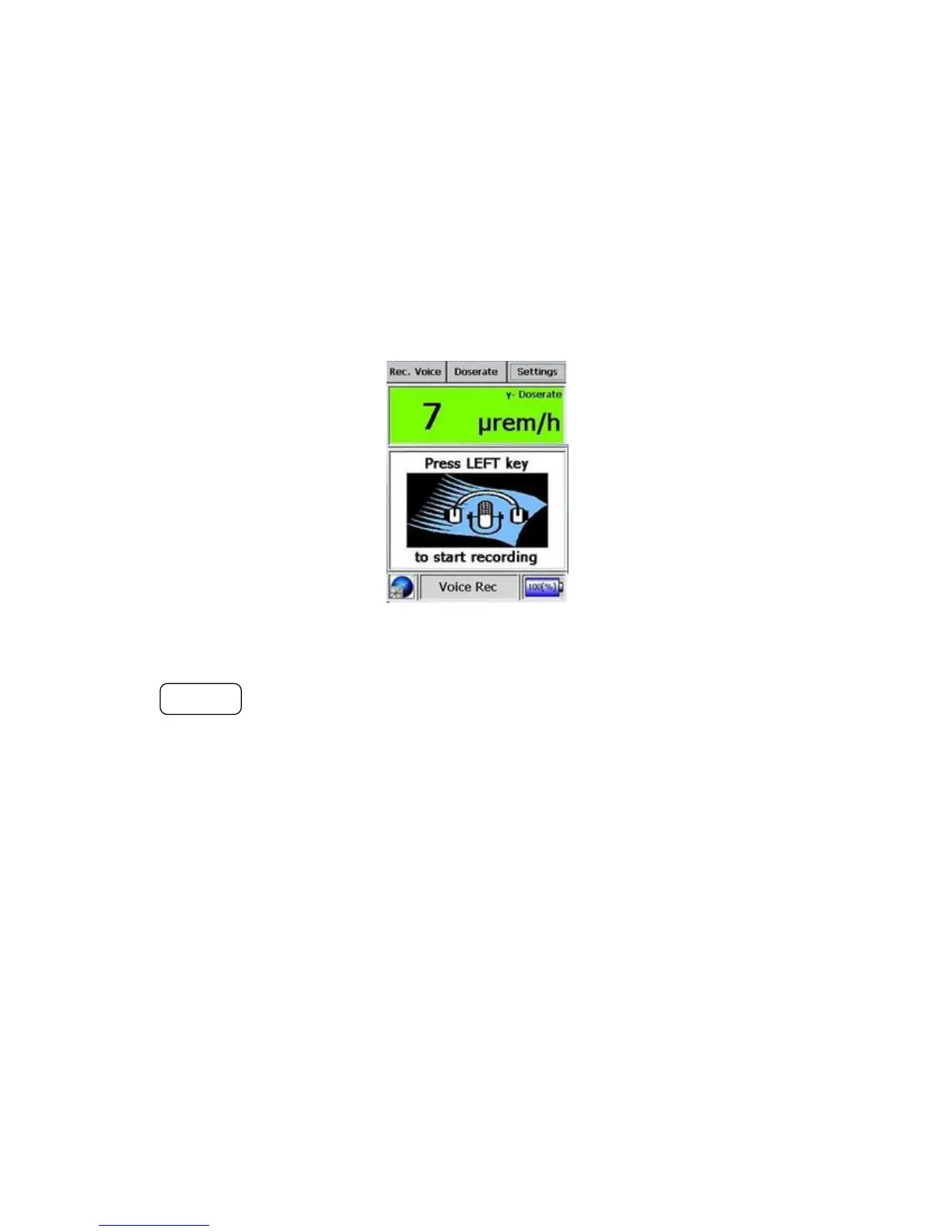
The I™ can record voice messages and save them as .wav files
attached to the current ID record.
Figure 3-10. Modes of Operation - Voice Recorder Mode (Start)
The ACTION button starts and stops the voice recording. When the record-
ing is stopped it is saved to the identification record. A single voice recording
may be up to 60 seconds. Multiple voice recordings may be recorded for a
single identification record but only the last one is saved.
Warning For optimal recording, the unit’s receiver should be held within 5
cm of your mouth. s
3.2.4 Settings Mode
The behavior of the unit under alarm conditions can be changed using this
mode. Additionally, the brightness of the display, the button click behav-
ior, and other device settings can be altered here. To enter the Settings Mode
30 Interceptor™/en/5.1(4956)/Feb2010 ICx Technologies










 To Next Page