4.9. First Start - Application Settings
vice settings or other actions in the PC software will then be logged using a
time-stamp, the correct workstation and the correct username.
4.9.1 Preferences
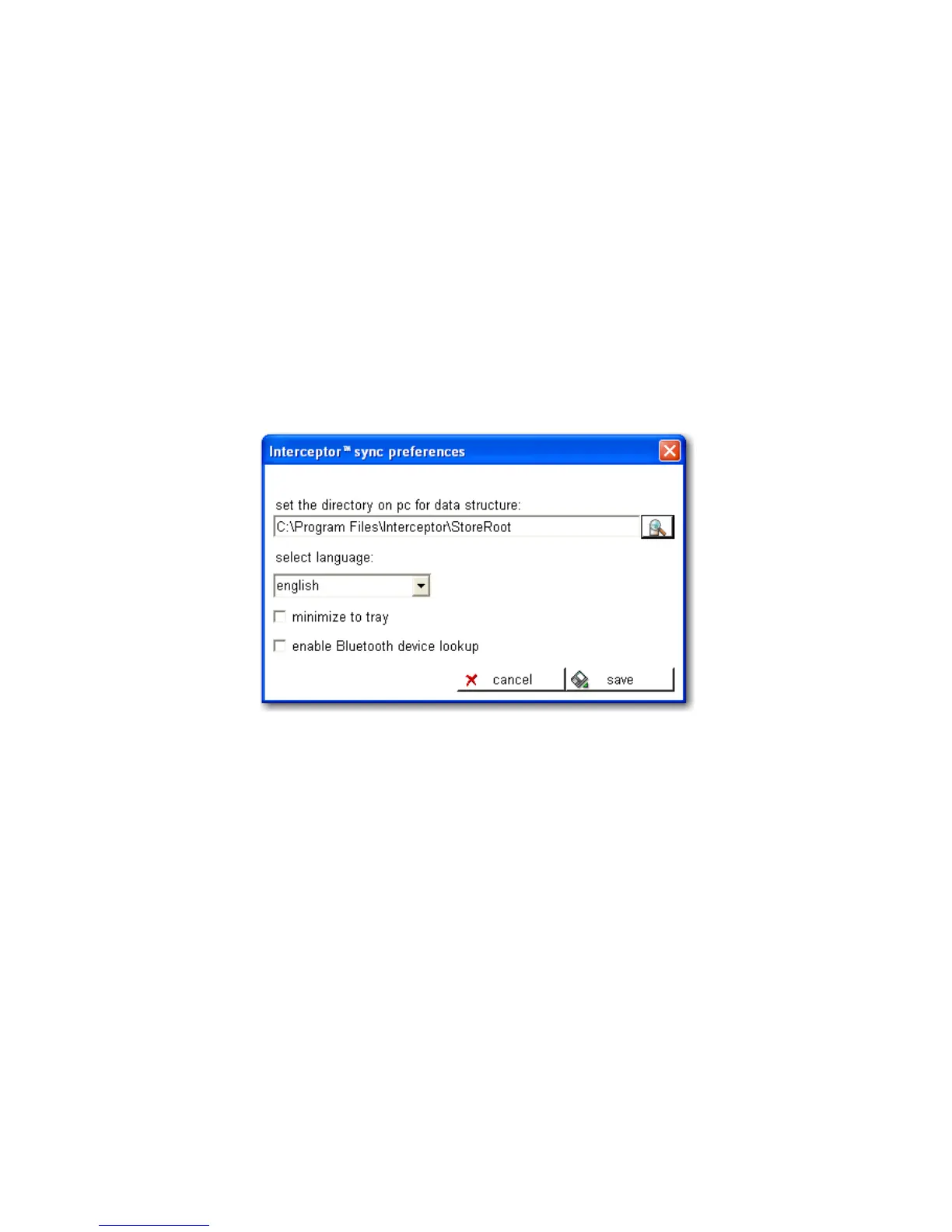
Preferences can be accessed by selecting Edit | Preferences from the main
menu.
Figure 4-7. PC Software - Preferences
The root directory of the information structure and the database for stor-
ing transferred information from any I™ is specified here. The
application will create a subfolder structure in this root directory for any I-
™ devices that are connected to the host PC and all transferred
data will be stored here. If the I™ Sync software needs to op-
erate within a network environment with access to the same database from
multiple workstations, then select in each installation the same drive / folder
on the network share. The factory default path is:
C:\Program Files\Interceptor\StoreRoot
The factory default location may be changed at your discretion.
Thermo Fisher Scientific Interceptor™/en/5.1(4956)/Feb2010 65










 To Next Page