4.9. First Start - Application Settings
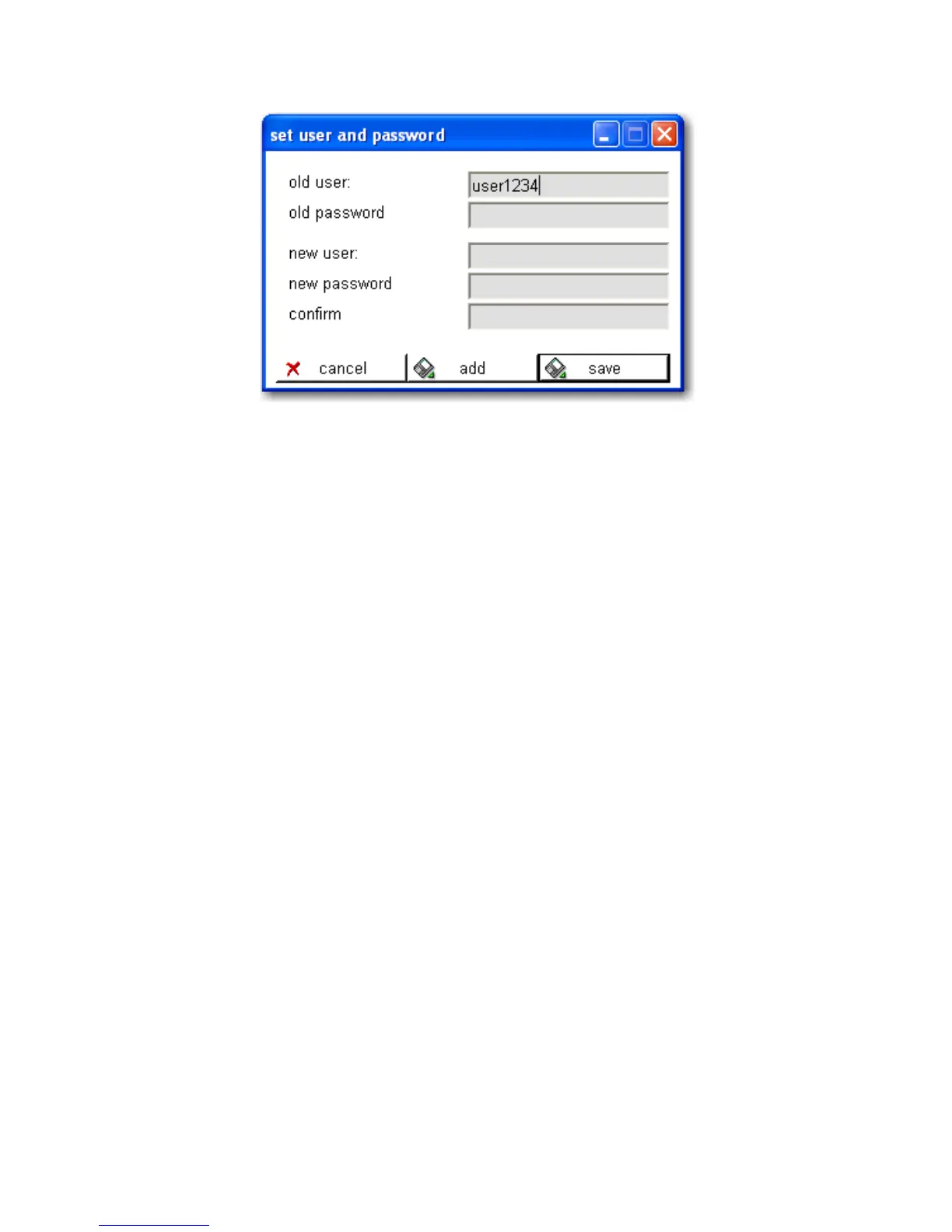
Figure 4-8. PC Software - Users and Passwords
To change the username and password of a registered user,
complete the fields:
• “old user”
• “old password”
• “new user”
• “new password”
• “confirm”
Then click save.
To add a new user, complete the fields
• “old user” (existing user)
• “old password” (password of existing user)
• “new user”
• “new password”
• “confirm”
Then click add.
Thermo Fisher Scientific Interceptor™/en/5.1(4956)/Feb2010 67










 To Next Page