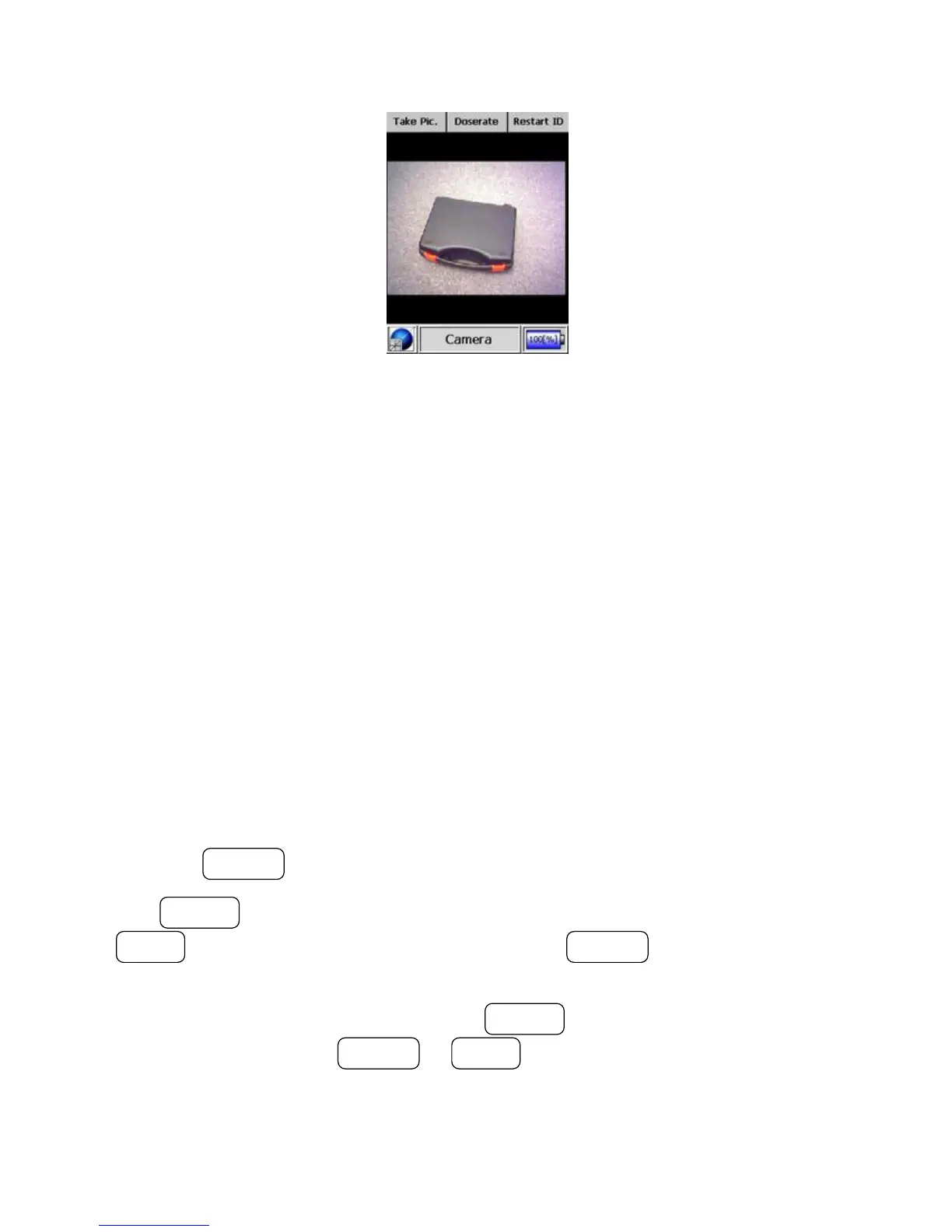
3. Operating the INTERCEPTOR™
Figure 3-18. Modes of Operation - Camera Mode
3.3.4 Advanced Spectrum Mode (Optional)
Advanced Spectrum mode can be used to manually acquire and analyze spec-
tra. This mode offers various display options of the spectra to allow the user
to visually inspect the whole spectrum or parts of the spectrum. This mode
is optional based upon both the hardware capability and configuration of the
I™.
Warning The acquired spectrum file is not automatically stored. s
Warning If the device lapses into USM it will remain in Advanced Spec-
trum mode upon waking. s
Press the ACTION button to enter the Advanced Spectrum mode.
The POWER button starts and stops the spectrum acquisition. Use the
MODE button to return to the start menu. The ACTION button skips to
the next menu level.
After stopping acquisition, pressing the POWER button enters the Cursor
menu, and pressing the ACTION or MODE buttons moves the cursor to the
left or right within the spectrum. Pressing and holding either button continu-
ously pans the cursor the selected direction.
36 Interceptor™/en/5.1(4956)/Feb2010 ICx Technologies










 To Next Page