3. Operating the INTERCEPTOR™
Note The I™ must be re-booted following any changes made
to Reach-Back settings in order for the settings to be applied to the device.
s
3.5.1 Reach-Back Push Using Modem/DUN
After configuring the Reach-Back settings using the PC software, the I-
™ can be operated in “push mode” to transmit data packages from
the device using a wireless phone equipped with Bluetooth® communica-
tions, modem, and DUN.
Reach-Back Push can only be used after the completion of an ID. For an ID
made in SPRD mode, the data push must be initiated prior to the automatic
return to SPRD mode (15s after the ID is completed).
After configuring the wireless phone or DUN device, establish the reach-back
settings using I™ Sync, synchronize the I™, and
re-boot the device. You are now ready to push reach-back data from the I-
™. Monitor/Heartbeat mode must be disabled in order to push
reach-back data. The reach-back settings are persistent, meaning that the I-
™ will not have to be re-configured unless reach-back settings are
to be changed.
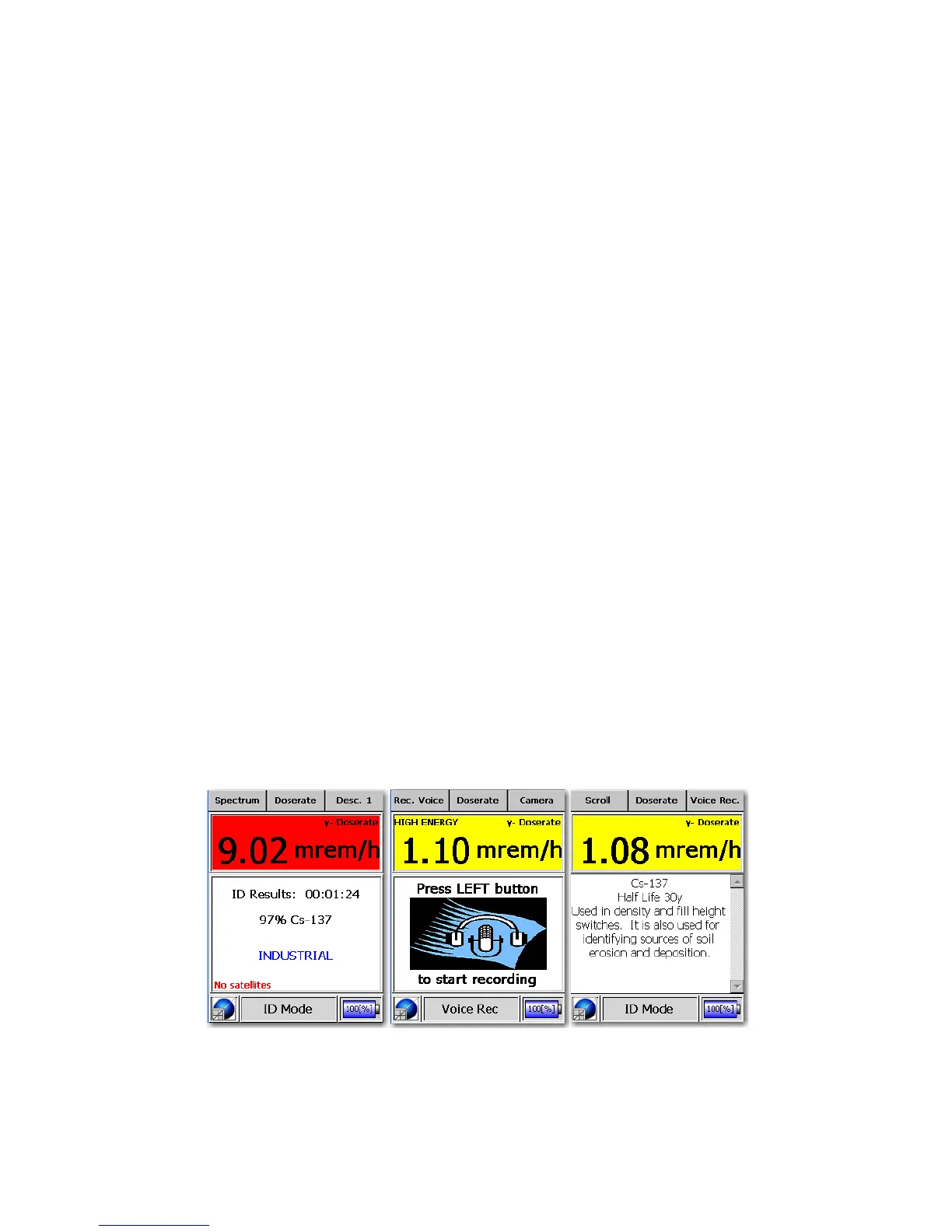
Figure 3-43. Modes of Operation - Bluetooth® GPS Mode (ID Completed -
Isotope Description - Voice Record Mode)
50 Interceptor™/en/5.1(4956)/Feb2010 ICx Technologies










 To Next Page