4. PC Software
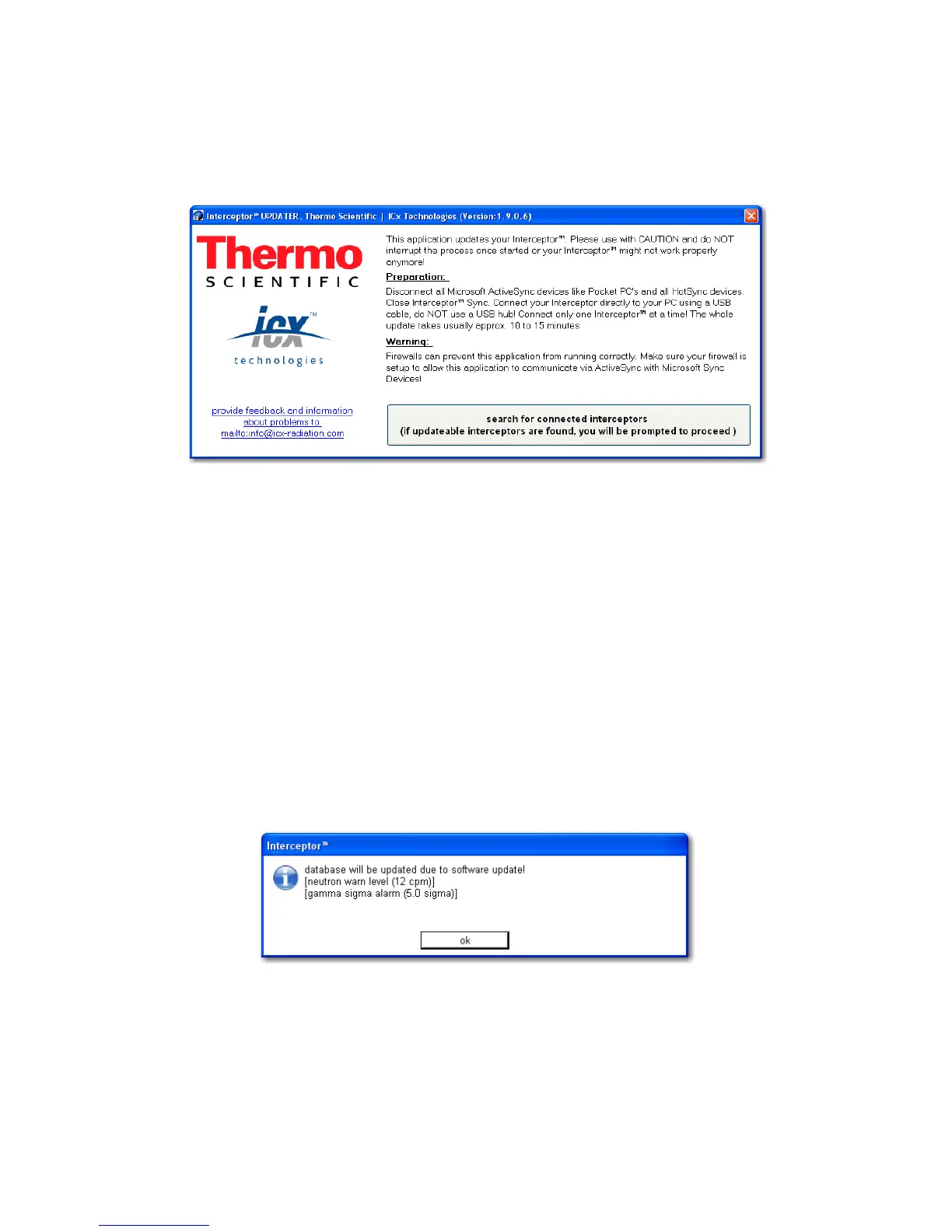
™ device may be packaged in the updater application that is in-
cluded. The initial screen for the updater application is shown below:
Figure 4-5. PC Software - Updater Tool
4.9 First Start - Application Settings
You should and add or modify the username & password and adjust the pref-
erences before using the PC software to communicate with an I-
™. Some of the settings are automatically configured upon first start-up
of the I™ Sync application. When you first launch the applica-
tion, a warning dialog appears:
Figure 4-6. PC Software - First Start
This box notifies you that the warning threshold level for the neutron count
rate is being set to a factory default value. Click “ok” to proceed to continue
with launching the I™ Sync application. All changes to the de-
64 Interceptor™/en/5.1(4956)/Feb2010 ICx Technologies










 To Next Page