3.3. Additional Modes of Operation
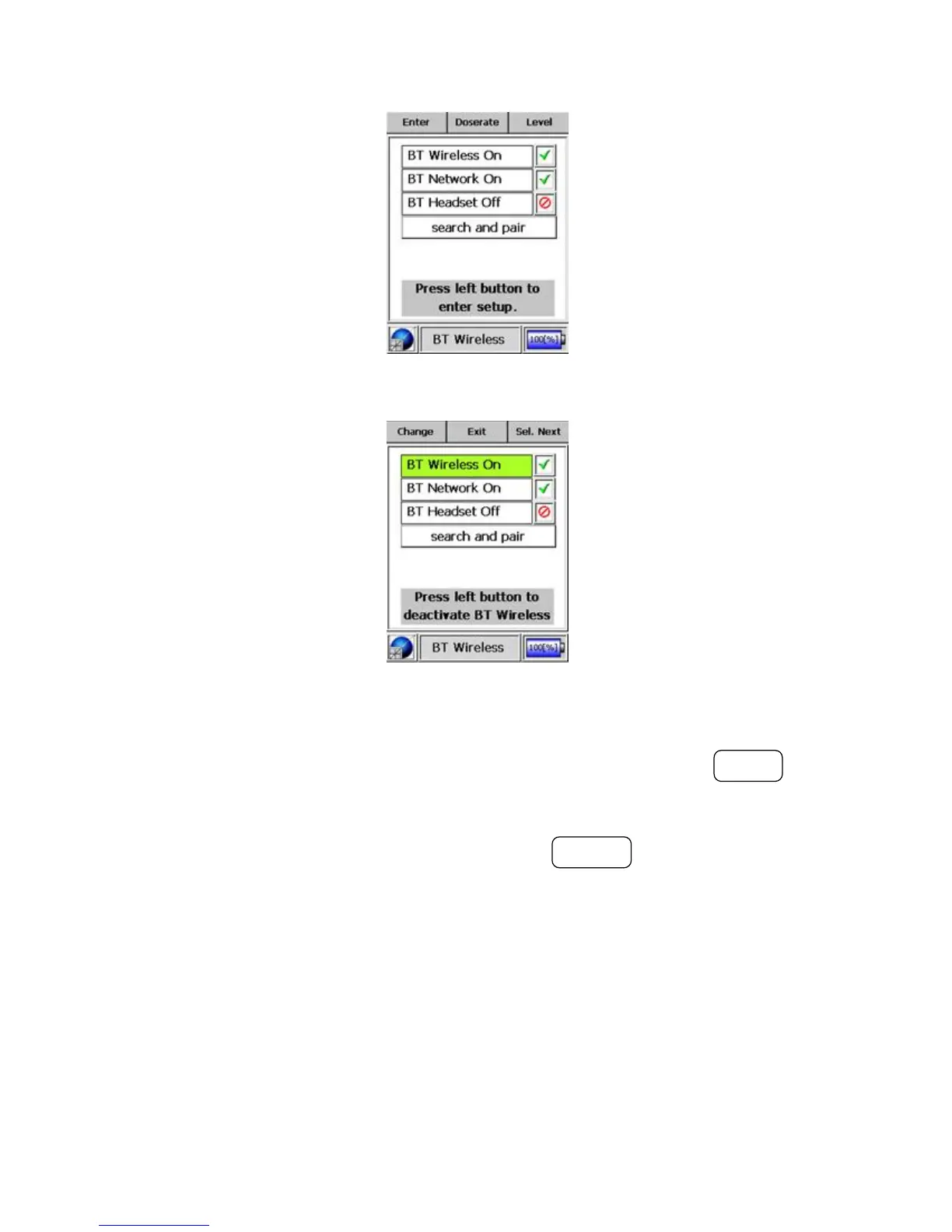
Figure 3-32. Modes of Operation - Bluetooth® Mode
Figure 3-33. Modes of Operation - Bluetooth® Mode (Enabled)
vates the network utilizing Bluetooth® technology. Pressing the MODE but-
ton after this activates the device(s) utilizing Bluetooth® wireless technology
that have been “paired” to the unit. The user can save the changes and return
to the “Bluetooth®” start page by pressing the POWER button.
Warning Changes made between the ON and OFF states of the Blue-
tooth® features become active only after rebooting the unit. Switch the I-
™ OFF and then back ON again. s
Warning When the Bluetooth® wireless technology is deactivated, the sub-
sequent controls for the network, for the headset, and for the search-and-pair
function are disabled. s
Thermo Fisher Scientific Interceptor™/en/5.1(4956)/Feb2010 43










 To Next Page