4.12. Device Configuration
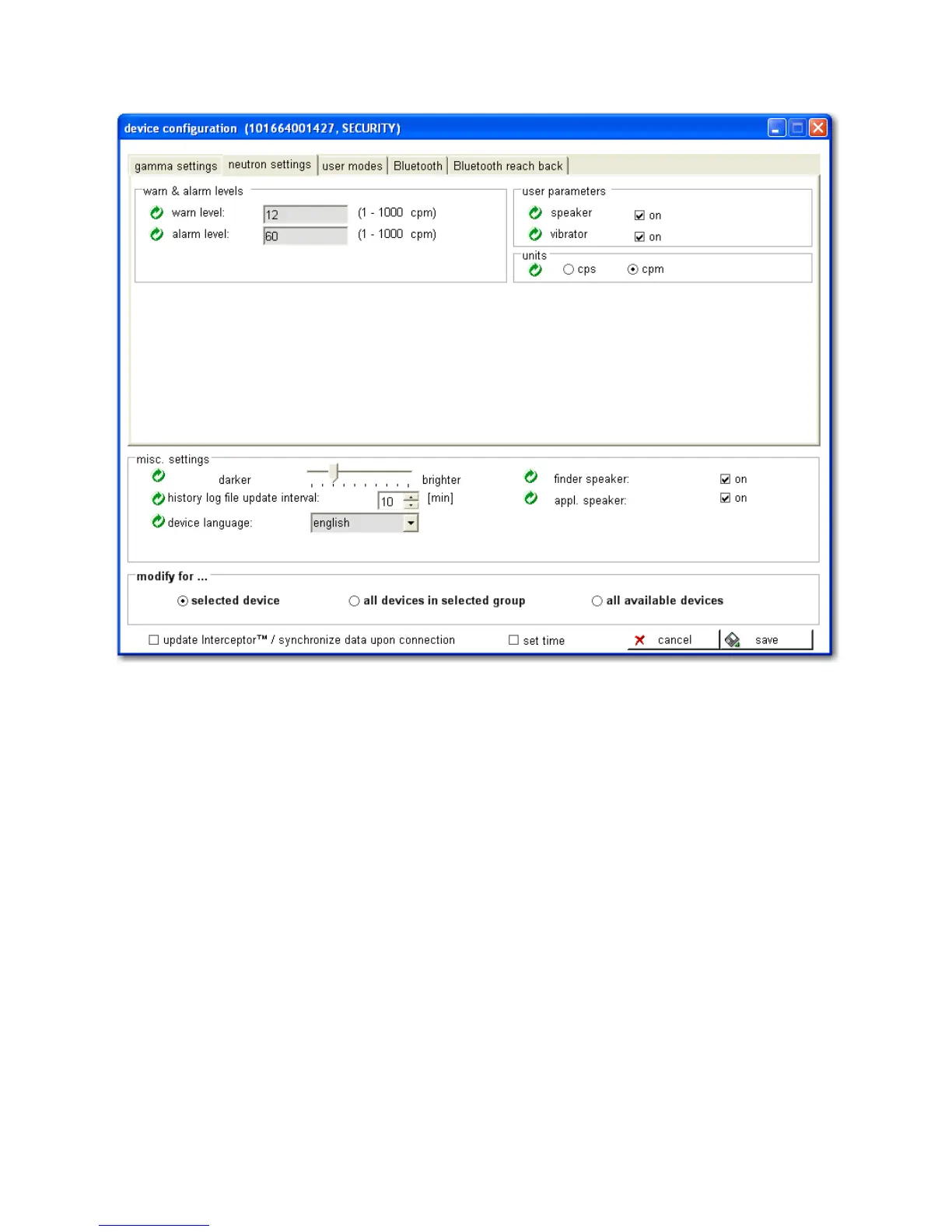
Figure 4-16. PC Software - Neutron Configuration
Units
Select the units of measurement to be displayed on the I-
™ unit.
4.12.3 User Modes
The User Modes settings specify what functions are available to the user in
the field. Several functions, depending upon their usage, may neither be nec-
essary nor desired. Depending upon the I™ hardware configu-
ration, the right side displays the activated modes, while the left displays all
available modes. These settings are updated each subsequent synchronization
Thermo Fisher Scientific Interceptor™/en/5.1(4956)/Feb2010 79










 To Next Page