2.2. Basic Operation
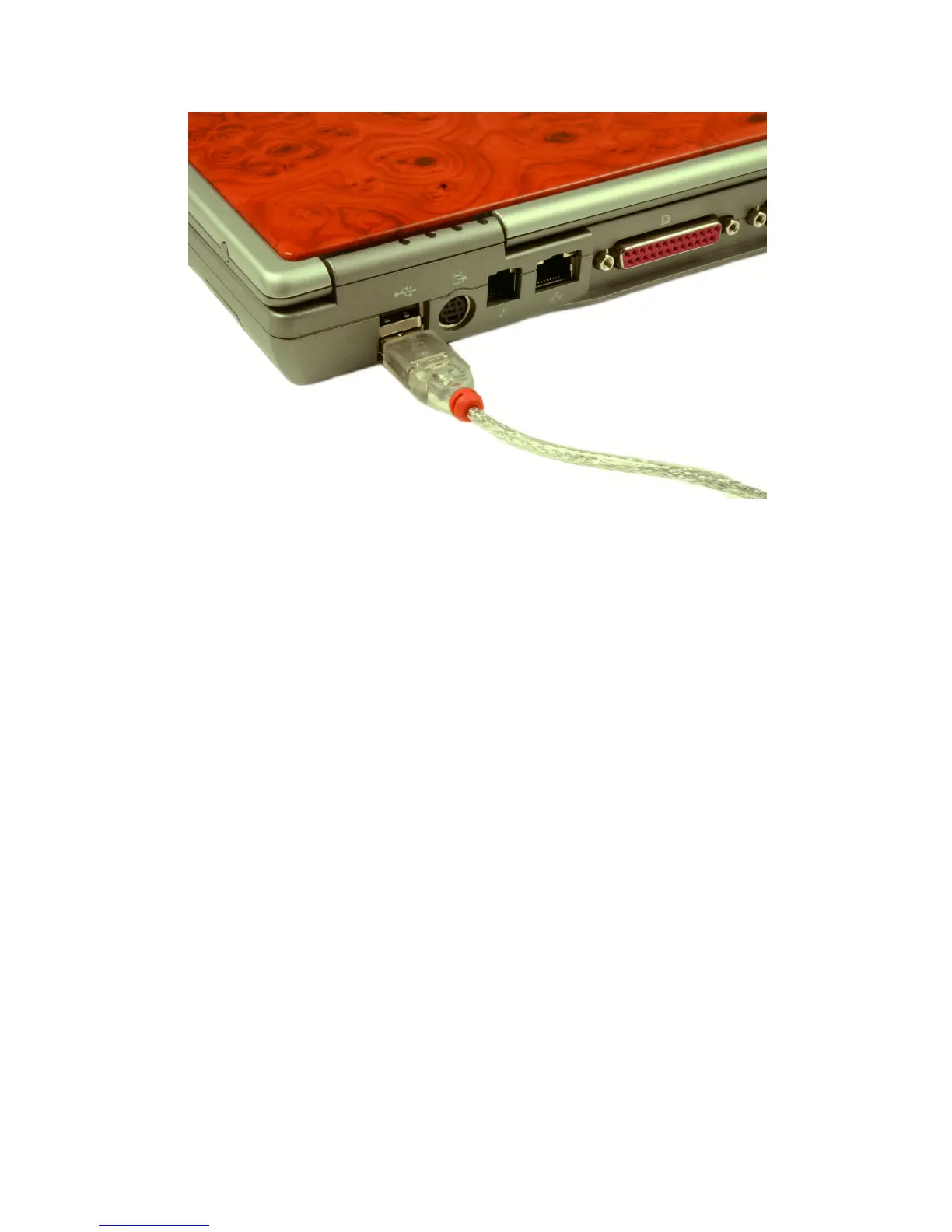
Figure 2-6. Charging - Desktop and Laptop Computers
2.2.6 Using the External Battery Pack
An external battery pack is included with the device to extend its operational
time for emergency situations when conventional recharging is impossible.
Once connected to the I™ and switched on, the external bat-
tery pack charges the internal Lithium-Ion battery. Refer to the instructions
below:
1. Open the battery compartment of the external battery pack by gen-
tly pressing and sliding the battery door open as shown in Figure 2-7,
p. 12.
2. Insert four (4) AA batteries as shown in Figure 2-8, p. 12. Correct ori-
entation of the batteries is shown on the diagram inside the battery
compartment.
3. Close the battery compartment by sliding the door until it snaps as
shown as shown in Figure 2-9, p. 13.
4. Insert the larger USB Type A connector of the retractable USB cable
to the connector of the external battery pack as shown in Figure 2-10,
p. 13.
Thermo Fisher Scientific Interceptor™/en/5.1(4956)/Feb2010 11










 To Next Page