4. PC Software
4.10 User Interface Overview
The I™ Sync software provides a convenient database to store,
organize and configure single or multiple devices. Multiple controls on the
main page are linked to each other to provide easy navigation. The main in-
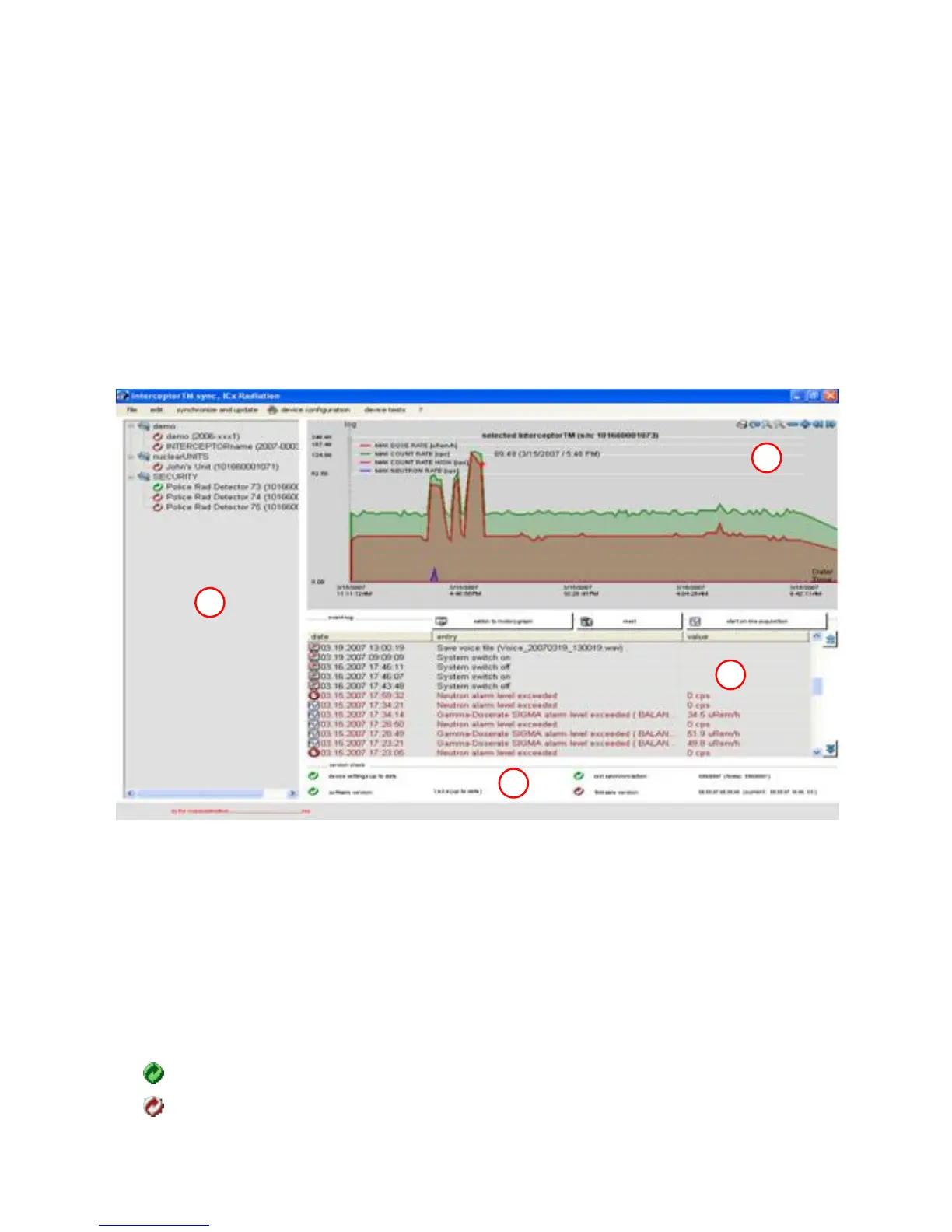
terface is divided into four (4) areas that display all of the information for
each device. For the purposes of this section, these areas shall be defined as A,
B, C, and D, as described in figure Figure 4-9, p. 68.
A
B
C
D
Figure 4-9. PC Software - Main Interface
The following describes the symbols that may be seen on the user interface
and their associated meanings:
Device Tree View
Device connected, all functions enabled
Device disconnected, offline data and configuration available
68 Interceptor™/en/5.1(4956)/Feb2010 ICx Technologies










 To Next Page