2. Usage and Maintenance
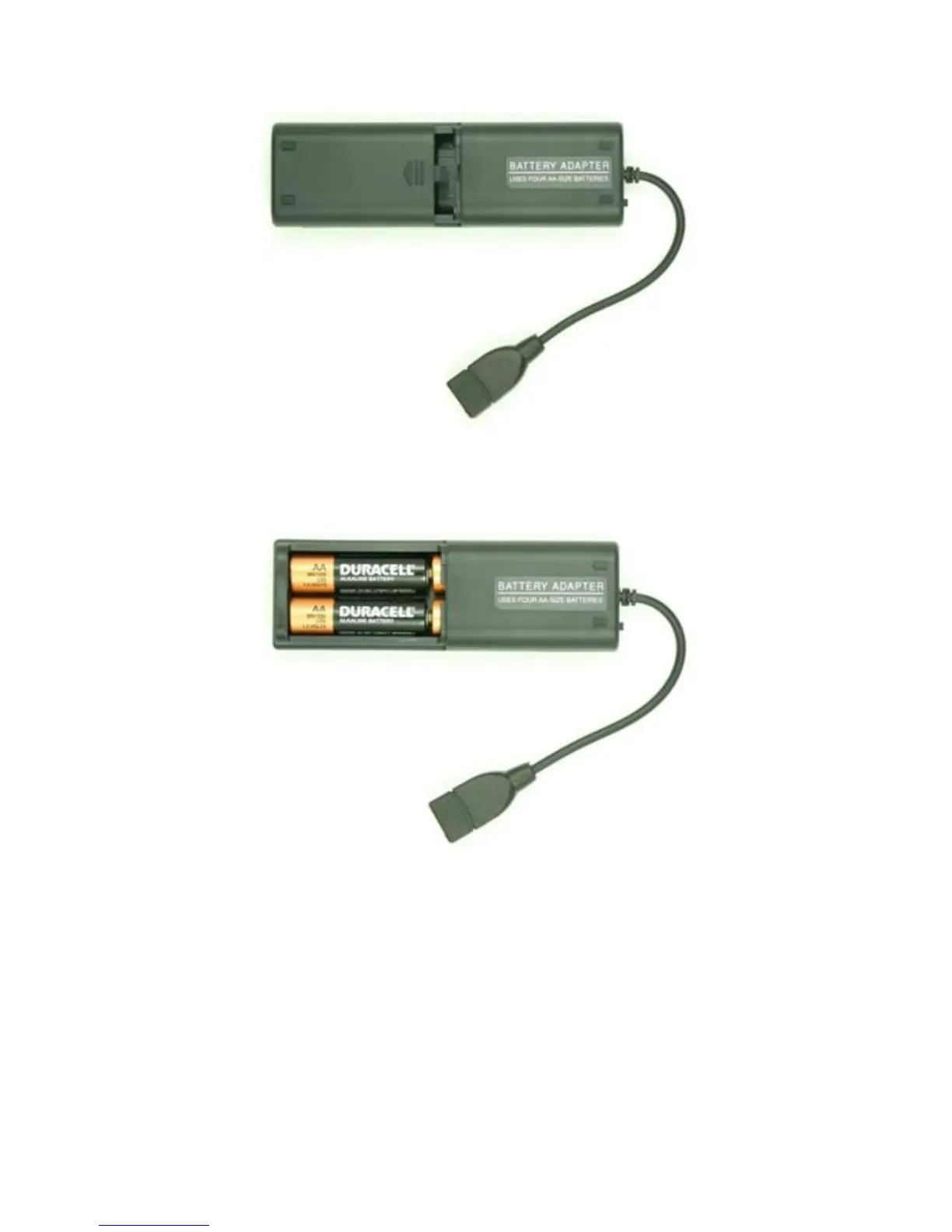
Figure 2-7. Charging - External Battery Pack (Step 1)
Figure 2-8. Charging - External Battery Pack (Step 2)
5. Insert the smaller USB Type mini-B connector of the retractable USB
cable into the USB port on the bottom of the I™. Ensure
that the switch on the external battery pack is in the “ON” position.
The green LED on the external battery pack should illuminate indicat-
ing that the pack is operating.
12 Interceptor™/en/5.1(4956)/Feb2010 ICx Technologies










 To Next Page