5.7. Bluetooth® PAN - Connection to the PC
“Next”. This may take several seconds depending upon the radio connection
quality of the I™: The Windows operating system searches for
all Bluetooth® devices within range.
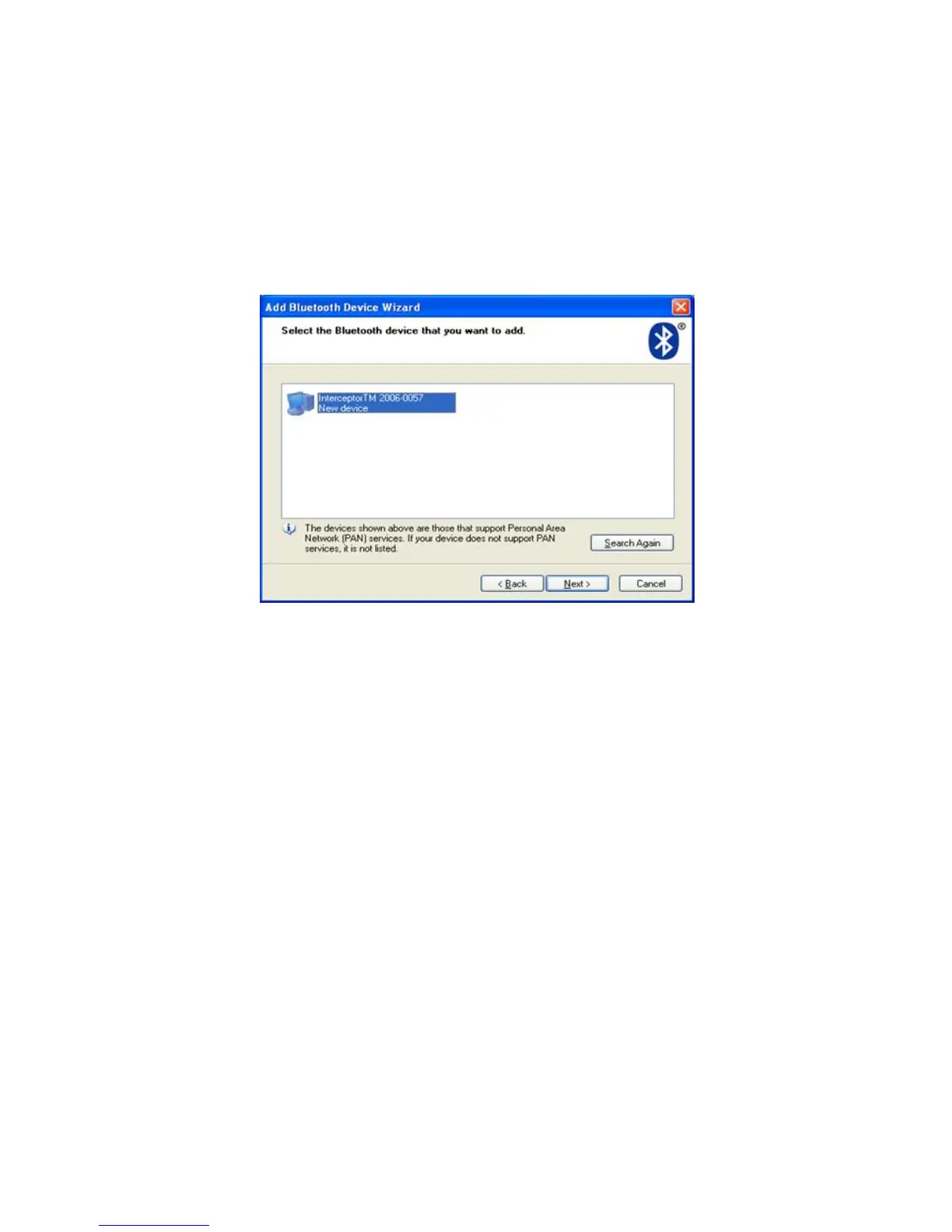
When an I™ is detected, a result will display like the one shown
below:
Figure 5-4. Bluetooth® - Microsoft Stack
Click “Next” to enter a pin. The factory default pin is “0000”, but if the de-
vice pin was altered using the PC Software, please enter this modified pin.
Click “Next” to finish the device lookup wizard. Within the Bluetooth® Net-
work Connection window is a unit entry. Click “Connect” to establish a con-
nection.
Warning When the connection is established, the unit remains in the User
Attended Mode until the connection is terminated. s
Thermo Fisher Scientific Interceptor™/en/5.1(4956)/Feb2010 99










 To Next Page