3.3. Additional Modes of Operation
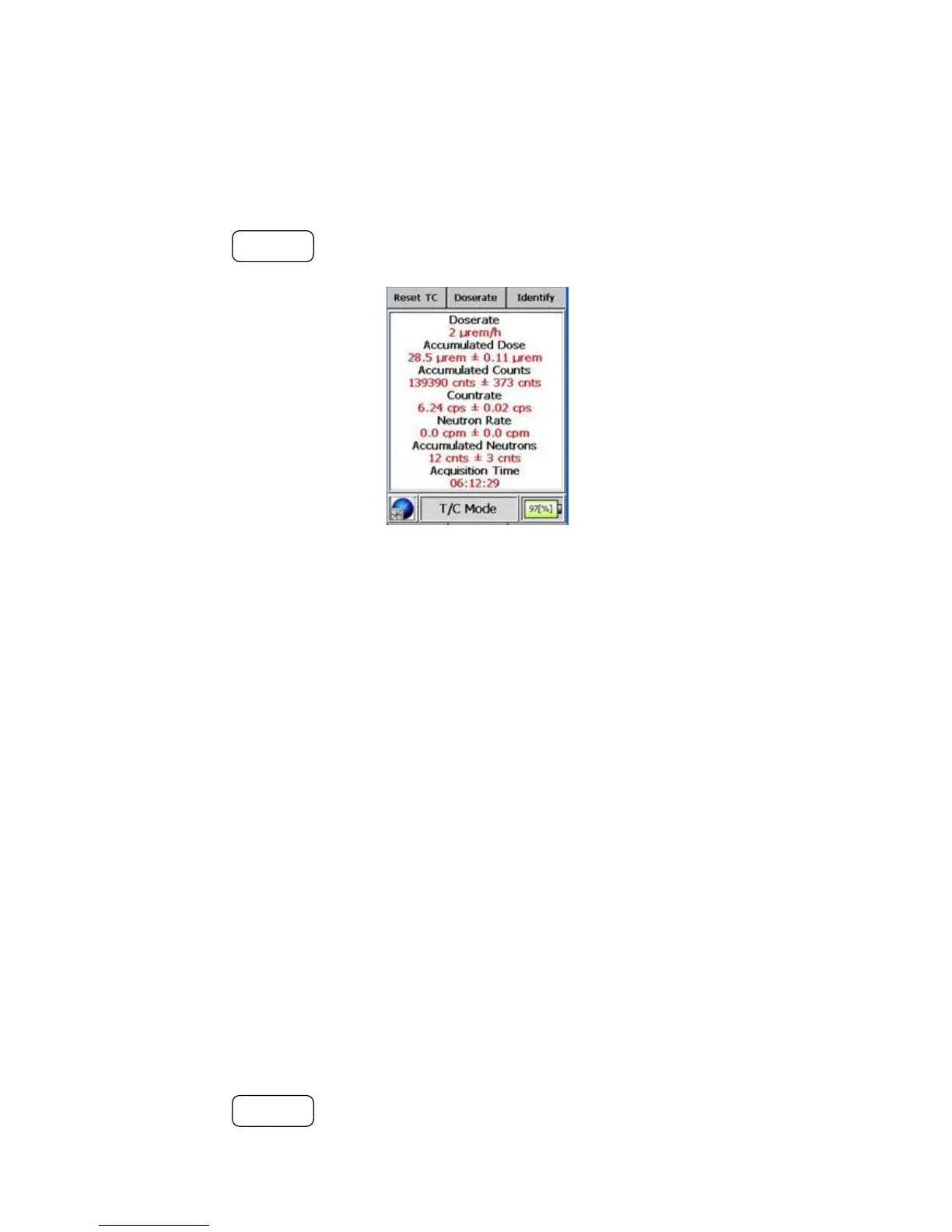
using the total integral of the counter divided by the acquisition time. T/C
mode shows the accumulated dose, accumulated counts, and the accumulated
neutrons (optional) that the device user has received. This information can be
used to determine whether a user needs to be removed from a hazardous area.
Pressing the ACTION button resets all counters to 0.
Figure 3-17. Modes of Operation - Timer/Counter Mode
3.3.3 Camera Mode (Optional)
The I™ can be used as a digital camera. Pictures are saved as
VGA (640 x 480) .jpg files and stored with the current time-stamp.
Warning This mode is optional depending upon the hardware capability of
the I™. s
Warning The camera will be disabled whenever the battery strength is be-
low 10% unless charging. s
Warning When the I™ is configured with ID mode, Camera
mode will only appear as a sub-mode in the ID mode after completion of an
ID. s
Pressing the ACTION button takes a picture of the object in the viewfinder.
Thermo Fisher Scientific Interceptor™/en/5.1(4956)/Feb2010 35










 To Next Page