2. Usage and Maintenance
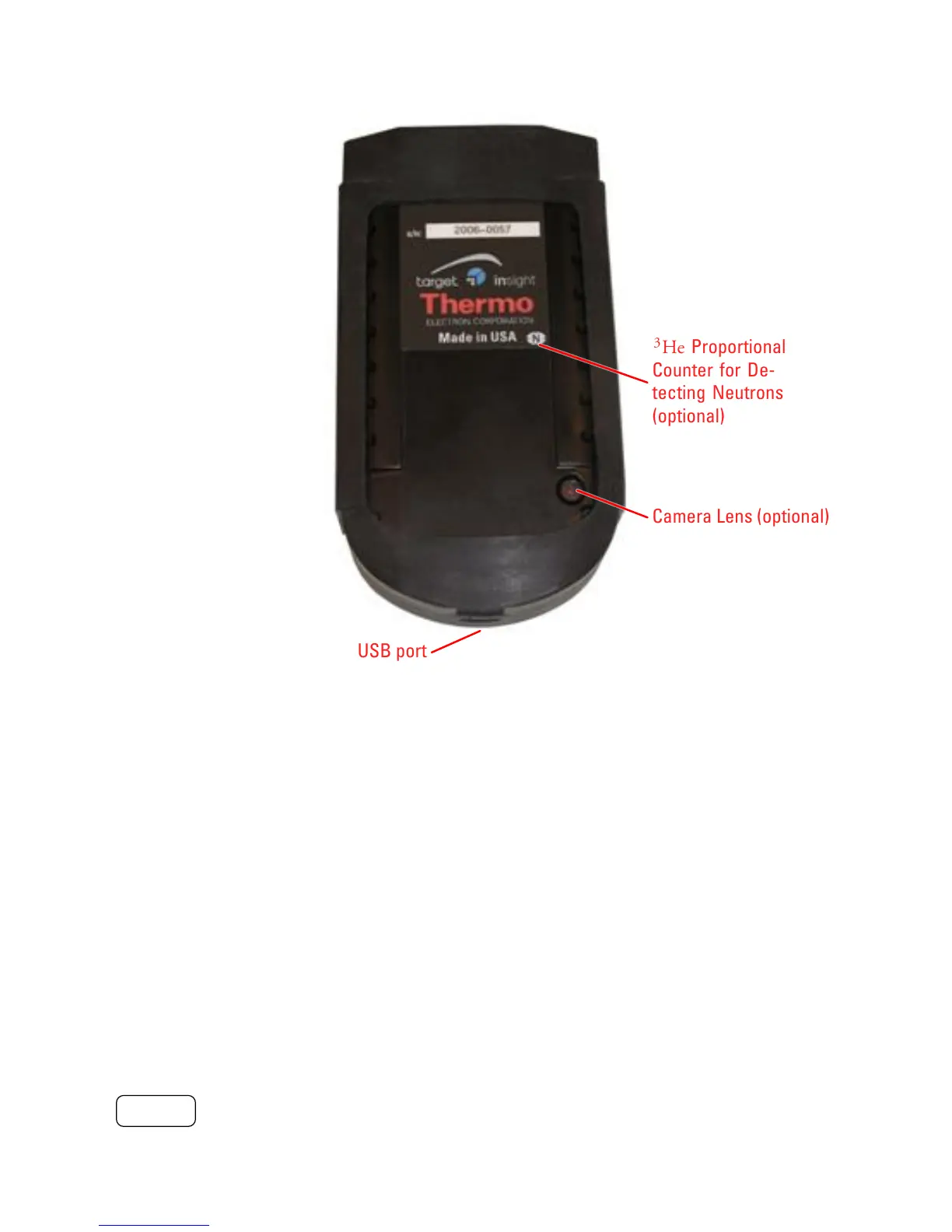
USB port
Camera Lens (optional)
3
He Proportional
Counter for De-
tecting Neutrons
(optional)
Figure 2-3. Rear View of INTERCEPTOR™.
The I™ provides a USB port for both data transfer and charging
purposes.
2.2 Basic Operation
2.2.1 Switching the Device ON
The I™ device can be powered on by pressing and holding the
POWER button until all LEDs illuminate.
6 Interceptor™/en/5.1(4956)/Feb2010 ICx Technologies










 To Next Page