3.3. Additional Modes of Operation
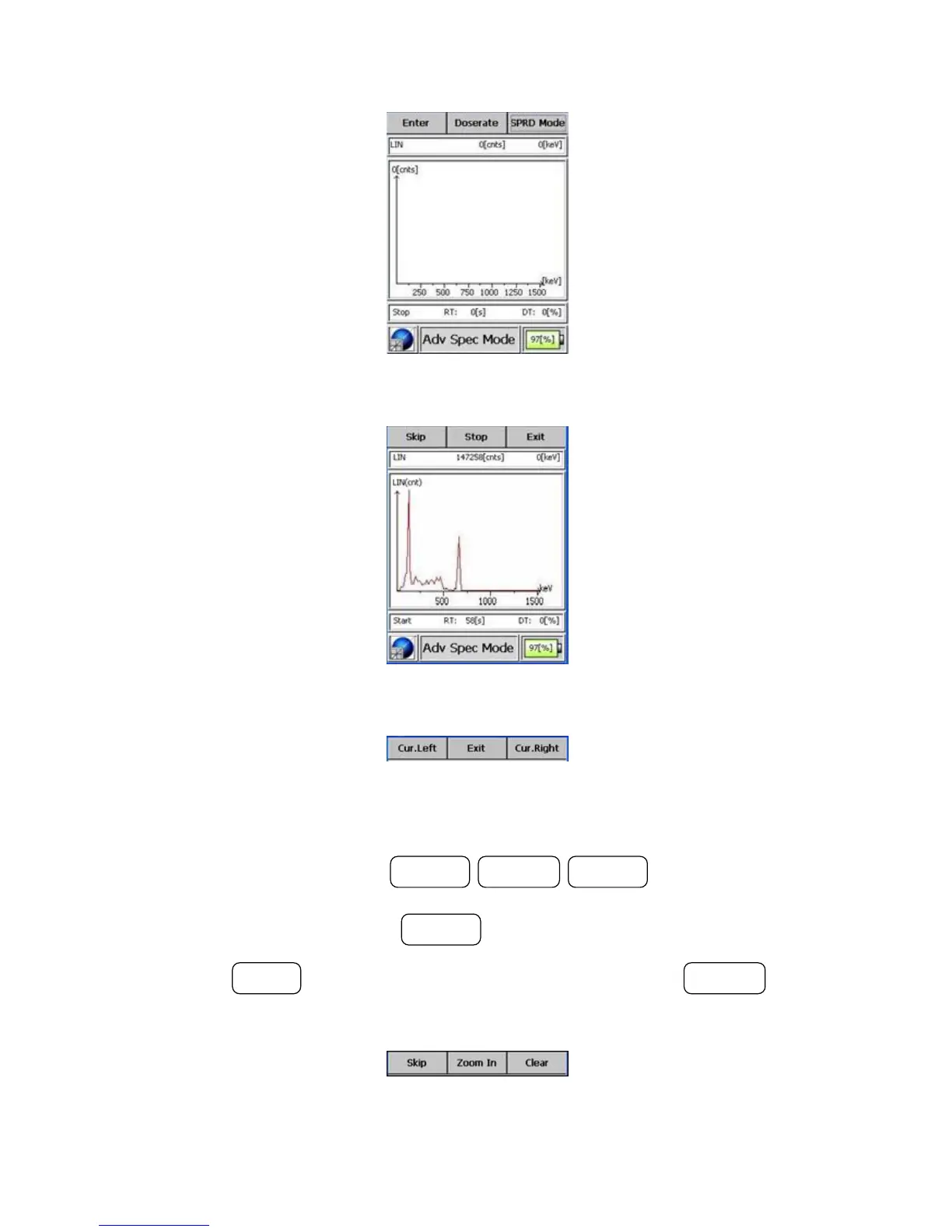
Figure 3-19. Modes of Operation - Advanced Spectrum Mode (Start)
Figure 3-20. Modes of Operation - Advanced Spectrum Mode (Acquiring)
Figure 3-21. Modes of Operation - Advanced Spectrum Mode (Cursors)
Pressing the button sequence POWER / ACTION / POWER exits the Cursor
menu level and enters the Zoom menu level, zooming into the spectrum at
the cursor’s position. Press the POWER button again to zoom out.
Pressing the MODE button clears the spectrum. Pressing the ACTION button
exits the Zoom menu level and skips to the ID menu level.
Figure 3-22. Modes of Operation - Advanced Spectrum Mode (Zoom)
Thermo Fisher Scientific Interceptor™/en/5.1(4956)/Feb2010 37










 To Next Page