3. Operating the INTERCEPTOR™
Press the POWER button to identify the sampled spectrum. Pressing the
MODE button will toggle the displayed measurement time between LT (“live
time” or the actual time the radiation is being detected) and RT (“real time”
or the total time required to complete the measurement and its processing).
“Statistics too low!” will be the result of the identification of the sample spec-
trum if it has less than 500 counts.
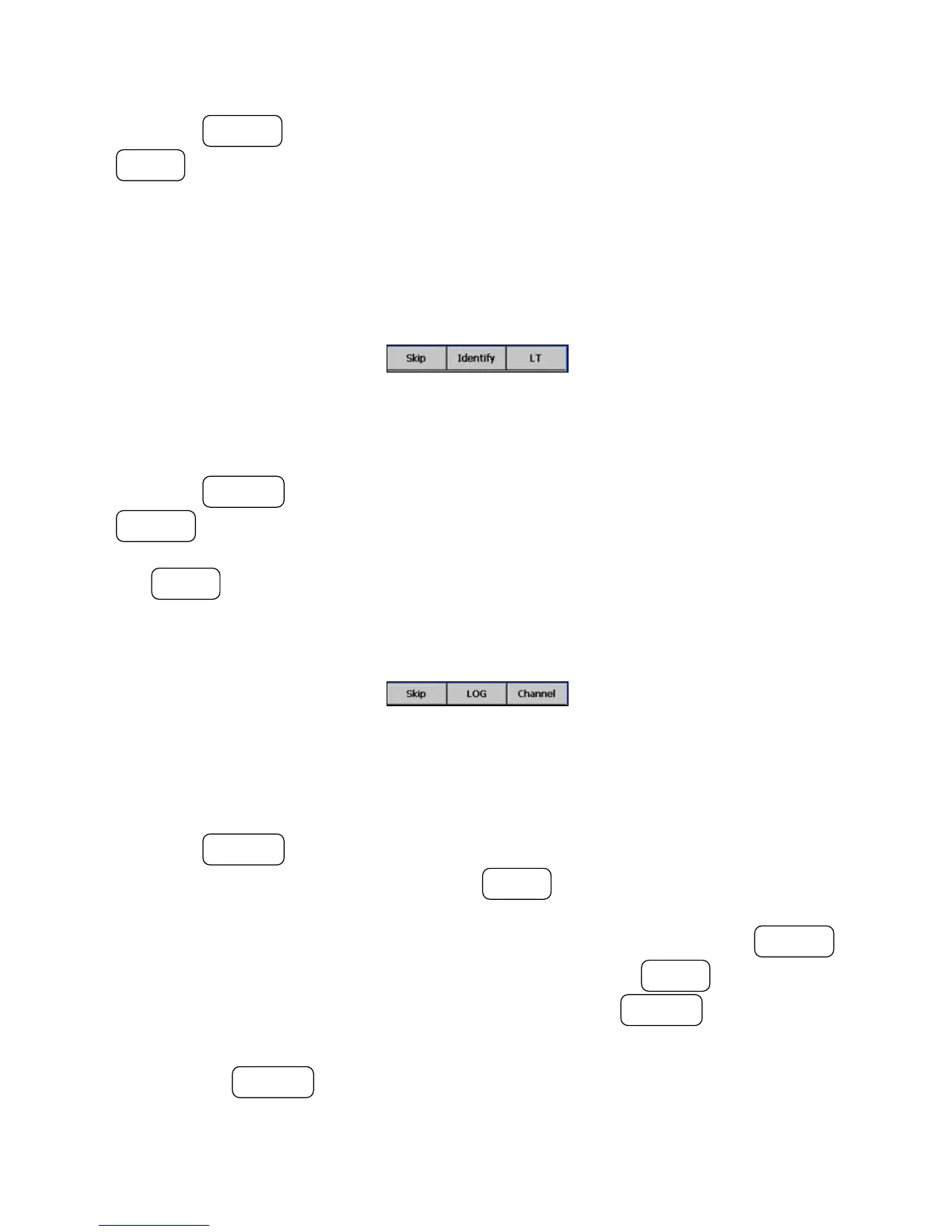
Figure 3-23. Modes of Operation - Advanced Spectrum Mode (Identify)
Press the ACTION button to skip to the histogram menu level and then the
POWER button to toggle the vertical scale between logarithmic (LOG),
square root (SQRT), multiplicative (MULT), and linear (LIN) scaling. Press
the MODE button to toggle the horizontal scale between channel (Cha) and
energy (keV).
Figure 3-24. Modes of Operation - Advanced Spectrum Mode (Channel/En-
ergy)
Press the ACTION button to skip down to the file management menu level.
To save the current spectrum, press the MODE button. The spectrum and
the results are stored as a .spc and a .txt file, together with the start time of the
spectrum acquisition. To load a previously saved spectrum, press the POWER
button to open the spectrum list window, then press the MODE button to
navigate the cursor through the list and then press the ACTION button when
the cursor is on the file you wish to load.
Pressing the ACTION button skips back to the top level of Advanced Spec-
trum Mode.
38 Interceptor™/en/5.1(4956)/Feb2010 ICx Technologies










 To Next Page