3.2. User Attended Mode
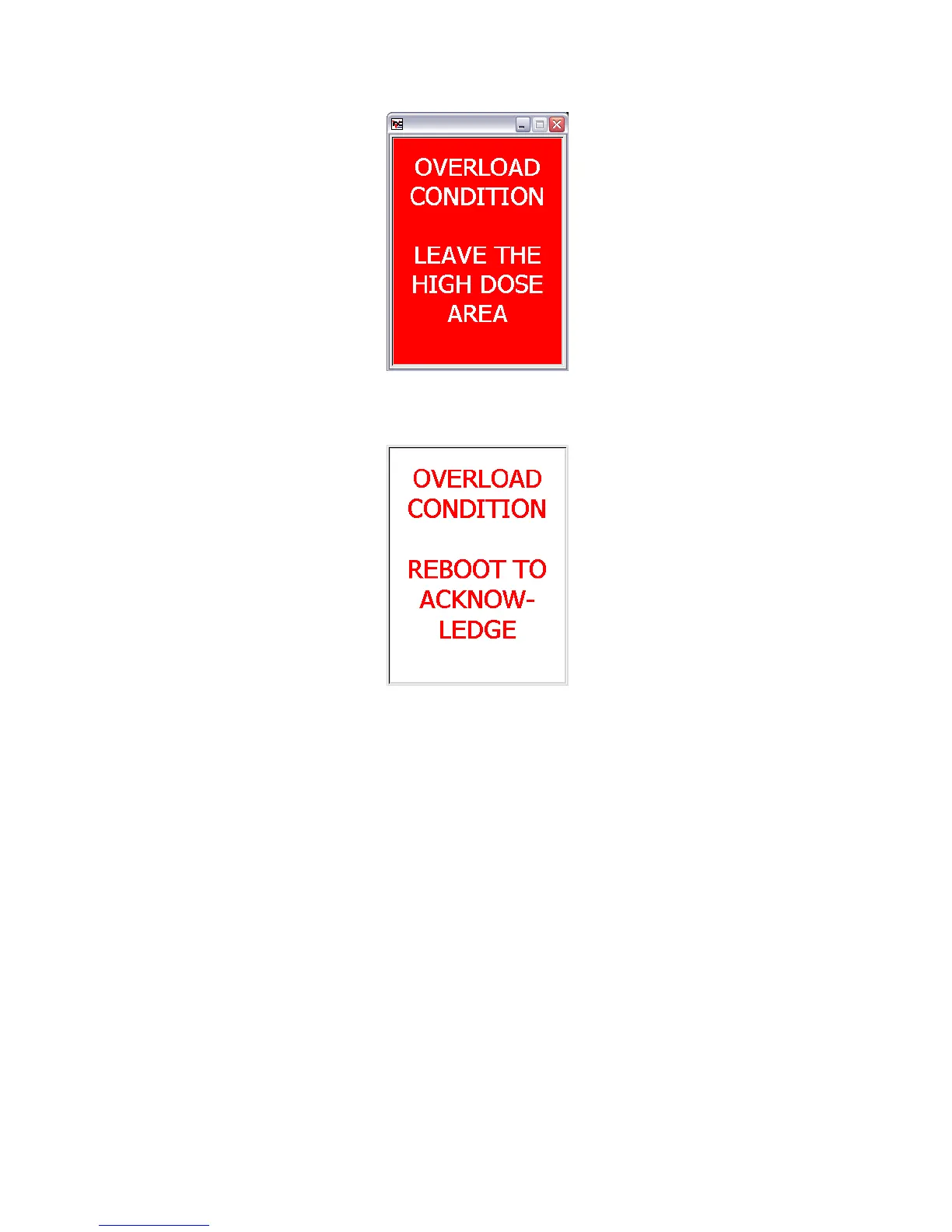
Figure 3-1. Overload Indication
Figure 3-2. Overload Recovery
3.2 User Attended Mode
User Attended Mode is either automatically activated after the device detects
an alarm condition or by pressing any of the buttons. While in this mode, the
display is active, and the device consumes more power than when in Unat-
tended Surveillance Mode. To conserve power, the device switches back to
Unattended Surveillance Mode after 90 seconds if no user input is registered
and if the radiation level is below the alarm levels.
User Attended Mode will always start in Dose Rate or Level Mode. Either of
these modes can be selected as the default mode with the PC synchronization
software. Only in Dose Rate Mode, Finder Mode and Level Mode is it pos-
Thermo Fisher Scientific Interceptor™/en/5.1(4956)/Feb2010 23










 To Next Page