3. Operating the INTERCEPTOR™
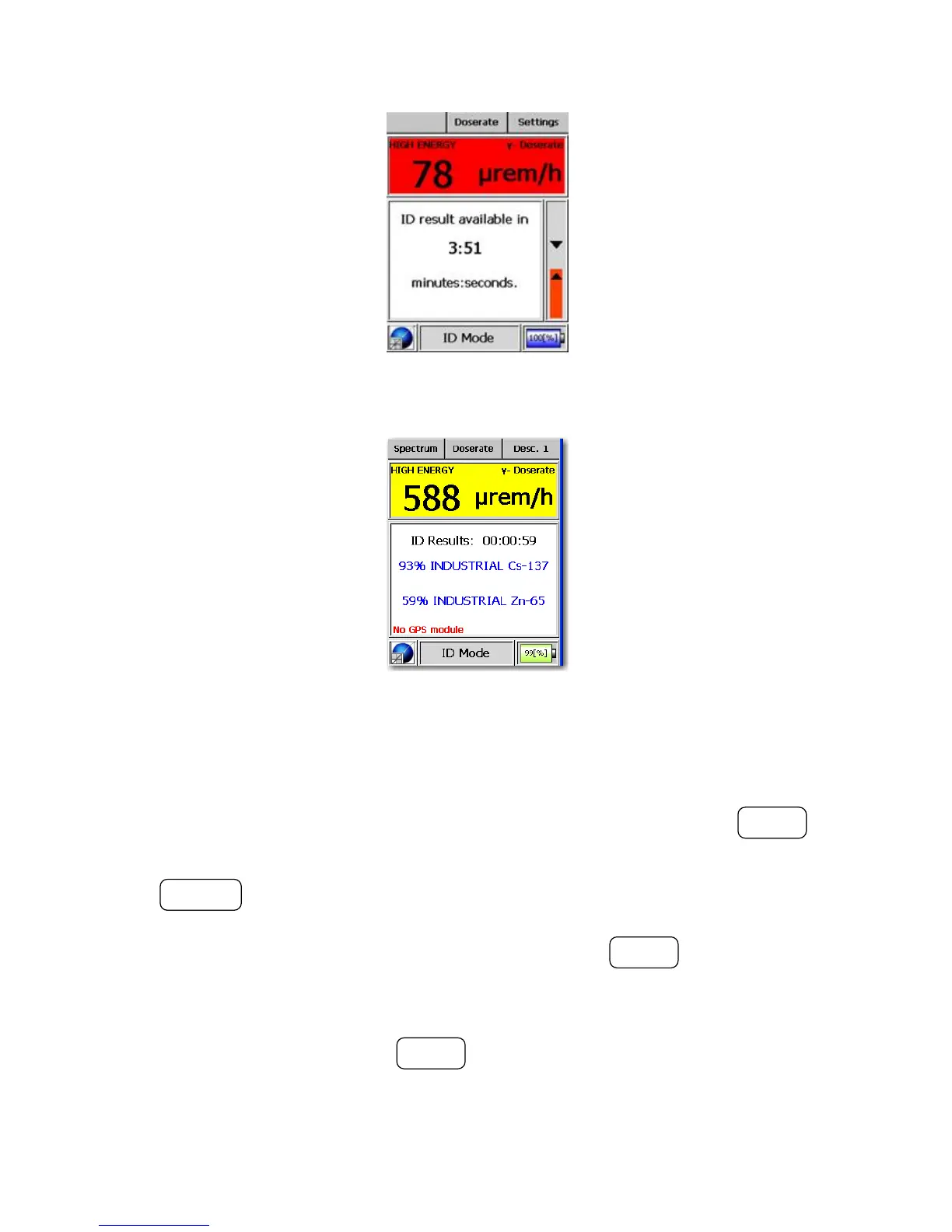
Figure 3-6. Modes of Operation - ID Mode (Acquiring)
Figure 3-7. Modes of Operation - ID Mode (Results)
At this point, the user can view the description for identified isotope(s) if the
feature has been enabled on the device using the PC software. The MODE
button guides the user to the optional isotope descriptions.
The ACTION button allows the user to scroll the text box if necessary to view
the entire description. From here, the optional Voice Recorder mode and
the optional Camera mode can be accessed using the MODE button. Voice
recordings and/or images are added to the stored identification result and
spectrum.
In the “Spectrum” display the MODE button allows the user to extend the
identification acquisition time. This will begin a 3 minute acquisition that is
added to the previous acquisition data to improve the identification result.
28 Interceptor™/en/5.1(4956)/Feb2010 ICx Technologies










 To Next Page