3. Operating the INTERCEPTOR™
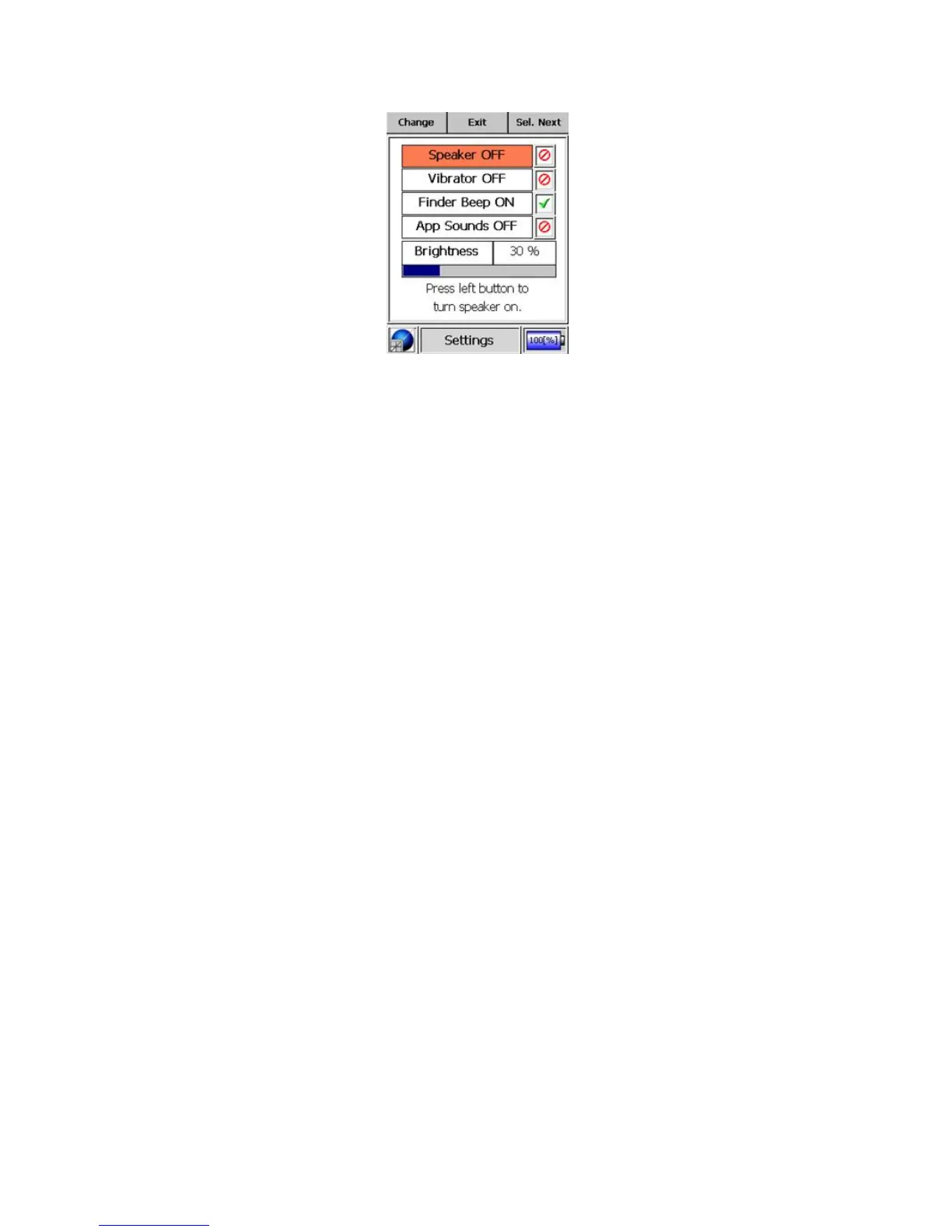
Figure 3-13. Modes of Operation - Settings Mode
Speaker
This control switches ON or OFF all audible alarms and warnings for
both gamma and neutron events.
Vibrator
This control enables and disables all vibration alarms and warnings for
both gamma and neutron events.
Finder Beeper
This control enables and disables the audible finder beeping in Finder
mode. For more information on Finder mode, refer to chapter 3.2.1,
p. 24.
App Sounds
This control enables and disables all other audible sounds, such as a
button clicks and the acquisition completion notification in ID mode.
Brightness
This control adjusts the LCD display backlight brightness from 10% to
100%.
32 Interceptor™/en/5.1(4956)/Feb2010 ICx Technologies










 To Next Page