4.15. Device Tests
E
F
G
H
I
J
K L M N
O
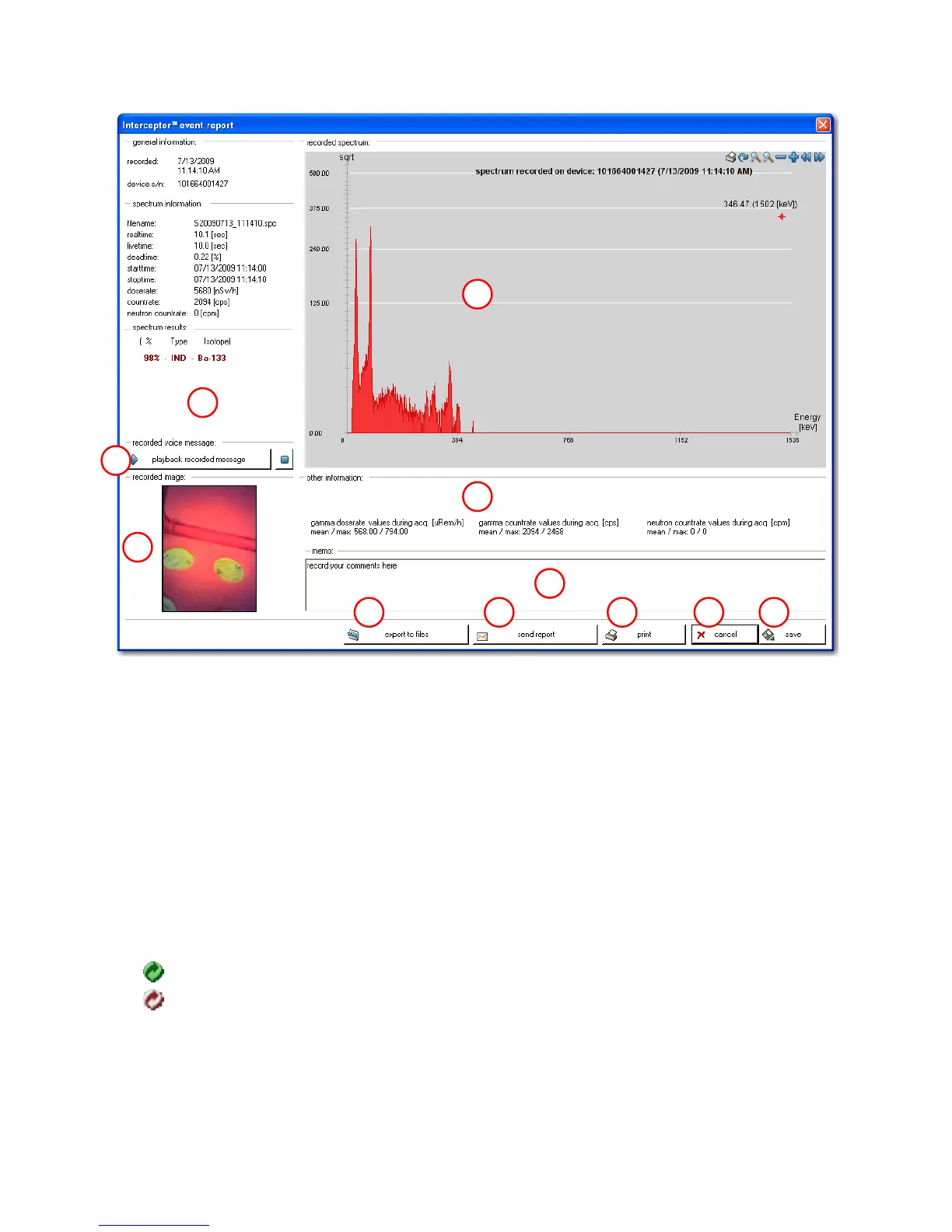
Figure 4-21. PC Software - Report
as it will come from the unit itself. The speaker test plays an alarm sound to
check operability, the vibrator test turns on the vibrator, and the LED test
will turn the LED’s on and off.
The functional test report executes several functional tests and receives the
results from the device. These are displayed in a report as shown below.
For this report, the symbols represent the following:
The test succeeded.
The test failed.
If tests fail, please power cycle your device and execute the tests once more.
If this does not solve the problem, please contact Customer Service (Refer to
Appendix F, p. 133 - Service Contact Information).
Thermo Fisher Scientific Interceptor™/en/5.1(4956)/Feb2010 91










 To Next Page