4. PC Software
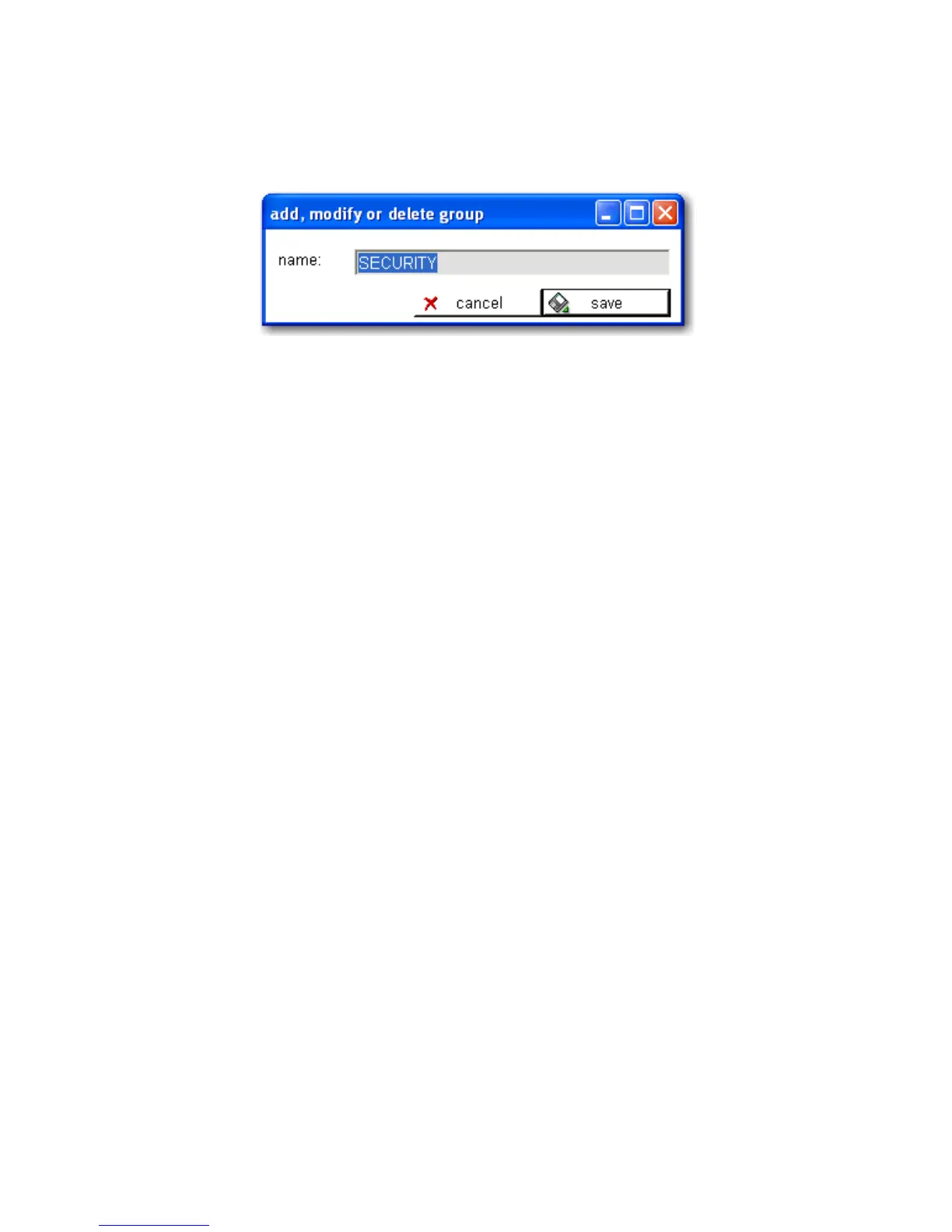
option on the context menu to open the “add, modify or delete group” dialog
box.
Figure 4-10. PC Software - Group Definitions
To modify the selected group name, enter the new group name and click
save. To delete the selected group, click delete. To exit without making
changes, click cancel. The “delete” button will not appear for a group that
still has devices attached to it. Before a group can be deleted, all devices at-
tached to it must be deleted first.
DEVICE DEFINITIONS
Use the menu or context menu entry “edit > add INTERCEPTOR™” to add a
unit, or select the I™ to be modified and use the menu entry or
context menu entry “edit > modify selected INTERCEPTOR™” to access the
“add, modify or delete I™ device” dialog box.
The name, serial number and department (group) fields are required. Op-
tional fields designated for the inventory number and the user may be used
to store additional information. The user cannot synchronize with the I-
™ until these parameters are loaded. This ensures that the PC
displays the correct settings for the unit before configuring it using the PC.
To add an I™, enter the serial number that is printed on the
back of the unit. The PC software uses this value to identify the unit for
modification or deletion. The user cannot change the serial number during
modification. Deleting a selected I™ removes it and the asso-
ciated unit settings from the database; however, downloaded data – spectra,
logs, images and voice messages - is not deleted.
70 Interceptor™/en/5.1(4956)/Feb2010 ICx Technologies










 To Next Page