UTT Technologies App Control Menu
http://www.uttglobal.com Page 122
Select the first Select All checkbox in the page.
In the Schedule Settings section, do the same as the policy 1.
Step 5 Click the Save button to add this policy to Application Management List.
(3) Enabling Internet Application Management
Lastly, you need to enable Internet application management to make the
policies take effect.
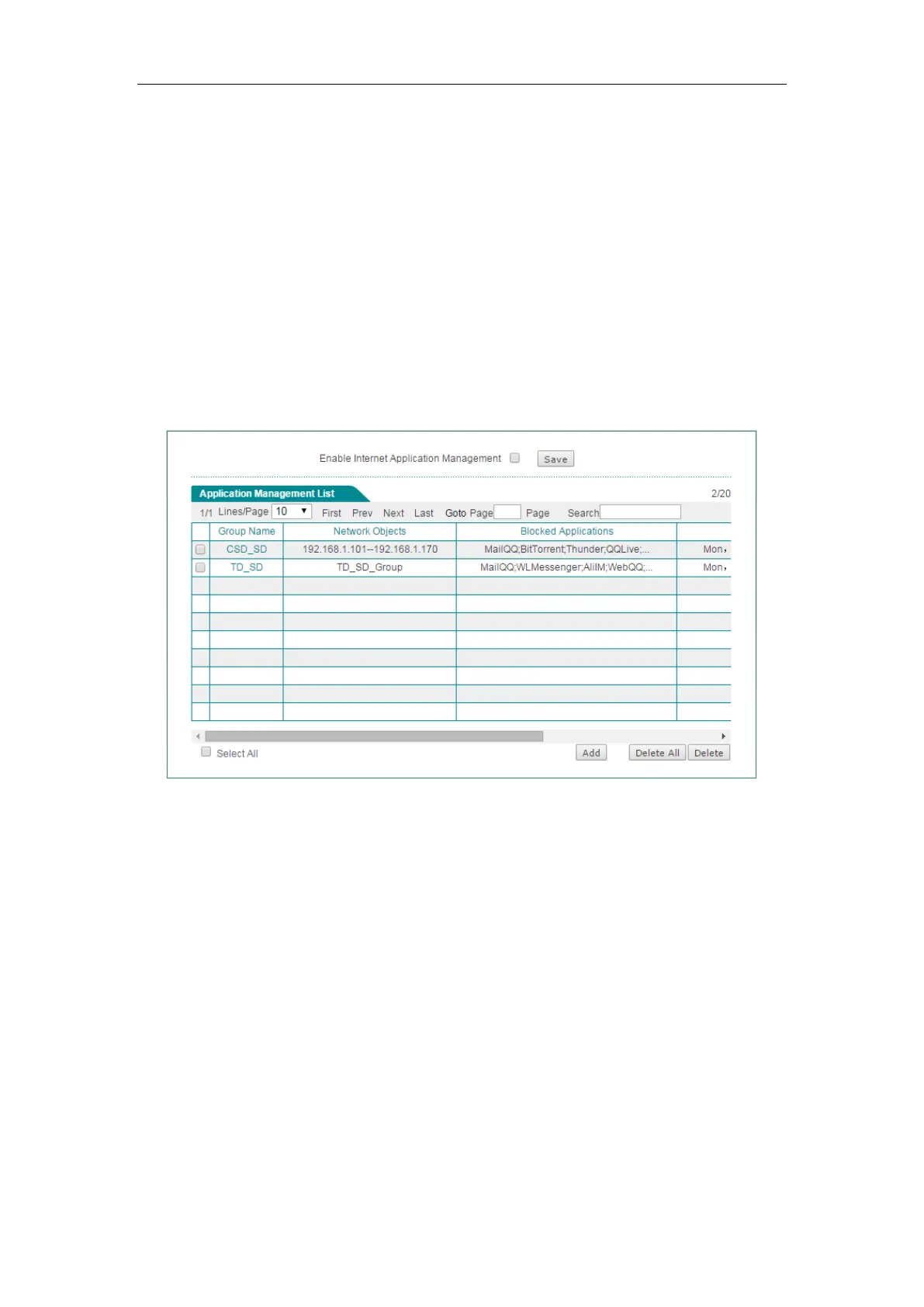
The configuration is now complete. You can view the two policies in
Application
Management List.
Figure 10-6 Internet Application Management List – Example



 To Next Page