UTT Technologies Appendix A FAQ
http://www.uttglobal.com Page 200
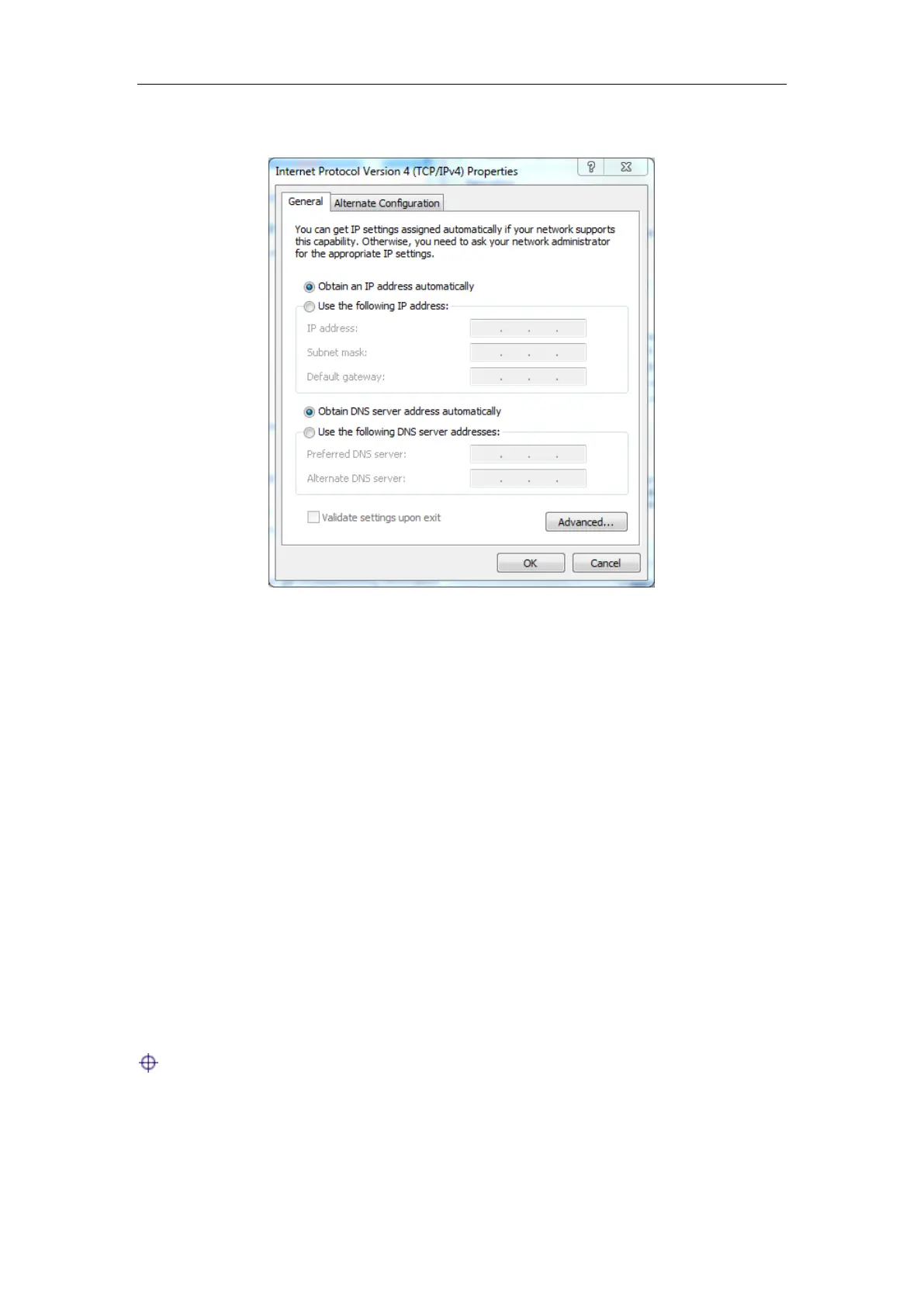
address automatically radio button.
Figure Appendix- 2 Automatically Configuring TCP/IP with DHCP
Step 4 Click OK in the Internet Protocol Version 4 (TCP/IPv4)
dialogue, this will
return you to the
Local Area Connection Properties dialogue. Click OK again.
Till now you have finished configuring the TCP/IP properties.
Question 2: How to reset the Device to factory default settings?
Case I: Know the administrator password
Under normal circumstances, you can directly go to the
System > Configuration page,
click
Reset button, and restart the Device after the reset operation is complete.
Case II: Forget the administrator password
If you forget the administrator password, you can use a pin to press and hold the
Reset button for more than 5 seconds when the device is on, and then release the
button. After that, the Device will restart with factory default settings.
Notes: The reset operation will clear all custom settings on the Device, so do it
with caution.



 To Next Page