9-10 SHB WL34 * 2.0
9 Electrical system
Joystick
Removing/installing the joystick
1. Remove the cap of the control console on the inside – see "Removing/
installing filler cap for the control console" on page 1-19.
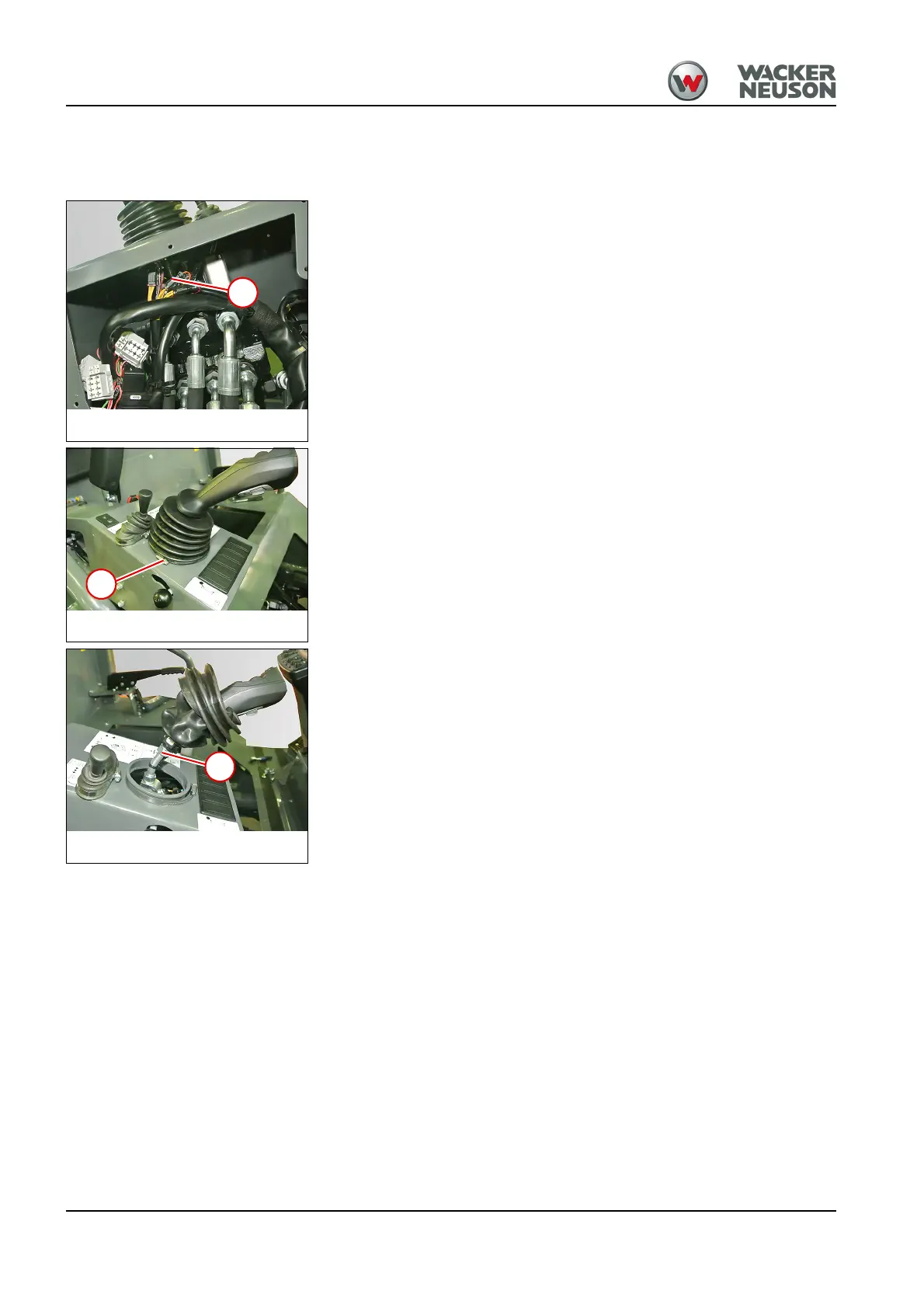
2. Disconnect all plug connections 1 from the joystick to the wiring
harness.
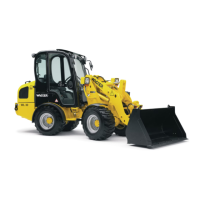
3. Loosen hose clamp 2 and raise the bellow.
4. Move the bellow upward.
5. Loosen the cable ties and pull out the cables.
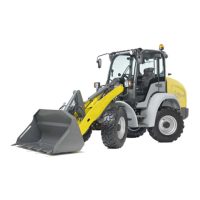
6. Loosen nut 4.
7. Dismount the joystick.
Install in the reverse order. Check for correct position when fastening the
joystick.



 To Next Page