SHB WL34 * 2.0 9-11
Electrical system 9
Battery master switch
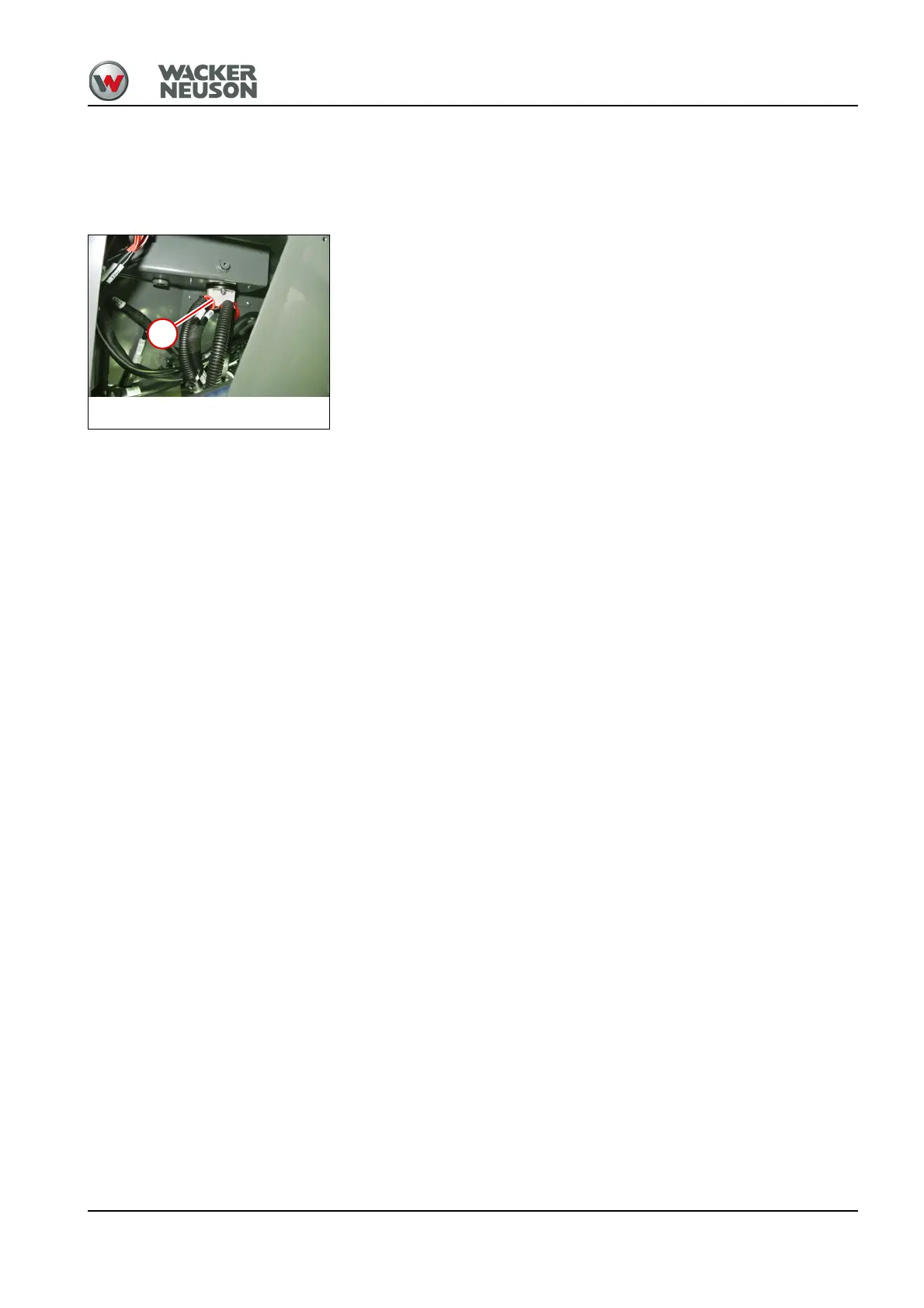
9.5 Removing/installing the battery master switch
1. Disconnect the battery – see "Removing the battery" on page 1-57.
2. Remove the cap of the control console on the inside – see "Removing/
installing filler cap for the control console" on page 1-19.
3. Mark the strand positions on the battery master switch 1.
4. Pull off the cable.
5. Remove the screws and take off the battery master switch.
Install in the reverse order.
Electrical system
Battery master switch



 To Next Page