4 Front Panel Control
120 July 29, 2013, 715003794 Rev. B
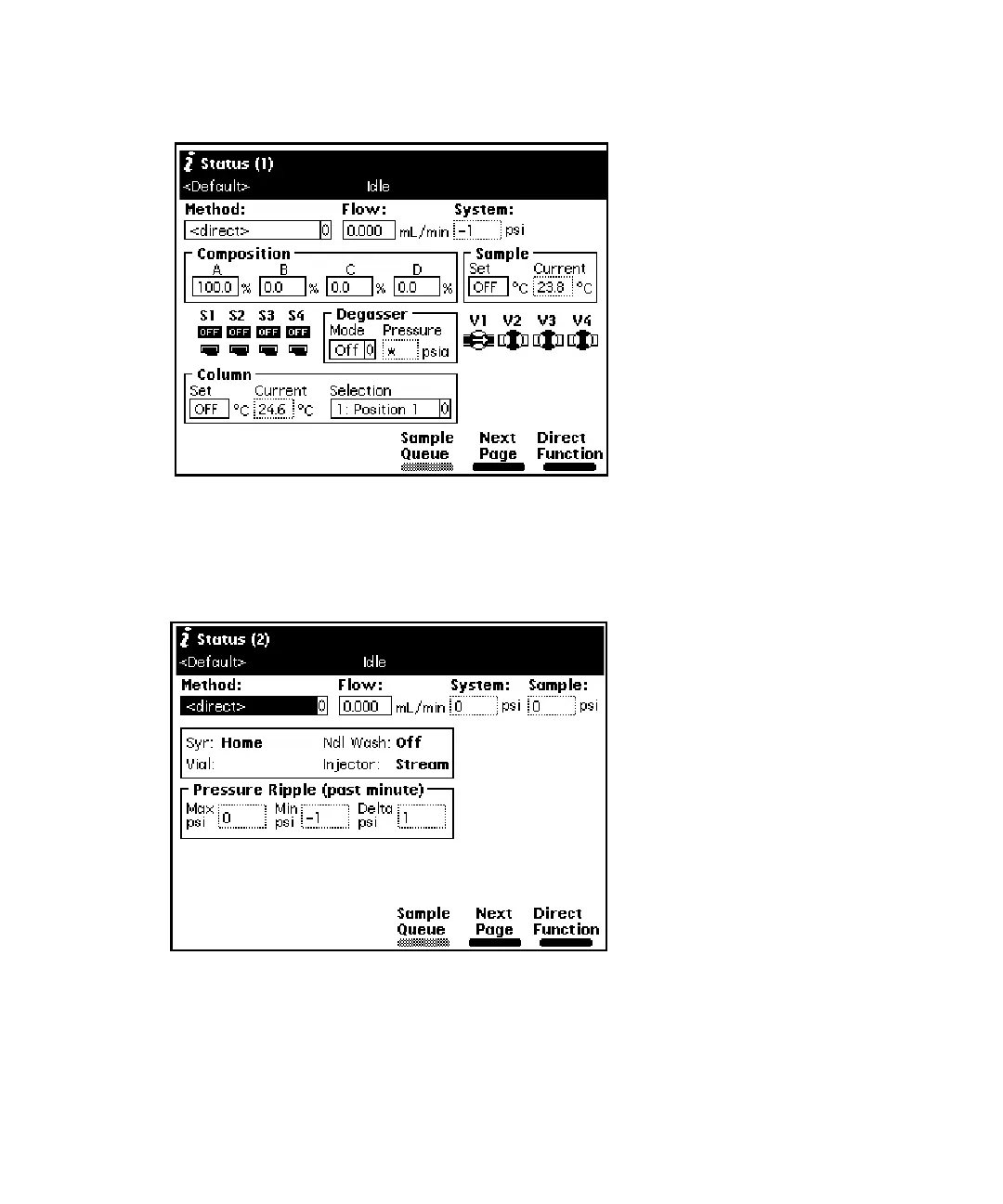
First page of the Status screen:
Press the Next Page screen key to display the second page of the Status
screen.
Second page of the Status screen:
Press the Sample Queue screen key to display a list of current sample sets.
Press the Abort Samples key to delete selected sample sets. An asterisk
appears in the Injs column to indicate if the “Stat” function was used to
initiate a sample set.



 To Next Page