Monitor your HPLC system
July 29, 2013, 715003794 Rev. B 121
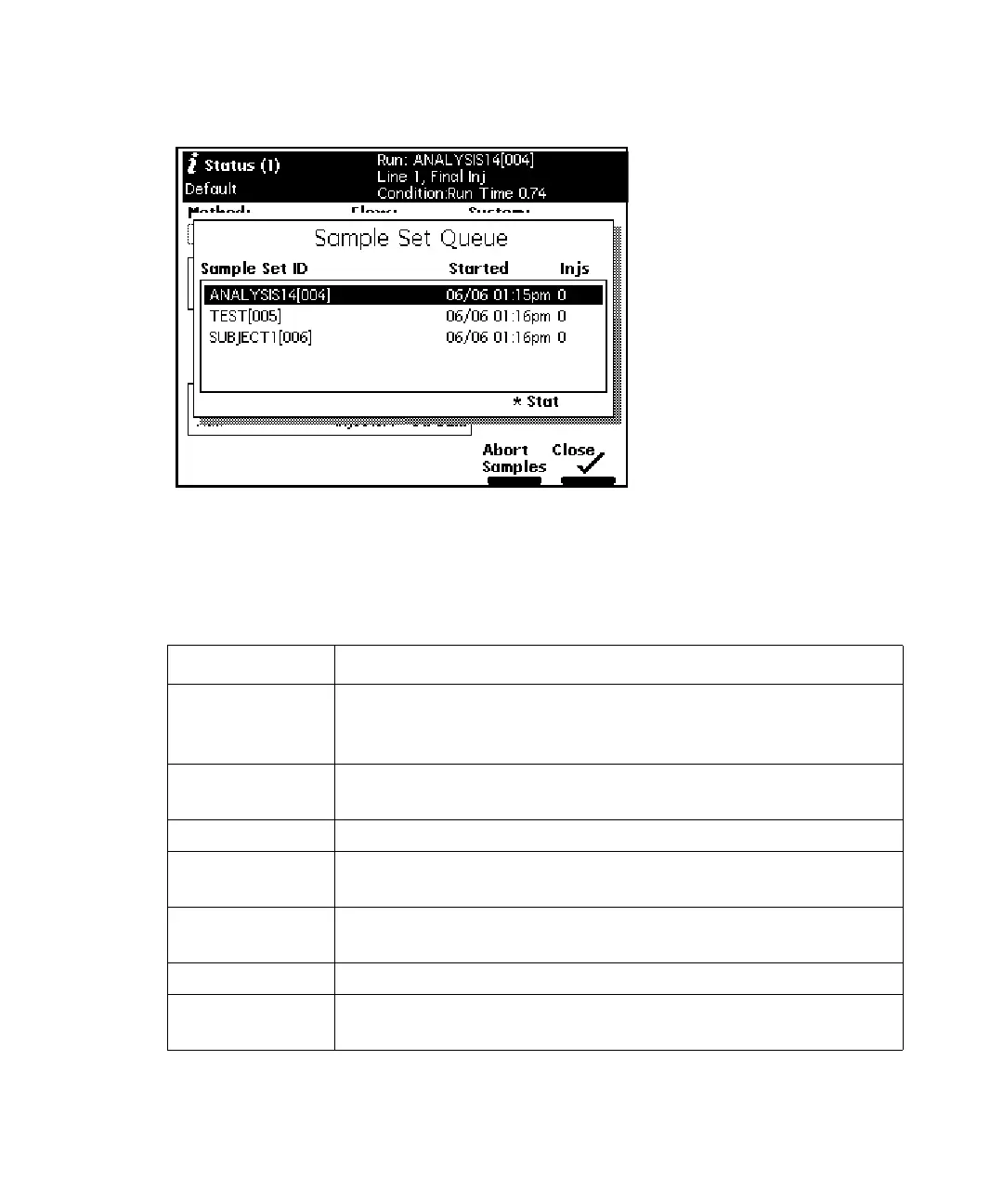
Sample set queue:
The following table describes the functions of the parameters in the Status
screen fields. You can make changes only in the fields outlined with a solid
border.
Status screen parameters:
Parameter Description
Method Indicates the current separation method. When you
change any parameter in the Status screen, this field
changes to <direct>.
Flow Indicates the current flow rate of the solvent management
system.
System Indicates the current system pressure in psia, bar, or kPa.
Sample: Set Indicates the user-specified sample compartment
temperature.
Sample:
Current
Indicates the current actual sample compartment
temperature.
Composition Indicates the current solvent composition.
S1 – S4 Indicates the status of the event switches on the I/O
connector.



 To Next Page