Set separation method parameters
July 29, 2013, 715003794 Rev. B 155
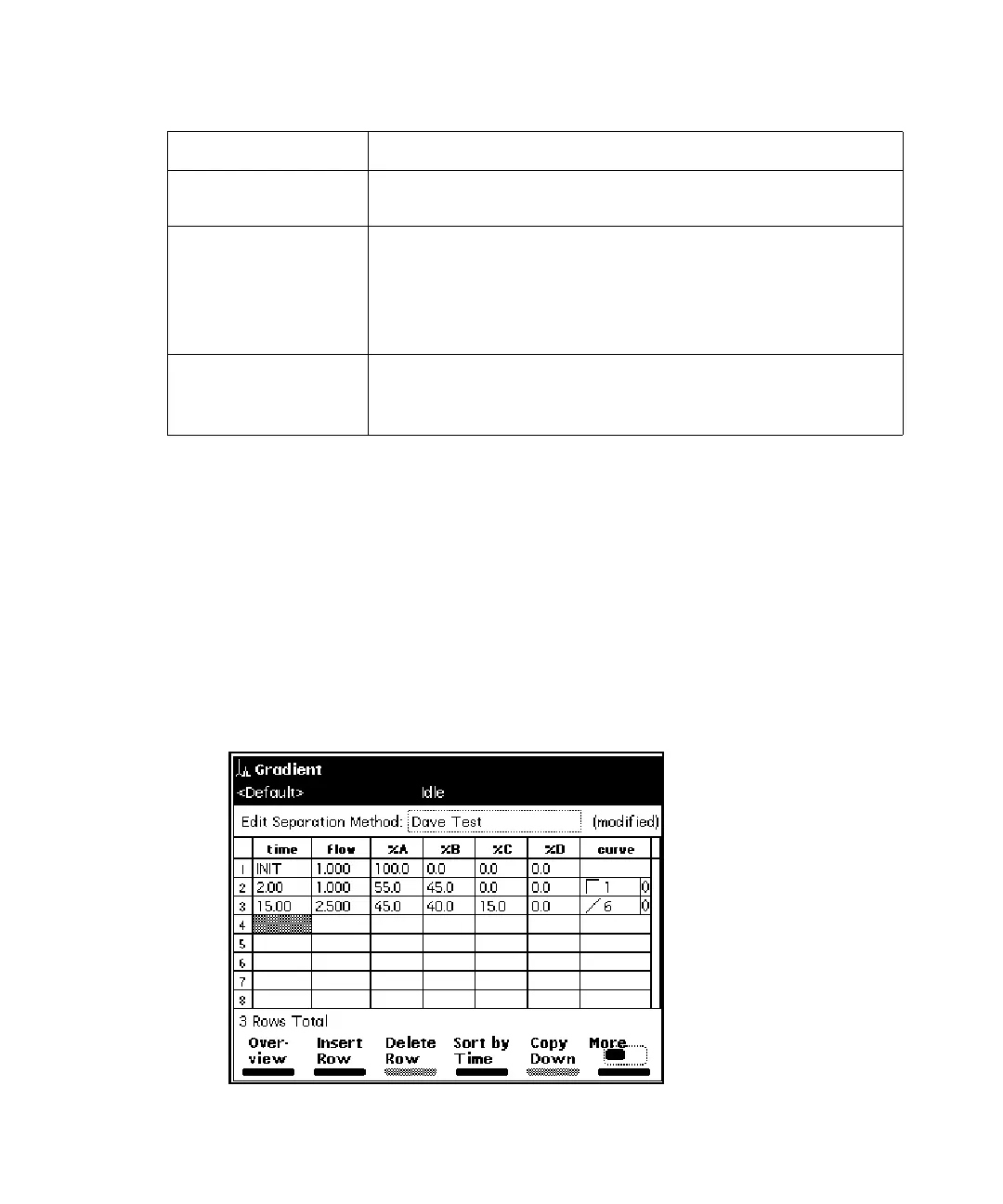
Set Gradient table parameter values
The Gradient table allows you to make time-based changes to the composition
of the mobile phase during a run. You can program up to 25 lines in the
Gradient table.
To set the parameters in the Gradient table:
1. On the Mobile Phase screen, press the Gradient screen key to display
the Gradient screen.
Gradient screen:
Alert User The error is entered into the error log and you are
alerted with a dialog box.
Stop Funct The error is entered into the error log, you are alerted
with a dialog box, and the operation is suspended at
the end of the current function. You can abort or
resume the operation of the sample set by pressing the
appropriate screen key.
Stop Flow The error is entered into the error log, you are alerted
with a dialog box, the current function is suspended,
and solvent flow is stopped.
Alarm responses: (Continued)
Alarm response Function



 To Next Page