Set separation method parameters
July 29, 2013, 715003794 Rev. B 163
• Select the system parameter signal sent through the Chart Out
terminals.
To enter parameters in the I/O screen:
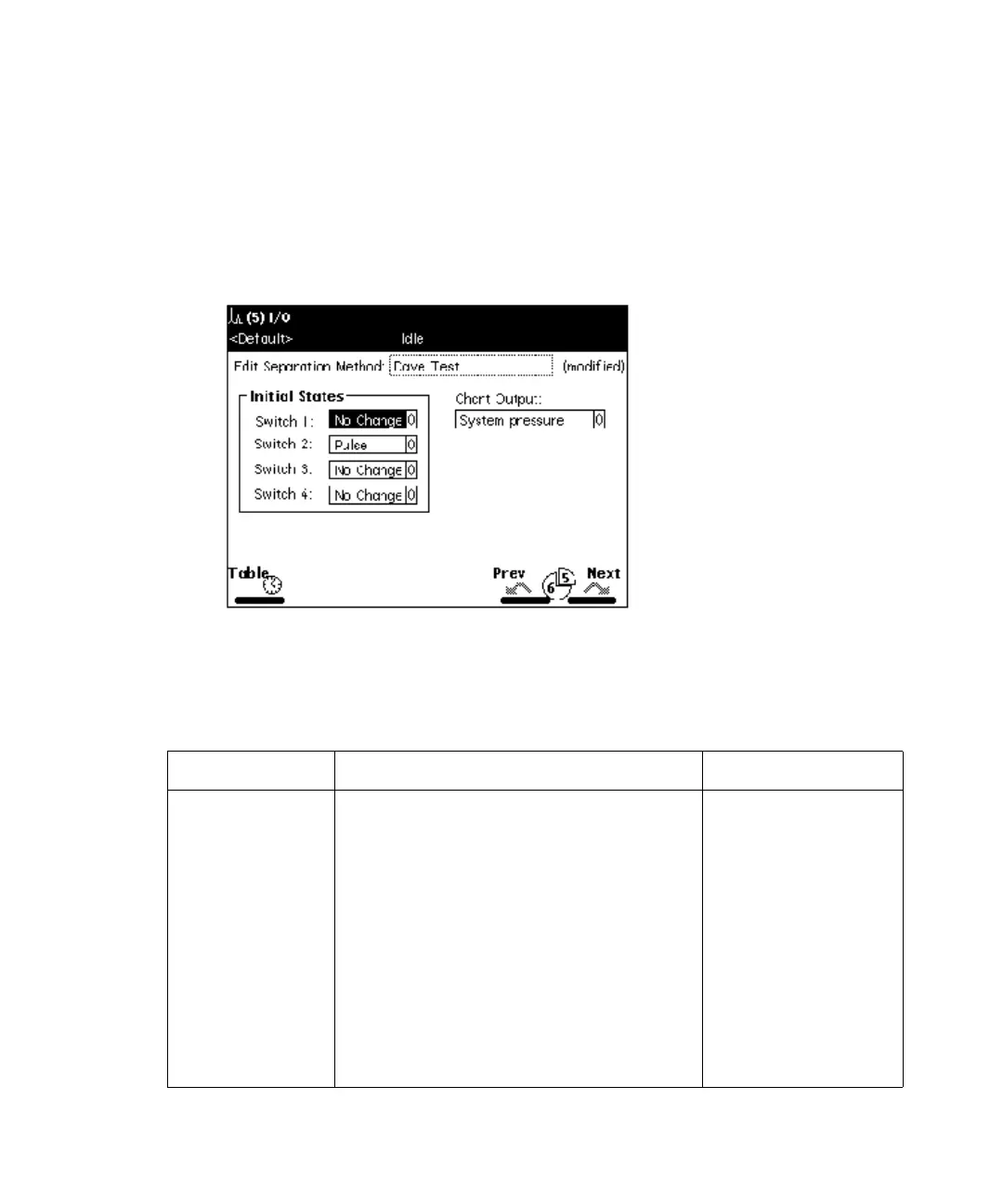
1. Press the Next or Prev screen key to display the I/O screen.
I/O screen:
2. Enter values in the I/O screen, as appropriate.
The following table describes the parameters in the I/O screen.
I/O parameters:
Parameter Function Value range
Initial States Defines the initial condition for each
of the four event switches. At the
beginning of each injection cycle,
each switch returns to the state
defined in this parameter.
On
Off
Toggle (Toggle is a
one-time change of
state.)
Pulse (Pulse is a
single pulse with a
width defined in
the Param column
of the I/O Events
table.)
No Change



 To Next Page